







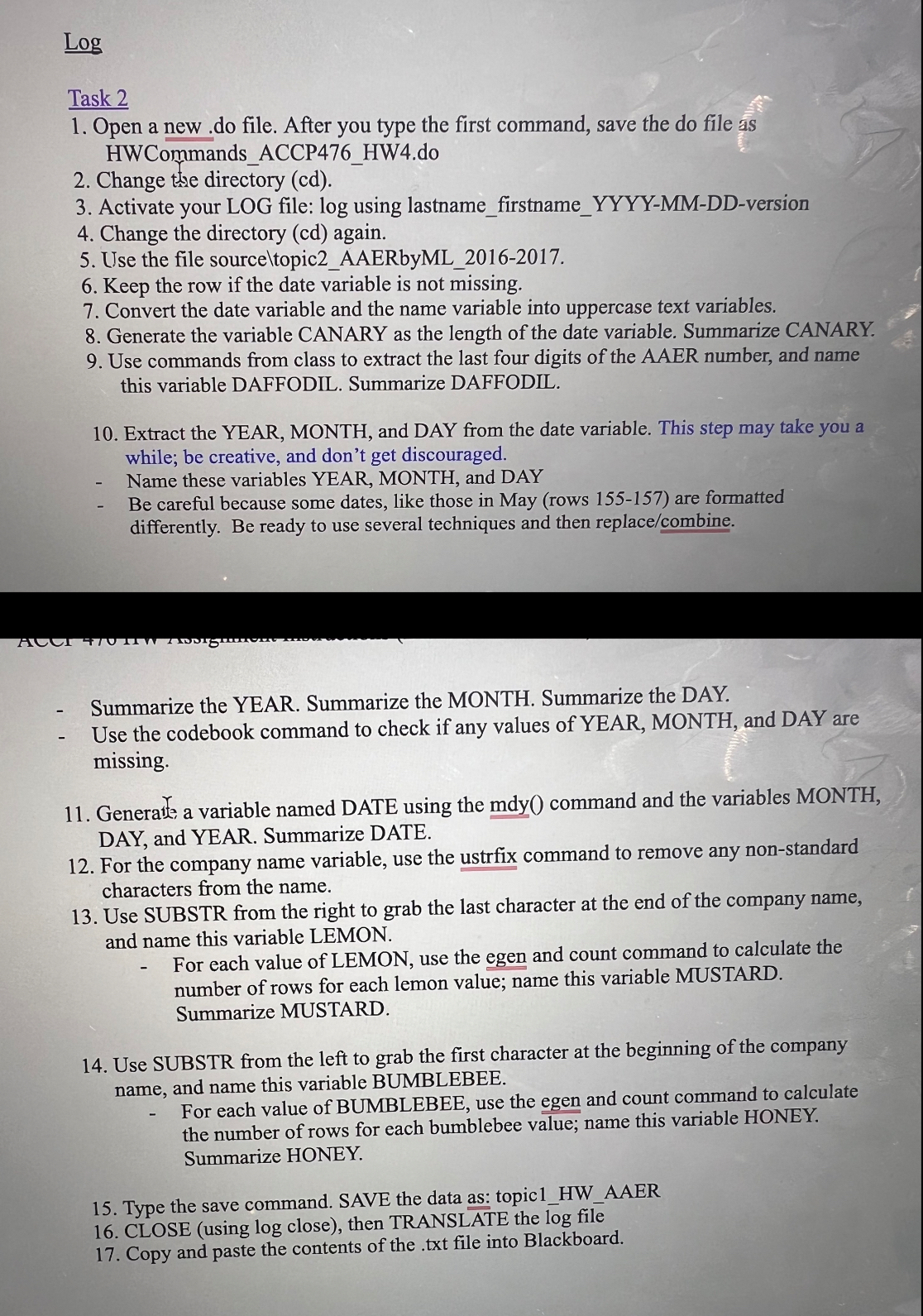
Question: l o g ? Task 2 Open a new . do file. After you type the first command, save the do file as HWCommands _
Task
Open a new do file. After you type the first command, save the do file as
HWCommandsACCPHWdo
Change the directory cd
Activate your LOG file: log using lastnamefirstnameYYYYMMDDversion
Change the directory cd again.
Use the file sourceltopicAAERbyML
Keep the row if the date variable is not missing.
Convert the date variable and the name variable into uppercase text variables.
Generate the variable CANARY as the length of the date variable. Summarize CANARY.
Use commands from class to extract the last four digits of the AAER number, and name
this variable DAFFODIL. Summarize DAFFODIL.
Extract the YEAR, MONTH, and DAY from the date variable. This step may take you a
while; be creative, and don't get discouraged.
Name these variables YEAR, MONTH, and DAY
Be careful because some dates, like those in May rows are formatted
differently. Be ready to use several techniques and then replacecombine
Summarize the YEAR. Summarize the MONTH. Summarize the DAY.
Use the codebook command to check if any values of YEAR, MONTH, and DAY are
missing.
Generate, a variable named DATE using the mdy command and the variables MONTH,
DAY, and YEAR. Summarize DATE.
For the company name variable, use the ustrfix command to remove any nonstandard
characters from the name.
Use SUBSTR from the right to grab the last character at the end of the company name,
and name this variable LEMON.
For each value of LEMON, use the egen and count command to calculate the
number of rows for each lemon value; name this variable MUSTARD.
Summarize MUSTARD.
Use SUBSTR from the left to grab the first character at the beginning of the company
name, and name this variable BUMBLEBEE.
For each value of BUMBLEBEE, use the egen and count command to calculate
the number of rows for each bumblebee value; name this variable HONEY.
Summarize HONEY.
Type the save command. SAVE the data as: topicHWAAER
CLOSE using log close then TRANSLATE the log file
Copy and paste the contents of the txt file into Blackboard.
Steps to write stata command for computer accounting system. Macbook
Step by Step Solution
There are 3 Steps involved in it
1 Expert Approved Answer
Step: 1 Unlock

Question Has Been Solved by an Expert!
Get step-by-step solutions from verified subject matter experts
Step: 2 Unlock
Step: 3 Unlock
 Study Help