







Question: Lab 1.4-Python Code (Optional) Critical Review Comments in Python are preceded by thesign. Input of strings into a variable is done using the input fiumction.
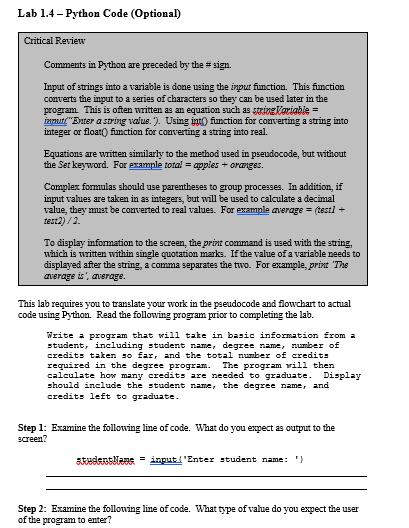
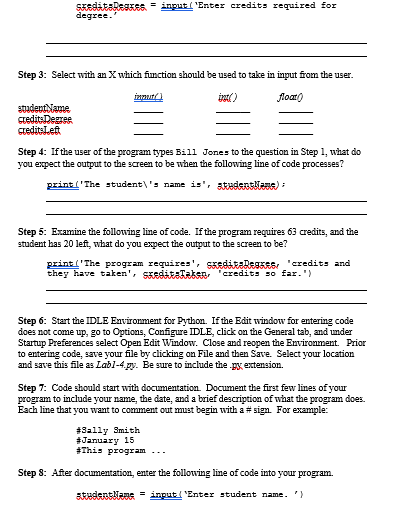
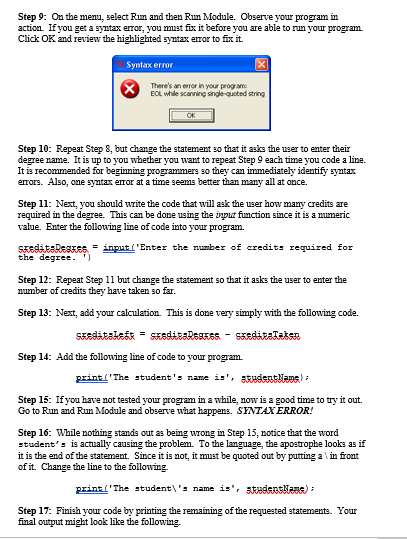
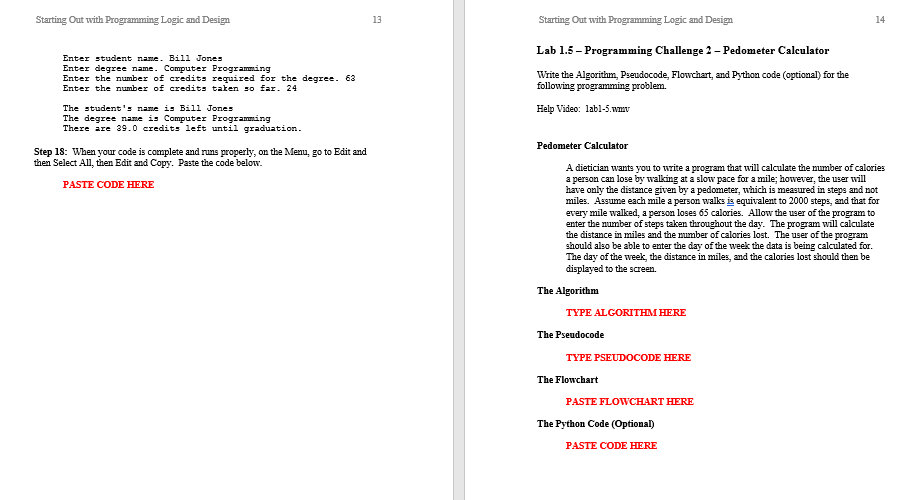
Lab 1.4-Python Code (Optional) Critical Review Comments in Python are preceded by thesign. Input of strings into a variable is done using the input fiumction. This fumction converts the input to a series of characters so they can be used later in the program. This is often written as an equation such as malarial mmute"Enter a string value'). Using intO function for converting a string into integer or float.) function for converting a string into real. Equations are written similarly to the method used in pseudocode, but without the Set keyword. For example totalapples+oranges. Complex formulas should use parentheses to group processes. In addition, if input values are taken in as integers, but will be used to calculate a decimal value, they must be converted to real values. For example average = (test1+ test2) /2. To display information to the screen, the print command is used with the string, which is written within single quotation marks. If the value of a variable needs to displayed after the string, a comma separates the two. For example, print The average average. This lab requires you to translate your work in the pseudocode and flowchart to actual code using Python Read the following program prior to completing the lab. Write program that will tke in basic information from a tudent, including student name , degree name , number of credits taten so far and the total nunber of credits required in the degree program. The program rill then calculate how many credits are needed to graduate. Display should include the student nane, the degree namer and credits left to graduate Step 1: Examine the following line of code. What do you expect as output to the creen? 35185RSITARI = input l'Enter student name: ' } Step 2: Examine the following line of code. What type of value do you expect the user of the program to
Step by Step Solution
There are 3 Steps involved in it

Get step-by-step solutions from verified subject matter experts
 Study Help