







Question: Lab 2: Configuring GRUB Security On the Clone-VM (created in Lab 1): You need to configure the current system so it is more secure because
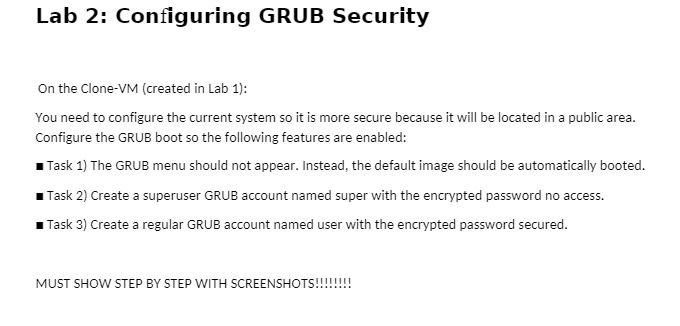
Lab 2: Configuring GRUB Security On the Clone-VM (created in Lab 1): You need to configure the current system so it is more secure because it will be located in a public area. Configure the GRUB boot so the following features are enabled: " Task 1) The GRUB menu should not appear. Instead, the default image should be automatically booted. " Task 2) Create a superuser GRUB account named super with the encrypted password no access. " Task 3) Create a regular GRUB account named user with the encrypted password secured. MUST SHOW STEP BY STEP WITH SCREENSHOTS
Step by Step Solution
There are 3 Steps involved in it
1 Expert Approved Answer
Step: 1 Unlock

Question Has Been Solved by an Expert!
Get step-by-step solutions from verified subject matter experts
Step: 2 Unlock
Step: 3 Unlock
 Study Help