



Question: Lab 2 Start PICSimLab. Select PIC 1 6 F 8 7 7 A as microcontroller using the microcontroller tab. Select McLab 2 . Select 4
Lab
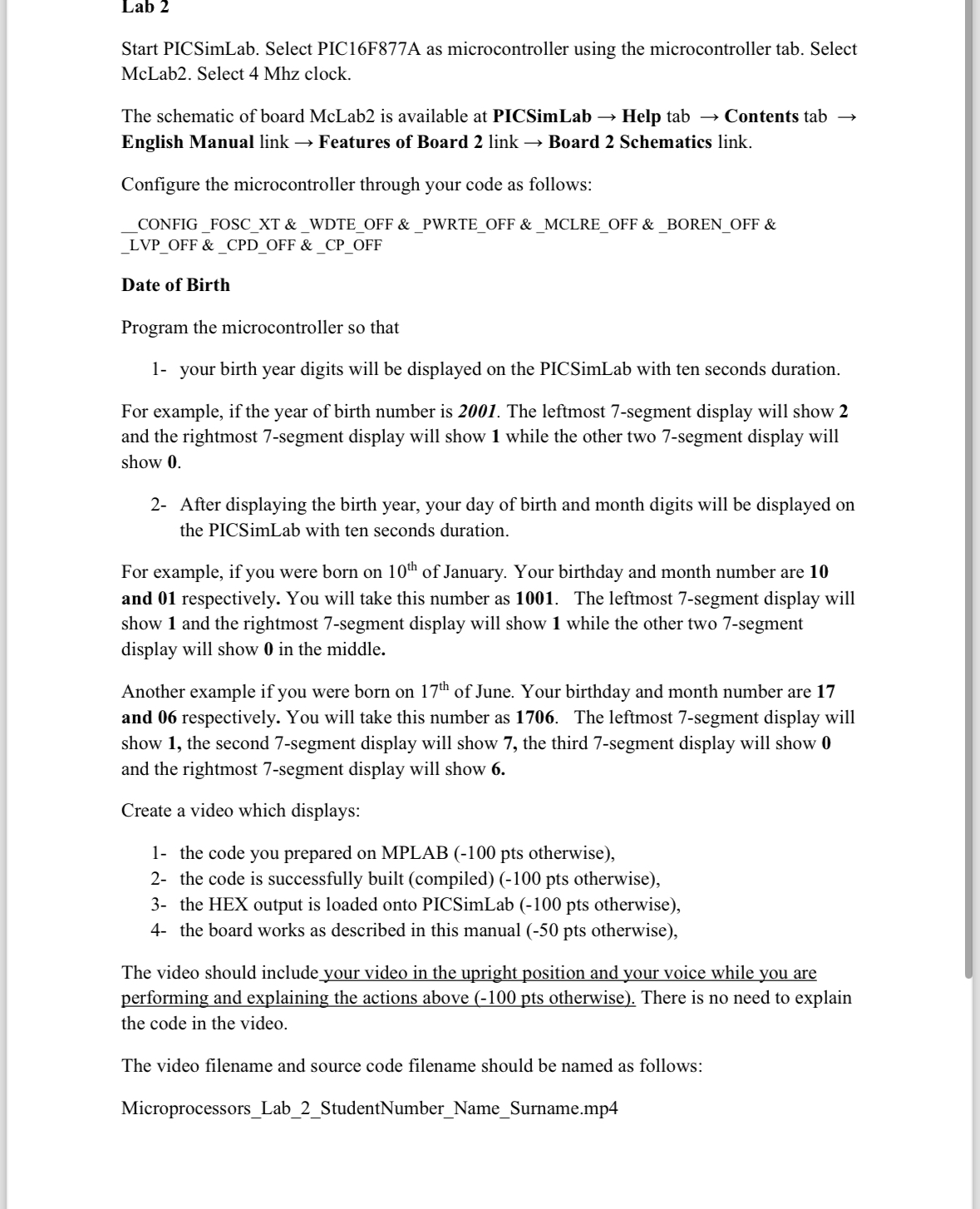
Start PICSimLab. Select PICFA as microcontroller using the microcontroller tab. Select McLab Select Mhz clock.
The schematic of board McLab is available at PICSimLab Help tab Contents tab English Manual link Features of Board link Board Schematics link.
Configure the microcontroller through your code as follows:
CONFIGFOSCXT &WDTEOFF & PWTEOFF & MCLREOFF & BORENOFF & LVPOFF &CPDOFF & CPOFF
Date of Birth
Program the microcontroller so that
your birth year digits will be displayed on the PICSimLab with ten seconds duration.
For example, if the year of birth number is The leftmost segment display will show and the rightmost segment display will show while the other two segment display will show
After displaying the birth year, your day of birth and month digits will be displayed on the PICSimLab with ten seconds duration.
For example, if you were born on of January. Your birthday and month number are and respectively. You will take this number as The leftmost segment display will show and the rightmost segment display will show while the other two segment display will show in the middle.
Another example if you were born on of June. Your birthday and month number are and respectively. You will take this number as The leftmost segment display will show the second segment display will show the third segment display will show and the rightmost segment display will show
Create a video which displays:
the code you prepared on MPLAB pts otherwise
the code is successfully built compiled pts otherwise
the HEX output is loaded onto PICSimLab pts otherwise
the board works as described in this manual pts otherwise
PLEASE USE ASSEMBLY!!!!
Step by Step Solution
There are 3 Steps involved in it
1 Expert Approved Answer
Step: 1 Unlock

Question Has Been Solved by an Expert!
Get step-by-step solutions from verified subject matter experts
Step: 2 Unlock
Step: 3 Unlock