







Question: Lab 2 : Student Record System - Multiple Selection & Scores Sorting Instructions Part 1 : Design Algorithm and Write Program Design algorithm in flowchart
Lab : Student Record System Multiple Selection & Scores Sorting
Instructions
Part: Design Algorithm and Write Program
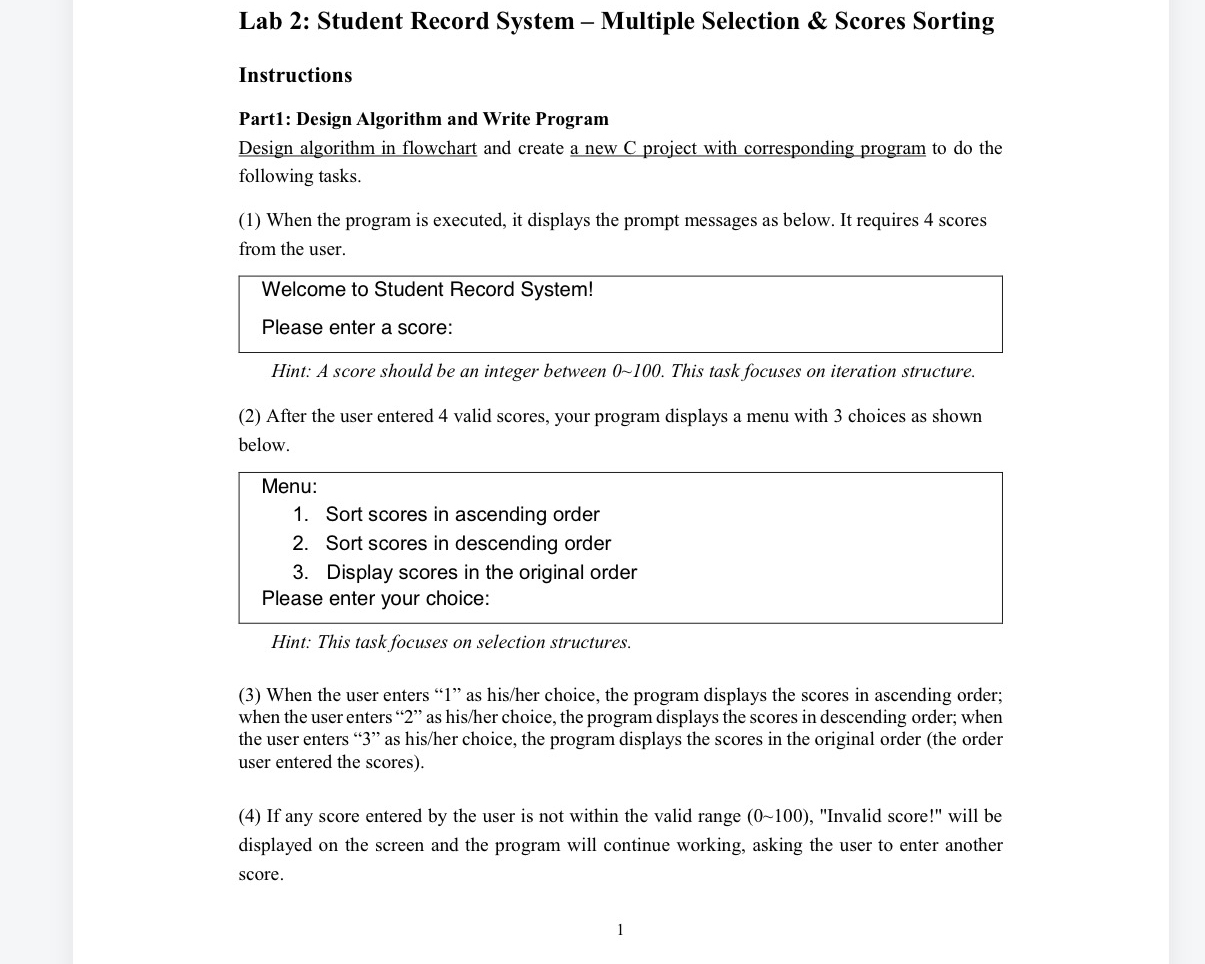
Design algorithm in flowchart and create a new C project with corresponding program to do the following tasks.
When the program is executed, it displays the prompt messages as below. It requires scores from the user.
Hint: A score should be an integer between This task focuses on iteration structure.
After the user entered valid scores, your program displays a menu with choices as shown below.
Menu:
Sort scores in ascending order
Sort scores in descending order
Display scores in the original order
Please enter your choice:
Hint: This task focuses on selection structures.
When the user enters as hisher choice, the program displays the scores in ascending order; when the user enters as hisher choice, the program displays the scores in descending order; when the user enters as hisher choice, the program displays the scores in the original order the order user entered the scores
If any score entered by the user is not within the valid range "Invalid score!" will be displayed on the screen and the program will continue working, asking the user to enter another score.
Step by Step Solution
There are 3 Steps involved in it
1 Expert Approved Answer
Step: 1 Unlock

Question Has Been Solved by an Expert!
Get step-by-step solutions from verified subject matter experts
Step: 2 Unlock
Step: 3 Unlock
 Study Help