







Question: LAB 3 More Command Prompt Commands Objective: More commands at command line interface. At the end of this lab, you will be able to Use
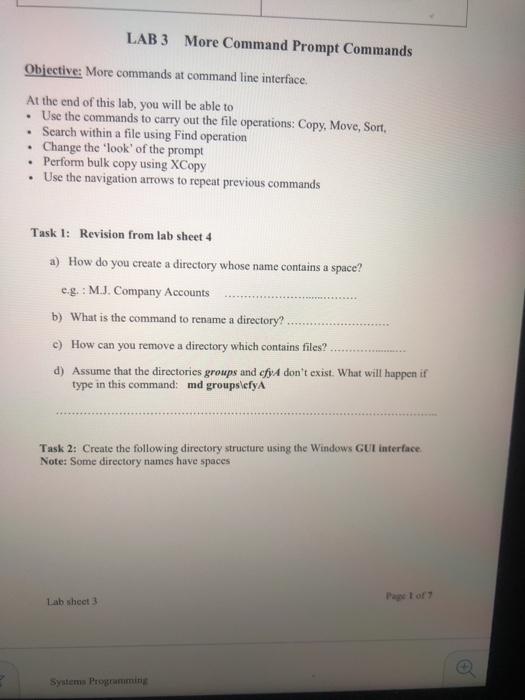
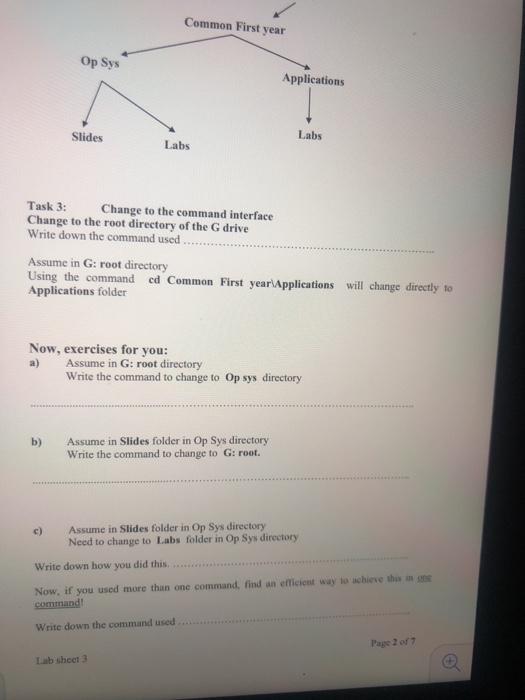
LAB 3 More Command Prompt Commands Objective: More commands at command line interface. At the end of this lab, you will be able to Use the commands to carry out the file operations: Copy, Move, Sort, Search within a file using Find operation Change the 'look' of the prompt Perform bulk copy using XCopy Use the navigation arrows to repeat previous commands Task 1: Revision from lab sheet 4 a) How do you create a directory whose name contains a space? eg.: M.J. Company Accounts b) What is the command to rename a directory? c) How can you remove a directory which contains files? d) Assume that the directories groups and cfyA don't exist. What will happen if type in this command: md groupsefyA Task 2: Create the following directory structure using the Windows GUI interface Note: Some directory names have spaces Lab sheet Page of Systems Programming Common First year Op Sys Applications Slides Labs Labs Task 3: Change to the command interface Change to the root directory of the G drive Write down the command used Assume in G:root directory Using the commanded Common First year Applications will change directly to Applications folder Now, exercises for you: Assume in G:root directory Write the command to change to Op sy directory b) Assume in Slides folder in Op Sys directory Write the command to change to G:root. c) Assume in Slides folder in Op Sys directory Need to change to Labs folder in Op Sys directory Write down how you did this Now, if you used more than one command, find an efficient way to achieve the command! Write down the command used Page 2 of 7 Lab sheet
Step by Step Solution
There are 3 Steps involved in it

Get step-by-step solutions from verified subject matter experts
 Study Help