







Question: Lab 3-2: Activity 5-2: Creating a Shell Script 10 minutes Objective: Use the direct assignment method to store a value in a variable. Description: In
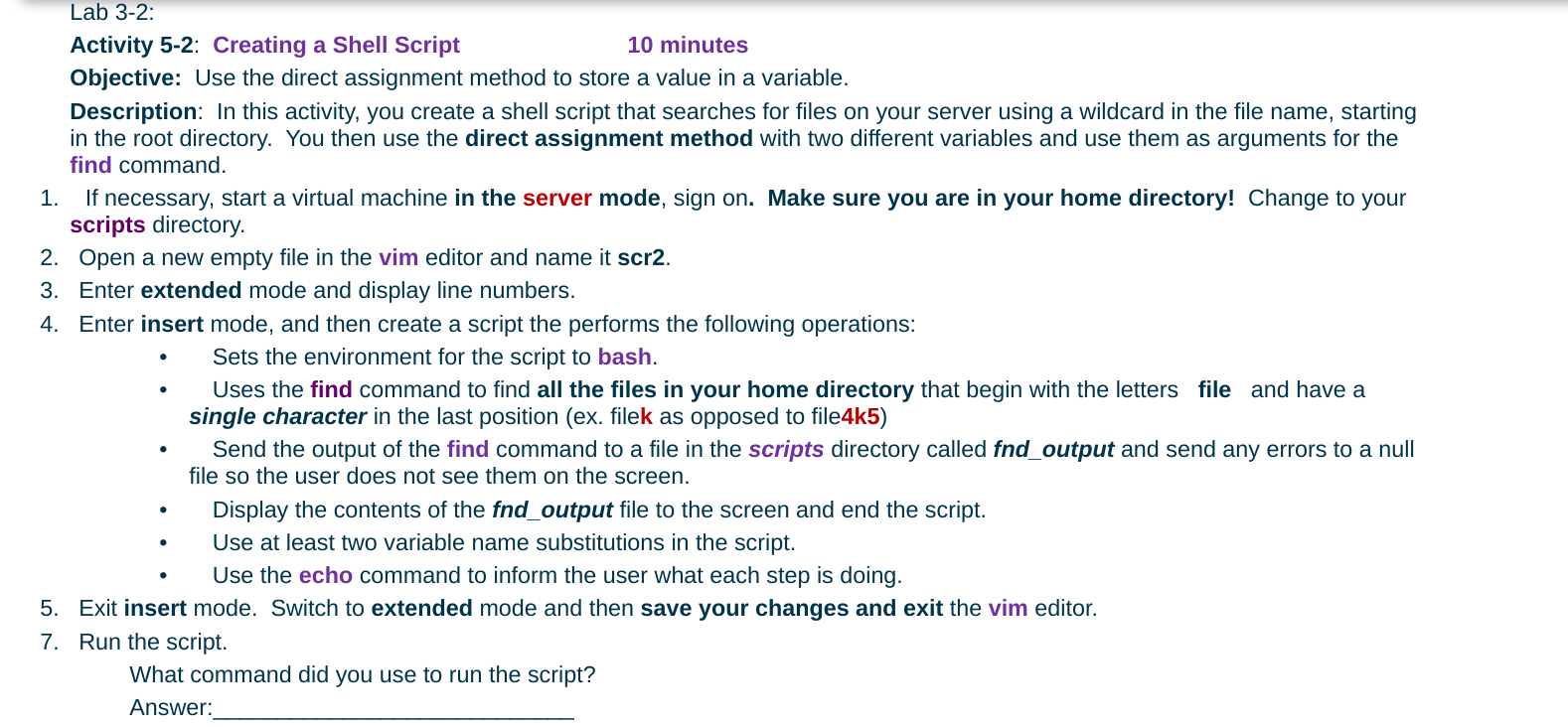
Lab 3-2: Activity 5-2: Creating a Shell Script 10 minutes Objective: Use the direct assignment method to store a value in a variable. Description: In this activity, you create a shell script that searches for files on your server using a wildcard in the file name, starting in the root directory. You then use the direct assignment method with two different variables and use them as arguments for the find command. 1. If necessary, start a virtual machine in the server mode, sign on. Make sure you are in your home directory! Change to your scripts directory. 2. Open a new empty file in the vim editor and name it scr2. 3. Enter extended mode and display line numbers. 4. Enter insert mode, and then create a script the performs the following operations: Sets the environment for the script to bash. Uses the find command to find all the files in your home directory that begin with the letters file and have a single character in the last position (ex. filek as opposed to file4k5) Send the output of the find command to a file in the scripts directory called fnd_output and send any errors to a null file so the user does not see them on the screen. Display the contents of the fnd_output file to the screen and end the script. Use at least two variable name substitutions in the script. Use the echo command to inform the user what each step is doing. 5. Exit insert mode. Switch to extended mode and then save your changes and exit the vim editor. 7. Run the script. What command did you use to run the script
Step by Step Solution
There are 3 Steps involved in it

Get step-by-step solutions from verified subject matter experts
 Study Help