







Question: Lab 7 Interfaces Exercise 1 Create a file named A7.java. Place all your code in this file. Note: as with classes, you can remove public
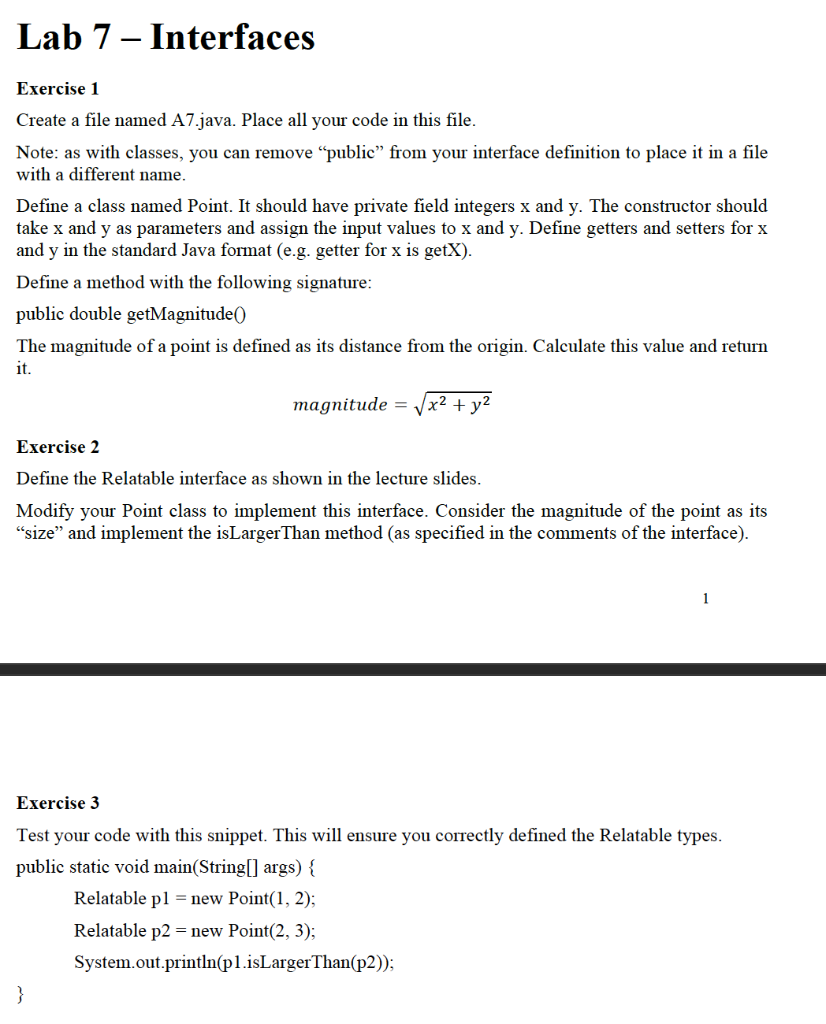
Lab 7 Interfaces
Exercise 1
Create a file named A7.java. Place all your code in this file.
Note: as with classes, you can remove public from your interface definition to place it in a file with a different name.
Define a class named Point. It should have private field integers x and y. The constructor should take x and y as parameters and assign the input values to x and y. Define getters and setters for x and y in the standard Java format (e.g. getter for x is getX).
Define a method with the following signature:
public double getMagnitude()
The magnitude of a point is defined as its distance from the origin. Calculate this value and return it. =2+2
Exercise 2
Define the Relatable interface as shown in the lecture slides.
Modify your Point class to implement this interface. Consider the magnitude of the point as its size and implement the isLargerThan method (as specified in the comments of the interface). 2
Exercise 3
Test your code with this snippet. This will ensure you correctly defined the Relatable types.
public static void main(String[] args) {
Relatable p1 = new Point(1, 2);
Relatable p2 = new Point(2, 3);
System.out.println(p1.isLargerThan(p2));
}
Lab 7 Interfaces Exercise 1 Create a file named A7.java. Place all your code in this file. Note: as with classes, you can remove "public" from your interface definition to place it in a file with a different name. Define a class named Point. It should have private field integers x and y. The constructor should take x and y as parameters and assign the input values to x and y. Define getters and setters for x and y in the standard Java format (e.g. getter for x is getX). Define a method with the following signature: public double getMagnitude The magnitude of a point is defined as its distance from the origin. Calculate this value and return it. magnitude = x2 + y2 Exercise 2 Define the Relatable interface as shown in the lecture slides. Modify your Point class to implement this interface. Consider the magnitude of the point as its "size and implement the isLargerThan method (as specified in the comments of the interface). 1 Exercise 3 Test your code with this snippet. This will ensure you correctly defined the Relatable types. public static void main(String[] args) { Relatable pl = new Point(1, 2); Relatable p2 = new Point(2, 3); System.out.println(pl.isLarger Than(p2)); }
Step by Step Solution
There are 3 Steps involved in it

Get step-by-step solutions from verified subject matter experts
 Study Help