







Question: Lab 8 C: Create a Display that is 5 0 0 5 0 0 . Create a Rect that 5 0 5 0 , placing
LabC: Create a Display that is Create a Rect that
placing it at the center of the Display. Bit to the
Display a blue Surface at the Rect's coordinates and with the
Rect's dimensions.
Read from the Event Queue, taking the following actions:
If the user presses w move the Rect up
If the user presses s move the Rect down
If the user presses move the Rect to the right.
If the user presses a move the Rect to the left.
If the user presses r place the Rect back at the center
the Display.
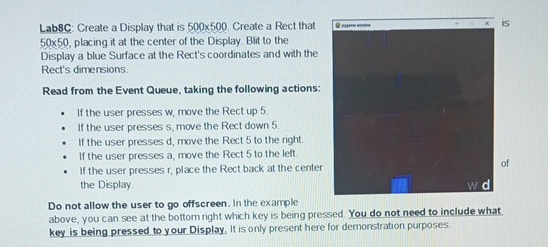
Do not allow the user to go offscreen. In the example
above, you can see at the bottom right which key is being pressed. You do not need to include what.
key is being pressed to y our Display. It is only present here for demonstration purposes.
Step by Step Solution
There are 3 Steps involved in it
1 Expert Approved Answer
Step: 1 Unlock

Question Has Been Solved by an Expert!
Get step-by-step solutions from verified subject matter experts
Step: 2 Unlock
Step: 3 Unlock
 Study Help