







Question: Lab Chapter 5 File Practice in the chapter 5 , all operating systems have a file management system, such as the File Explorer program illustrated
Lab Chapter
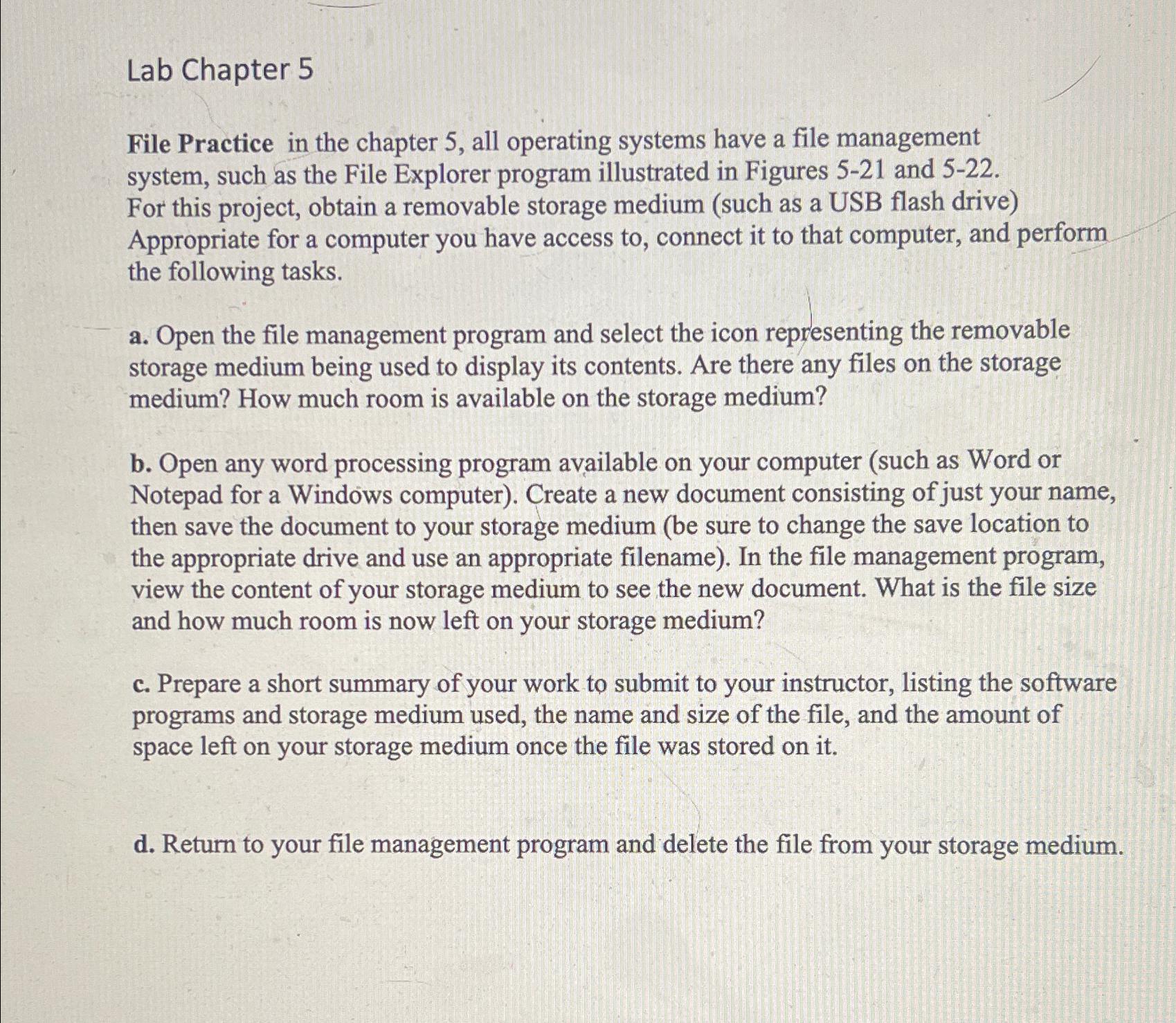
File Practice in the chapter all operating systems have a file management system, such as the File Explorer program illustrated in Figures and For this project, obtain a removable storage medium such as a USB flash drive Appropriate for a computer you have access to connect it to that computer, and perform the following tasks.
a Open the file management program and select the icon representing the removable storage medium being used to display its contents. Are there any files on the storage medium? How much room is available on the storage medium?
b Open any word processing program available on your computer such as Word or Notepad for a Windows computer Create a new document consisting of just your name, then save the document to your storage medium be sure to change the save location to the appropriate drive and use an appropriate filename In the file management program, view the content of your storage medium to see the new document. What is the file size and how much room is now left on your storage medium?
c Prepare a short summary of your work to submit to your instructor, listing the software programs and storage medium used, the name and size of the file, and the amount of space left on your storage medium once the file was stored on it
d Return to your file management program and delete the file from your storage medium.
Step by Step Solution
There are 3 Steps involved in it
1 Expert Approved Answer
Step: 1 Unlock

Question Has Been Solved by an Expert!
Get step-by-step solutions from verified subject matter experts
Step: 2 Unlock
Step: 3 Unlock
 Study Help