







Question: Lab Purpose Practice creating C++ from creating a program plan (algorithm) to entering the program instructions, declaring variables, if statements, getting input from the user
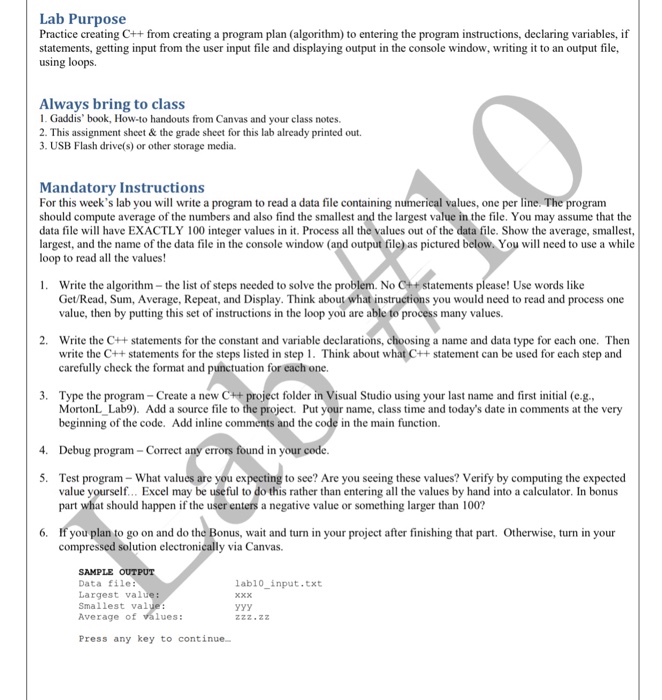
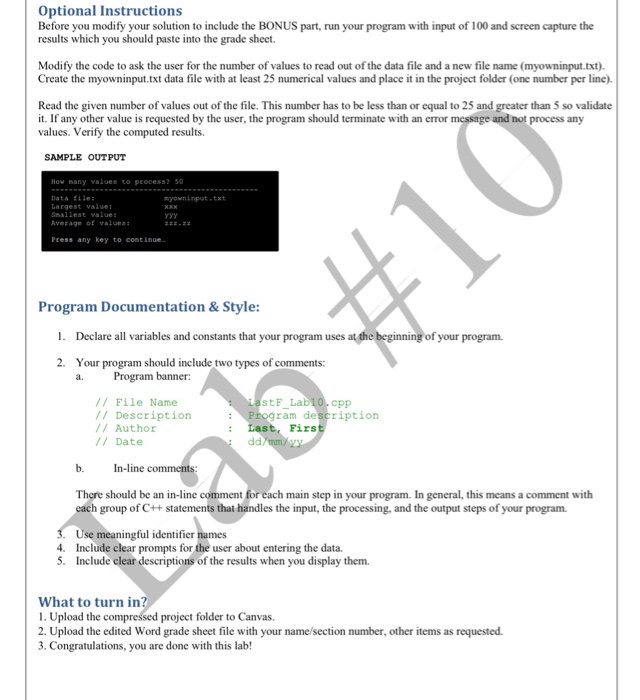
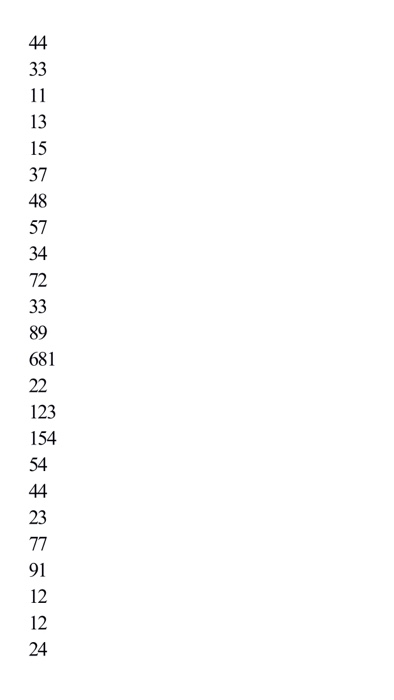
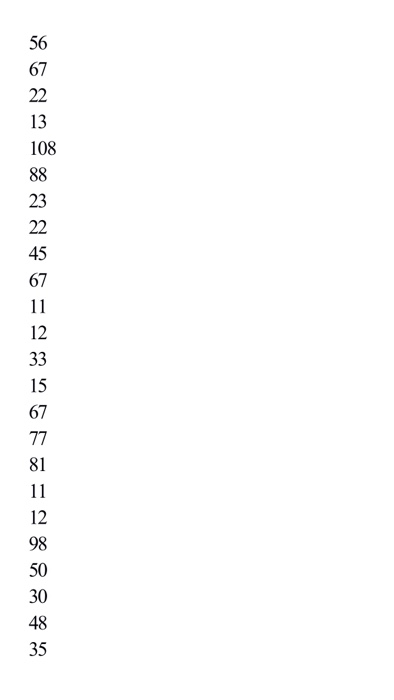
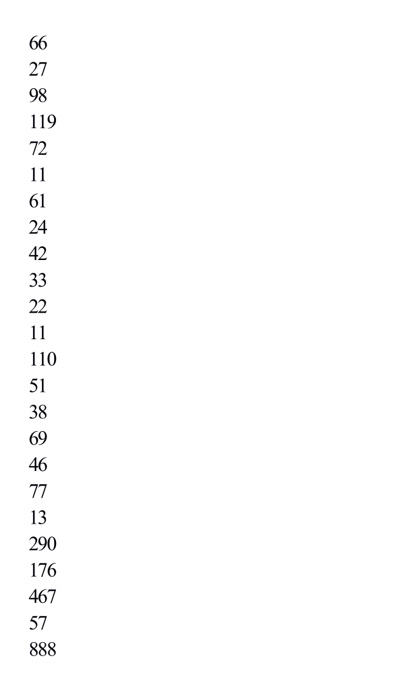
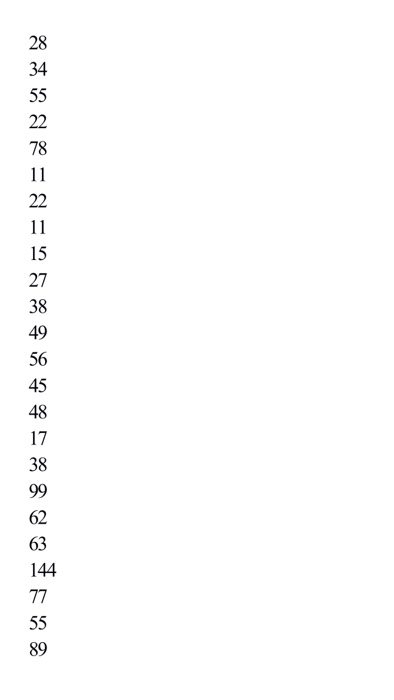
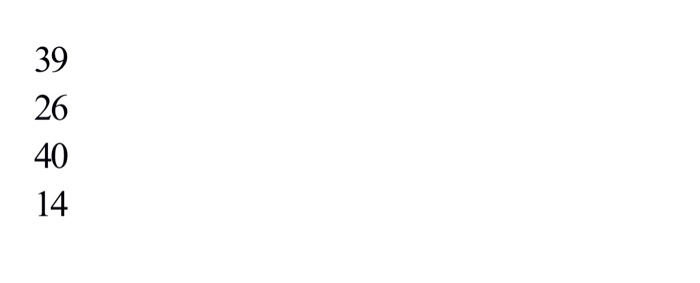
Lab Purpose Practice creating C++ from creating a program plan (algorithm) to entering the program instructions, declaring variables, if statements, getting input from the user input file and displaying output in the console window, writing i to an output file, using Always bring to class 1. Gaddis' book, How-to handouts from Canvas and your class notes. 2. This assignment sheet& the grade sheet for this lab already printed out. 3. USB Flash drive(s) or other storage media. Mandatory Instructions For this week's lab you will write a program to read a data file containing n should compute average of the numbers and also find the smallest and the largest value in the file. You may assume that the data file will have EXACTLY 100 integer values in it. Process all the values out of the data file. Show the average, smallest, largest, and the name of the data file in the console window (and output file) as pictured below. You will need to use a while loop to read all the values! values, one per line. The program . Write the algorithm-the list of steps needed to solve the problem. No C++statements please! Use words like Get/Read, Sum, Average, Repeat, and Display. Think about what instructions you would need to read and process one value, then by putting this set of instructions in the loop you are able to process many values. 2. Write the C++ statements for the constant and variable declarations, choosing a name and data type for each one. Then write the C++ statements for the steps listed in step 1. Think about what C++statement can be used for each step and carefully check the format and punctuation for each one. 3. Type the program Create a new C++ project folder in Visual Studio using your last name and first initial (e.g. MortonL Lab9). Add a source file to the project. Put your name, class time and today's date in comments at the very beginning of the code. Add inline comments and the code in the main function. 4. Debug program - Correct any errors found in your code 5. to see? Are you seeing these values? Verify by computing the expected Test program- What values are you ex value yourself.. Excel may be useful to do this rather than entering all the values by hand into a calculator. In bonus part what should happen if the user enters a negative value or something larger than 100? 6. If you plan to go on and do the Bonus, wait and turn in your project after finishing that part. Otherwise, turn in your compressed solution electronically via Canvas. SAMPLE OUTPUT Data file Largest value: Smallest val Average of values: labl0_input.txt Z22.22Z Press any key to continue
Step by Step Solution
There are 3 Steps involved in it

Get step-by-step solutions from verified subject matter experts
 Study Help