







Question: LAB: Warm up: People's weights ( Lists ) ( 1 ) Prompt the user to enter four numbers, each corresponding to a person's weight in
LAB: Warm up: People's weights Lists
Prompt the user to enter four numbers, each corresponding to a person's weight in pounds. Store all weights in a list. Output the list. pts
Ex:
Enter weight :
Enter weight :
Enter weight :
Enter weight :
Weights:
Output the average of the list's elements with two digits after the decimal point. Hint: Use a conversion specifier to output with a certain number of digits after the decimal point. pt
Output the max list element with two digits after the decimal point. pt
Ex:
Enter weight :
Enter weight :
Enter weight :
Enter weight :
Weights:
Average weight:
Max weight:
Prompt the user for a number between and Output the weight at the user specified location and the corresponding value in kilograms. kilogram is equal to pounds. pts
Ex:
Enter a list location :
Weight in pounds:
Weight in kilograms:
Sort the list's elements from least heavy to heaviest weight. pts
Sorted list:
Output the average and max weights as floatingpoint values with two digits after the decimal point, which can be achieved as follows: print fyourvalue: f
: LAB: Warm up: People's weights Lists
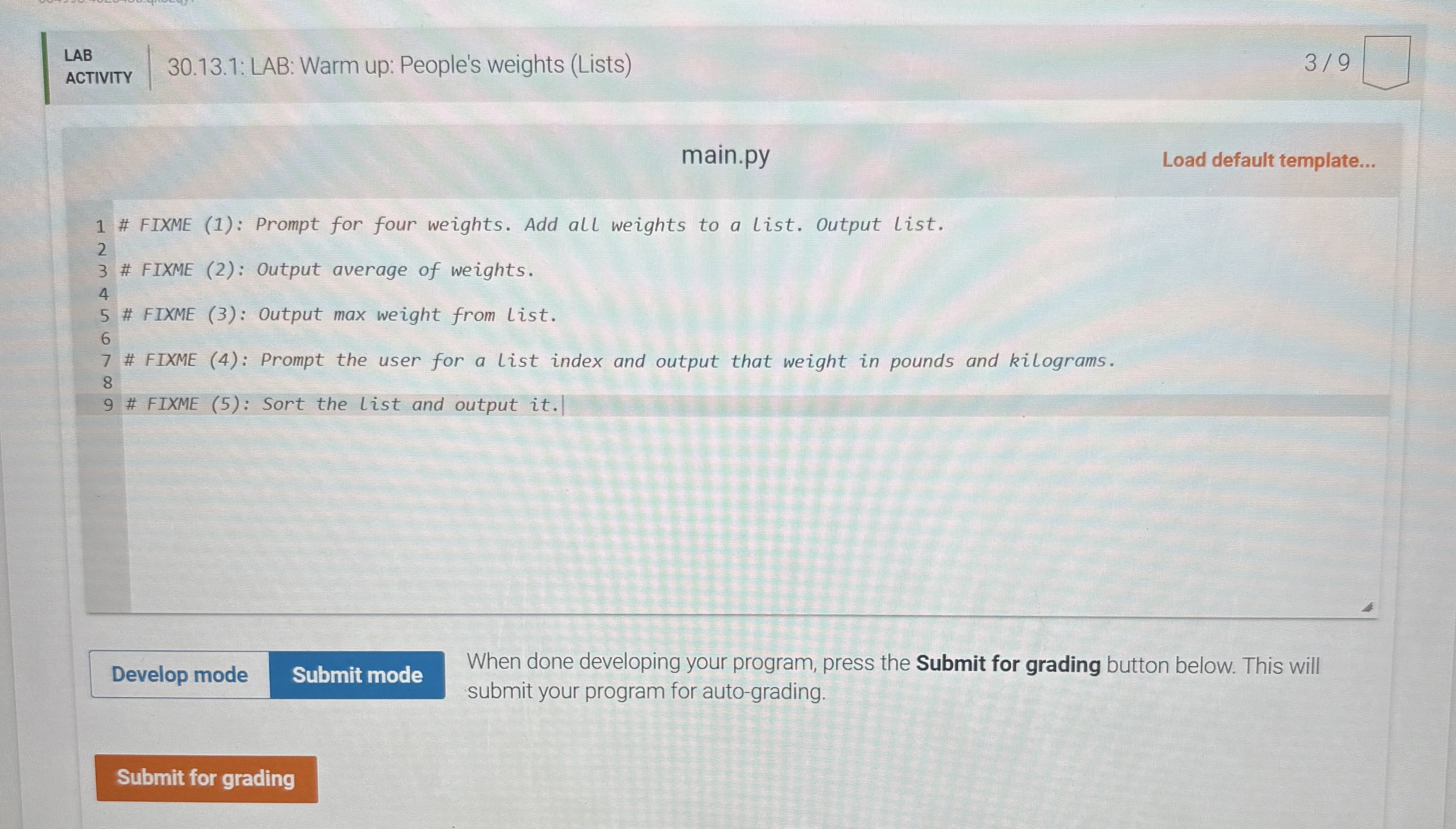
main.py
# FIXME : Prompt for four weights. Add all weights to a list. Output list.
# FIXME : Output average of weights.
# FIXME : Output max weight from list.
# FIXME : Prompt the user for a list index and output that weight in pounds and kilograms.
# FIXME : Sort the list and output it When done developing your program, press the Submit for grading button below. This will submit your program for autograding.
Step by Step Solution
There are 3 Steps involved in it
1 Expert Approved Answer
Step: 1 Unlock

Question Has Been Solved by an Expert!
Get step-by-step solutions from verified subject matter experts
Step: 2 Unlock
Step: 3 Unlock
 Study Help