







Question: Lab02 - Exercise - Password (1 point) Open password.py and implement the function check_password() according to its documentation. After completing this, write at least 5

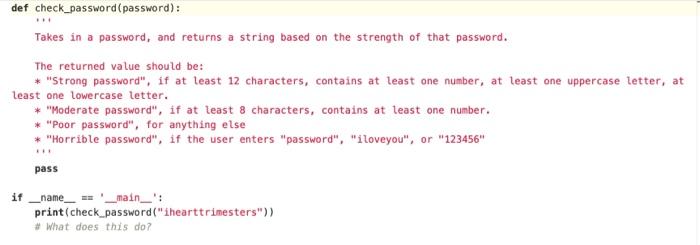
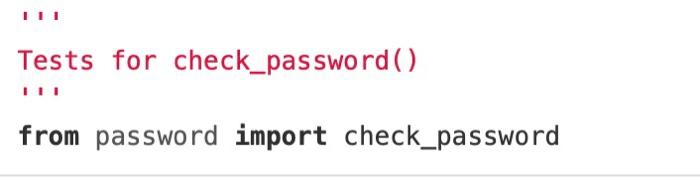
Lab02 - Exercise - Password (1 point) Open password.py and implement the function check_password() according to its documentation. After completing this, write at least 5 tests in password_test.py. Check your implementation passes your test with pytest. def check_password (password): Takes in a password, and returns a string based on the strength of that password. The returned value should be: * "Strong password", if at least 12 characters, contains at least one number, at least one uppercase letter, at least one lowercase letter. * "Moderate password", if at least 8 characters, contains at teast one number. * "Poor password", for anything else * "Horrible password", if the user enters "password", "iloveyou", or "123456" pass if _name_ == '_main__': print(check_password("ihearttrimesters")) # What does this do? Tests for check_password() from password import check_password
Step by Step Solution
There are 3 Steps involved in it

Get step-by-step solutions from verified subject matter experts
 Study Help