







Question: Lab05a Coding here: import javafx.application.Application; import javafx.event.*; import javafx.scene.*; import javafx.scene.control.*; import javafx.scene.control.Alert.*; import javafx.scene.text.*; import javafx.scene.layout.*; import javafx.stage.*; import javafx.geometry.*; /** * Lab05 -
Lab05a Coding here:
import javafx.application.Application; import javafx.event.*; import javafx.scene.*; import javafx.scene.control.*; import javafx.scene.control.Alert.*; import javafx.scene.text.*; import javafx.scene.layout.*; import javafx.stage.*; import javafx.geometry.*; /** * Lab05 - Threads and Binary IO * @author * @version */ public class Lab05a extends Application implements EventHandler
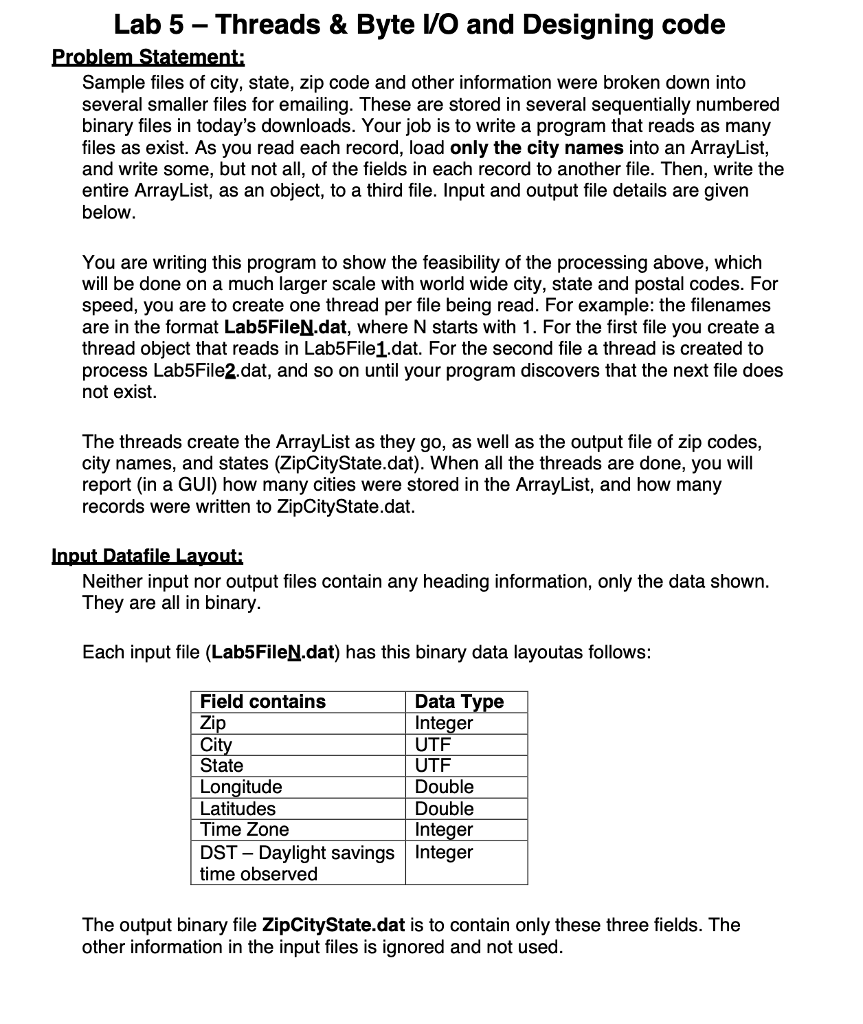
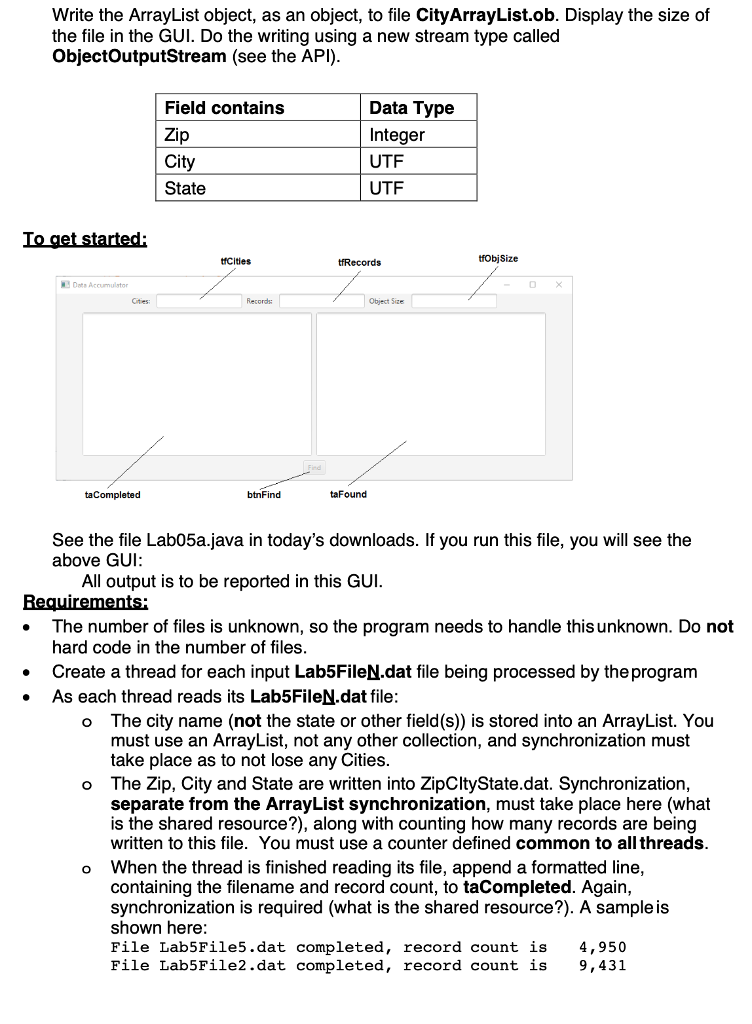
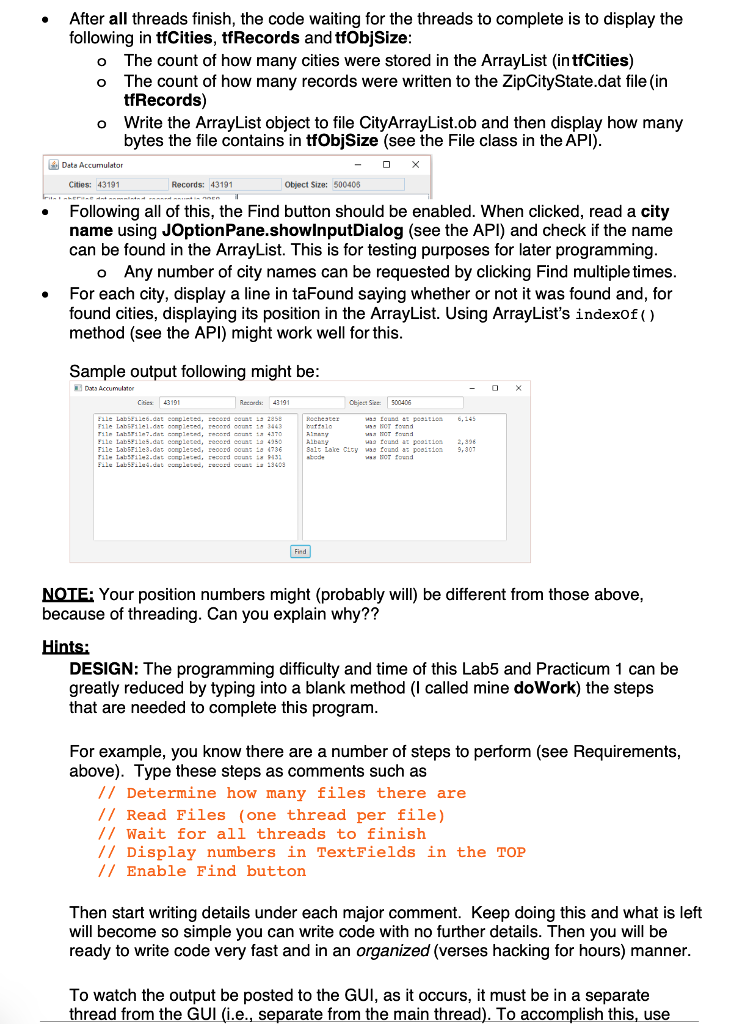
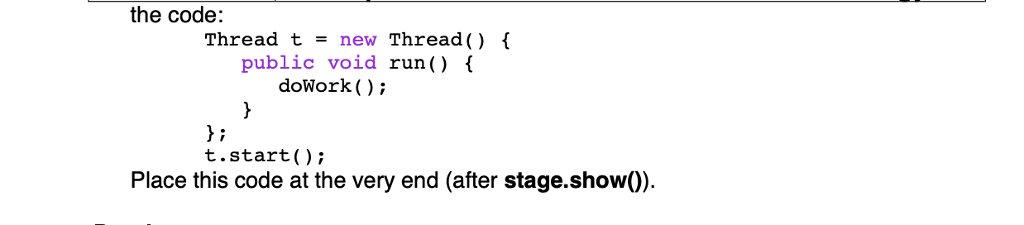
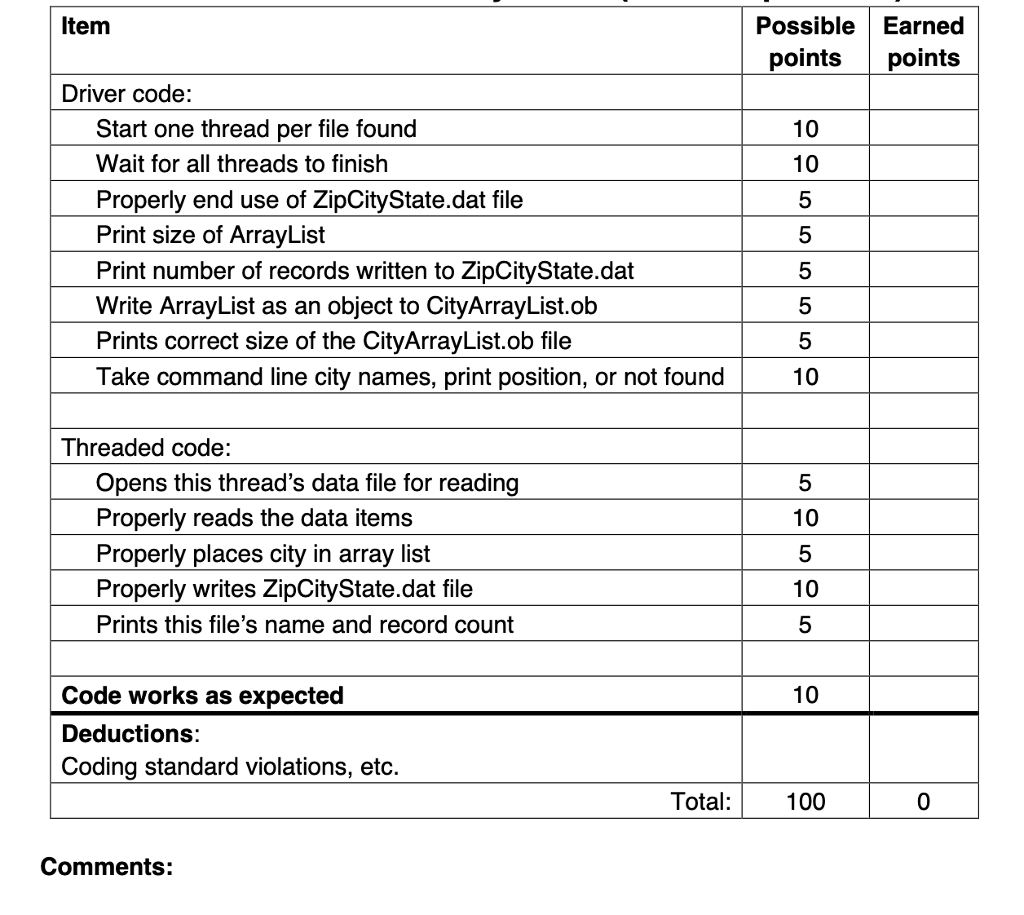
Lab 5 - Threads & Byte lVO and Designing code Sample files of city, state, zip code and other information were broken down into several smaller files for emailing. These are stored in several sequentially numbered binary files in today's downloads. Your job is to write a program that reads as many files as exist. As you read each record, load only the city names into an ArrayList and write some, but not all, of the fields in each record to another file. Then, write the entire ArrayList, as an object, to a third file. Input and output file details are given below You are writing this program to show the feasibility of the processing above, which will be done on a much larger scale with world wide city, state and postal codes. For speed, you are to create one thread per file being read. For example: the filenames are in the format Lab5FileN.dat, where N starts with 1. For the first file you create a thread object that reads in Lab5File1.dat. For the second file a thread is created to process Lab5File2.dat, and so on until your program discovers that the next file does not exist. The threads create the ArrayList as they go, as well as the output file of zip codes, city names, and states (ZipCityState.dat). When all the threads are done, you will report (in a GUI) how many cities were stored in the ArrayList, and how many records were written to ZipCityState.dat Neither input nor output files contain any heading information, only the data shown They are all in binary Each input file (Lab5FileN.dat) has this binary data layoutas follows Field contains Zi Ci State Longitude Latitudes Time Zone DST Daylight savings Integer time observed Data Tvpe Integer UTF UTF Double Double Integer The output binary file ZipCityState.dat is to contain only these three fields. The other information in the input files is ignored and not use Lab 5 - Threads & Byte lVO and Designing code Sample files of city, state, zip code and other information were broken down into several smaller files for emailing. These are stored in several sequentially numbered binary files in today's downloads. Your job is to write a program that reads as many files as exist. As you read each record, load only the city names into an ArrayList and write some, but not all, of the fields in each record to another file. Then, write the entire ArrayList, as an object, to a third file. Input and output file details are given below You are writing this program to show the feasibility of the processing above, which will be done on a much larger scale with world wide city, state and postal codes. For speed, you are to create one thread per file being read. For example: the filenames are in the format Lab5FileN.dat, where N starts with 1. For the first file you create a thread object that reads in Lab5File1.dat. For the second file a thread is created to process Lab5File2.dat, and so on until your program discovers that the next file does not exist. The threads create the ArrayList as they go, as well as the output file of zip codes, city names, and states (ZipCityState.dat). When all the threads are done, you will report (in a GUI) how many cities were stored in the ArrayList, and how many records were written to ZipCityState.dat Neither input nor output files contain any heading information, only the data shown They are all in binary Each input file (Lab5FileN.dat) has this binary data layoutas follows Field contains Zi Ci State Longitude Latitudes Time Zone DST Daylight savings Integer time observed Data Tvpe Integer UTF UTF Double Double Integer The output binary file ZipCityState.dat is to contain only these three fields. The other information in the input files is ignored and not use
Step by Step Solution
There are 3 Steps involved in it

Get step-by-step solutions from verified subject matter experts
 Study Help