





Question: le sources you visit. 4. EBSCOhost Search: a. Open a new tab in your web browser and go to The IIE Library website at https://lielibraryconnect.iie.ac.za/;
le sources you visit. 4. EBSCOhost Search: a.
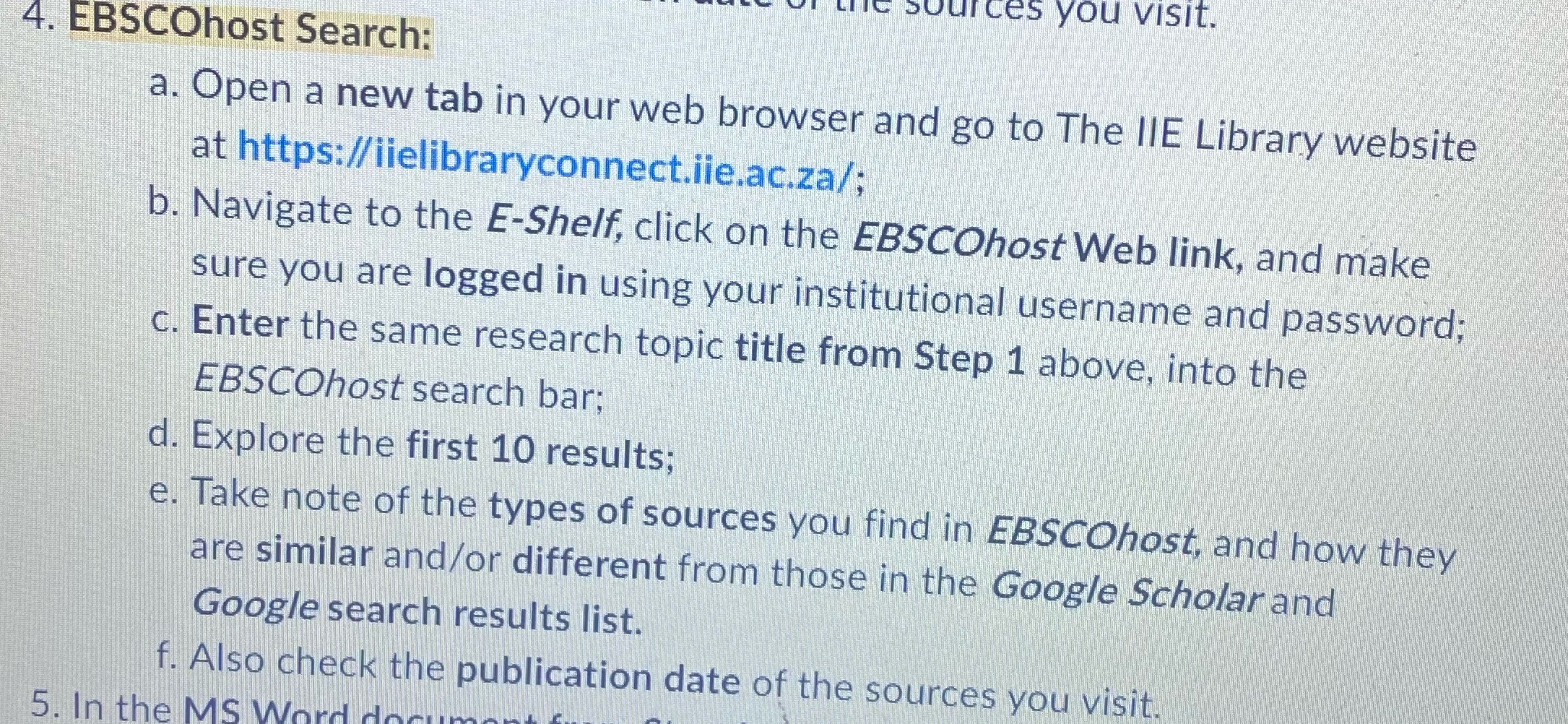
le sources you visit. 4. EBSCOhost Search: a. Open a new tab in your web browser and go to The IIE Library website at https://lielibraryconnect.iie.ac.za/; b. Navigate to the E-Shelf, click on the EBSCOhost Web link, and make sure you are logged in using your institutional username and password; c. Enter the same research topic title from Step 1 above, into the EBSCOhost search bar; d. Explore the first 10 results; e. Take note of the types of sources you find in EBSCOhost, and how they are similar and/or different from those in the Google Scholar and Google search results list. f. Also check the publication date of the sources you visit. 5. In the MS Word do

Step by Step Solution

There are 3 Steps involved in it

1 Expert Approved Answer
Step: 1 Unlock blur-text-image

Question Has Been Solved by an Expert!

Get step-by-step solutions from verified subject matter experts

Step: 2 Unlock
Step: 3 Unlock

Students Have Also Explored These Related Human Resource Management Questions!