







Question: Learn to use the Python input function to get different inputs from the user, and save them into a variable Complete the program to read
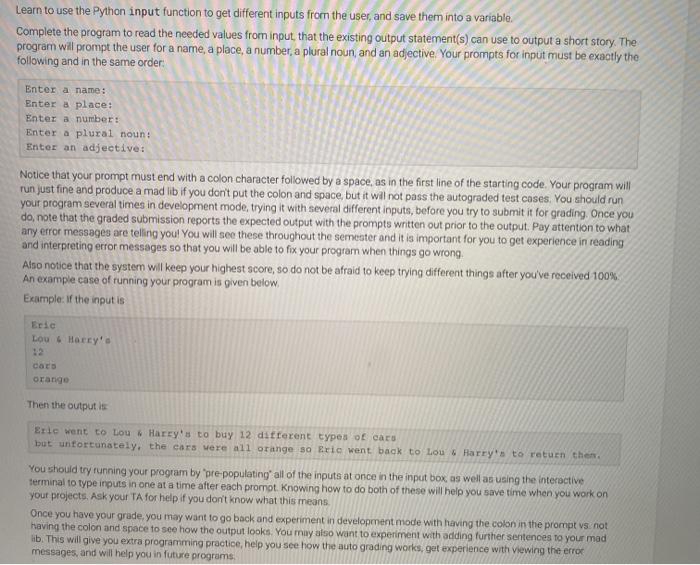
Learn to use the Python input function to get different inputs from the user, and save them into a variable Complete the program to read the needed values from input that the existing output statement(s) can use to output a short story. The program will prompt the user for a name, a place, a number, a plural noun and an adjective. Your prompts for input must be exactly the following and in the same order: Enter a name: Enter a place: Enter a number Enter a plural noun: Enter an adjective: Notice that your prompt must end with a colon character followed by a space, as in the first line of the starting code. Your program will run just fine and produce a mad lib if you don't put the colon and space, but it will not pass the autograded test coses. You should run your program several times in development mode, trying it with several different inputs, before you try to submit it for grading. Once you do, note that the graded submission reports the expected output with the prompts written out prior to the output. Pay attention to what any error messages are telling you! You will see these throughout the semester and it is important for you to get experience in reading and interpreting error messages so that you will be able to fix your program when things go wrong Also notice that the system will keep your highest score, so do not be afraid to keep trying different things after you've received 100% An example case of running your program is given below Example: If the input is Eric LU 6 Harry Cats orange Then the output is Erie went to Lou Harry's to buy 12 different types of cars but unfortunately, the cars were all orange so Erie went back to lou Harry's to return then. You should try running your program by pre populating all of the inputs at once in the input box, as well as using the interactive terminal to type inputs in one at a time after each promot. Knowing how to do both of these will help you save time when you work on your projects. Ask your TA for help if you don't know what this means Once you have your grade, you may want to go back and experiment in development mode with having the colon in the prompt vs not having the colon and space to see how the output looks. You may also want to experiment with adding further sentences to your mad lib. This will give you extra programming practice, help you see how the auto grading works, get experience with viewing the error messages, and will help you in future programs
Step by Step Solution
There are 3 Steps involved in it

Get step-by-step solutions from verified subject matter experts
 Study Help