







Question: Lecture-ESS is a program that generates text transcripts of lectures and lecture highlights based on the lecture recording. Create text transcript module starts by calling
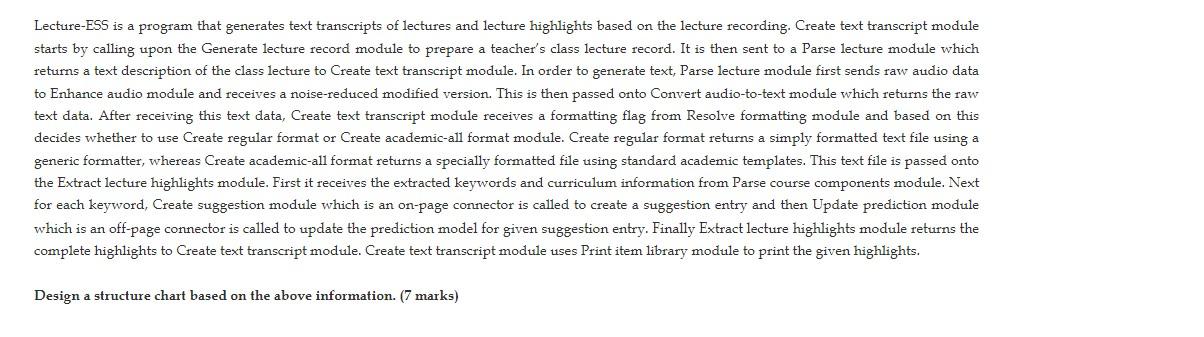
Lecture-ESS is a program that generates text transcripts of lectures and lecture highlights based on the lecture recording. Create text transcript module starts by calling upon the Generate lecture record module to prepare a teacher's class lecture record. It is then sent to a Parse lecture module which returns a text description of the class lecture to Create text transcript module. In order to generate text, Parse lecture module first sends raw audio data to Enhance audio module and receives a noise-reduced modified version. This is then passed onto Convert audio-to-text module which returns the raw text data. After receiving this text data, Create text transcript module receives a formatting flag from Resolve formatting module and based on this decides whether to use Create regular format or Create academic-all format module. Create regular format returns a simply formatted text file using a generic formatter, whereas Create academic-all format returns a specially formatted file using standard academic templates. This text file is passed onto the Extract lecture highlights module. First it receives the extracted keywords and curriculum information from Parse course components module. Next for each keyword, Create suggestion module which is an on-page connector is called to create a suggestion entry and then Update prediction module which is an off-page connector is called to update the prediction model for given suggestion entry. Finally Extract lecture highlights module returns the complete highlights to Create text transcript module. Create text transcript module uses Print item library module to print the given highlights. Design a structure chart based on the above information. (7 marks) Lecture-ESS is a program that generates text transcripts of lectures and lecture highlights based on the lecture recording. Create text transcript module starts by calling upon the Generate lecture record module to prepare a teacher's class lecture record. It is then sent to a Parse lecture module which returns a text description of the class lecture to Create text transcript module. In order to generate text, Parse lecture module first sends raw audio data to Enhance audio module and receives a noise-reduced modified version. This is then passed onto Convert audio-to-text module which returns the raw text data. After receiving this text data, Create text transcript module receives a formatting flag from Resolve formatting module and based on this decides whether to use Create regular format or Create academic-all format module. Create regular format returns a simply formatted text file using a generic formatter, whereas Create academic-all format returns a specially formatted file using standard academic templates. This text file is passed onto the Extract lecture highlights module. First it receives the extracted keywords and curriculum information from Parse course components module. Next for each keyword, Create suggestion module which is an on-page connector is called to create a suggestion entry and then Update prediction module which is an off-page connector is called to update the prediction model for given suggestion entry. Finally Extract lecture highlights module returns the complete highlights to Create text transcript module. Create text transcript module uses Print item library module to print the given highlights. Design a structure chart based on the above information. (7 marks)
Step by Step Solution
There are 3 Steps involved in it

Get step-by-step solutions from verified subject matter experts
 Study Help