







Question: LED _ Functions Description: - This program uses functions to call the first three exercises ( EX 1 _ 1 ; EX _ 2 ;
LEDFunctions
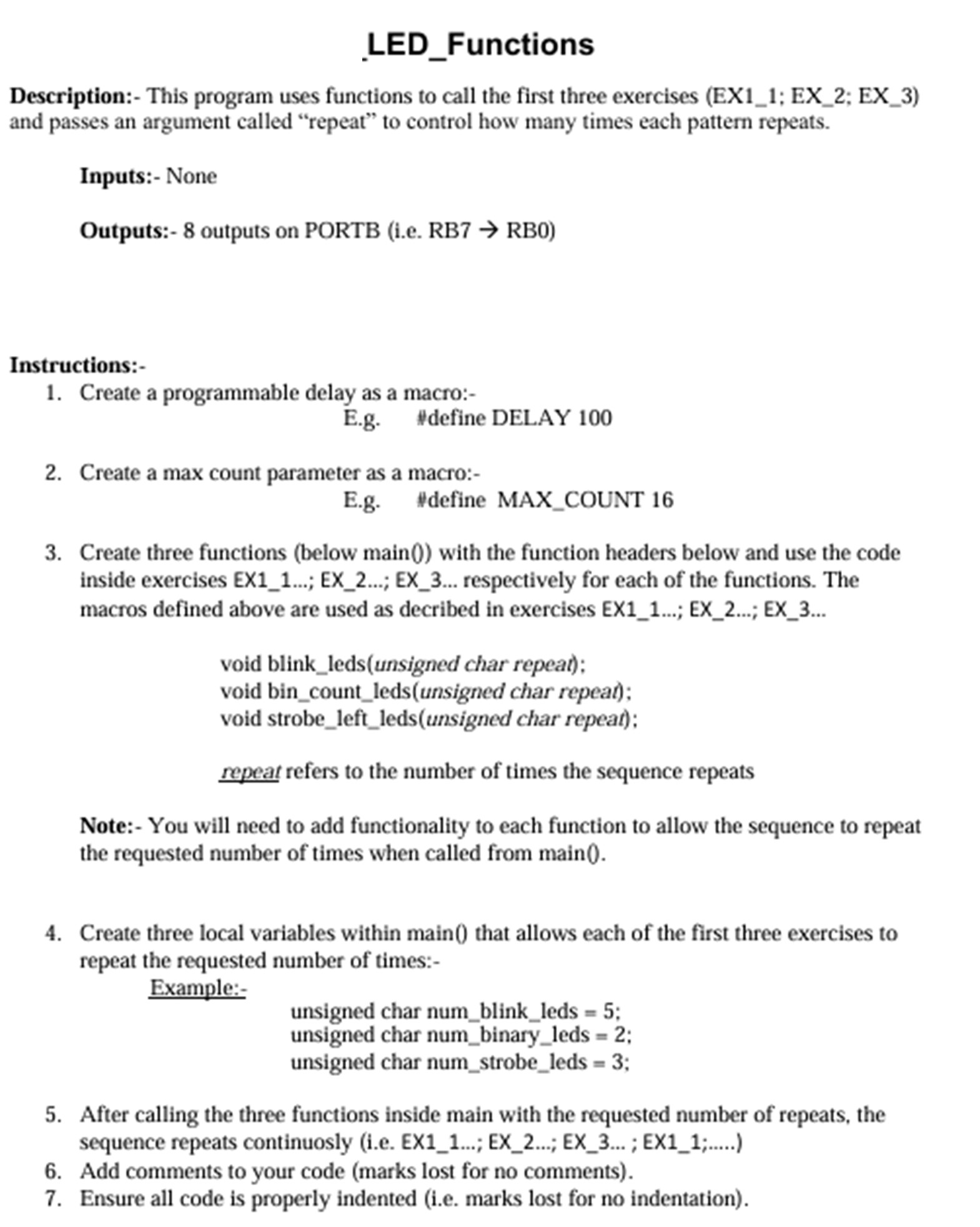
Description: This program uses functions to call the first three exercises EX; EX; EX and passes an argument called "repeat" to control how many times each pattern repeats.
Inputs: None
Outputs: outputs on PORTB ie RBrightarrow RB
Instructions:
Create a programmable delay as a macro:
Eg#define DELAY
Create a max count parameter as a macro:
Eg#define MAXCOUNT
Create three functions below main with the function headers below and use the code inside exercises EX; EX; EX respectively for each of the functions. The macros defined above are used as decribed in exercises EX; EX; EX
void blinkledsunsigned char repeat;
void bincountledsunsigned char repeat;
void strobeleftledsunsigned char repeat:
repeat refers to the number of times the sequence repeats
Note: You will need to add functionality to each function to allow the sequence to repeat the requested number of times when called from main
Create three local variables within main that allows each of the first three exercises to repeat the requested number of times:
Example:
unsigned char numblinkleds ;
unsigned char numbinaryleds ;
unsigned char numstrobeleds ;
After calling the three functions inside main with the requested number of repeats, the sequence repeats continuosly ie EX; EX; EX ; EX;
Add comments to your code marks lost for no comments
Ensure all code is properly indented ie marks lost for no indentation
Project Name:cdot LEDBlink
Description: This program turns onoff LEDs connected to PORTB as shown below. There should be a programmable delay in mSec between both LED patternsturning onoff
Inputs: None
Outputs: outputs on PORTB ie RBrightarrow RB
In the program, create a programmable delay as a macro:Eg#define DELAY
Choose your preferred method of creating a delay.
Updating the delay macro constant. ie to will update the delay in mSec
Toggle the bits from one state to the other ie using either sim or wedge operators
Add comments to your code marks lost for no comments
Ensure all code is properly indented ie marks lost for no indentation
Ensure that the project builds in MPLABx wihout any errors.
Project Nar
LEDStrobeLeft
Description: This program turns all LEDs connected to PORTB in the sequence shown below iemathrmRBrightarrow mathrmRBrightarrow mathrmRBrightarrow ldots mathrmRB The sequence continually repeats and there should be a programmable delay in mSec between each LED turning on
Inputs: None
Outputs: outputs on PORTB ie RBrightarrow RBO
Instructions:
Create a programmable delay as a macro:
Use the left shift operator ie to manipulate the bit pattern to turn on the LEDs.
Add comments to your code marks lost for no comments
Ensure all code is properly indented ie marks lost for no indentation
Step by Step Solution
There are 3 Steps involved in it
1 Expert Approved Answer
Step: 1 Unlock

Question Has Been Solved by an Expert!
Get step-by-step solutions from verified subject matter experts
Step: 2 Unlock
Step: 3 Unlock
 Study Help