







Question: LINK TO ALL NECESSARY FILES: https://cse.msu.edu/~cse231/Online/Labs/Lab10/ Part A: Using the Class Methods 1. Examine the Python statements in the file named ..lab 10a.??. then extend
LINK TO ALL NECESSARY FILES: https://cse.msu.edu/~cse231/Online/Labs/Lab10/
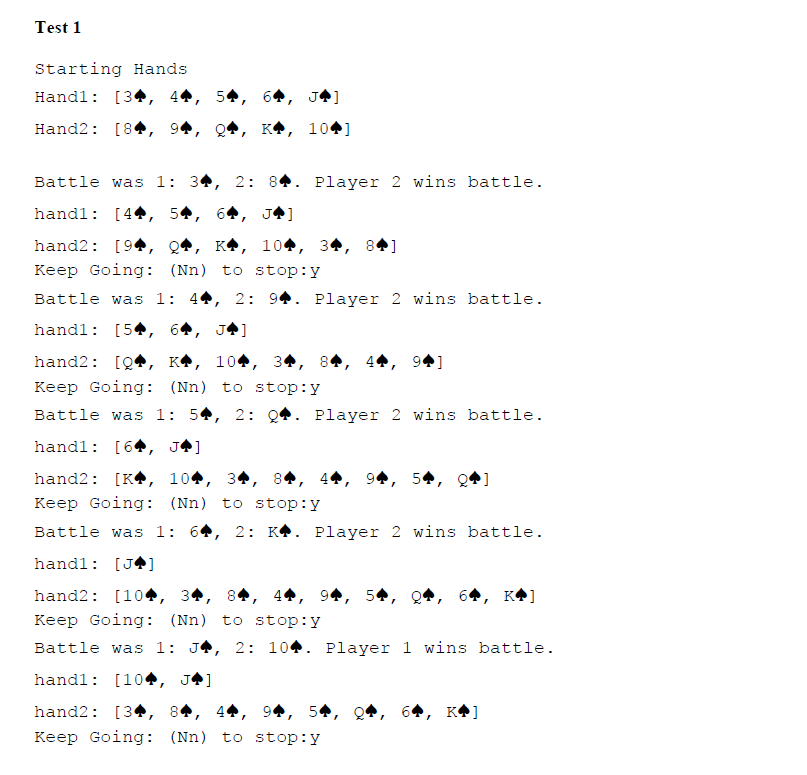
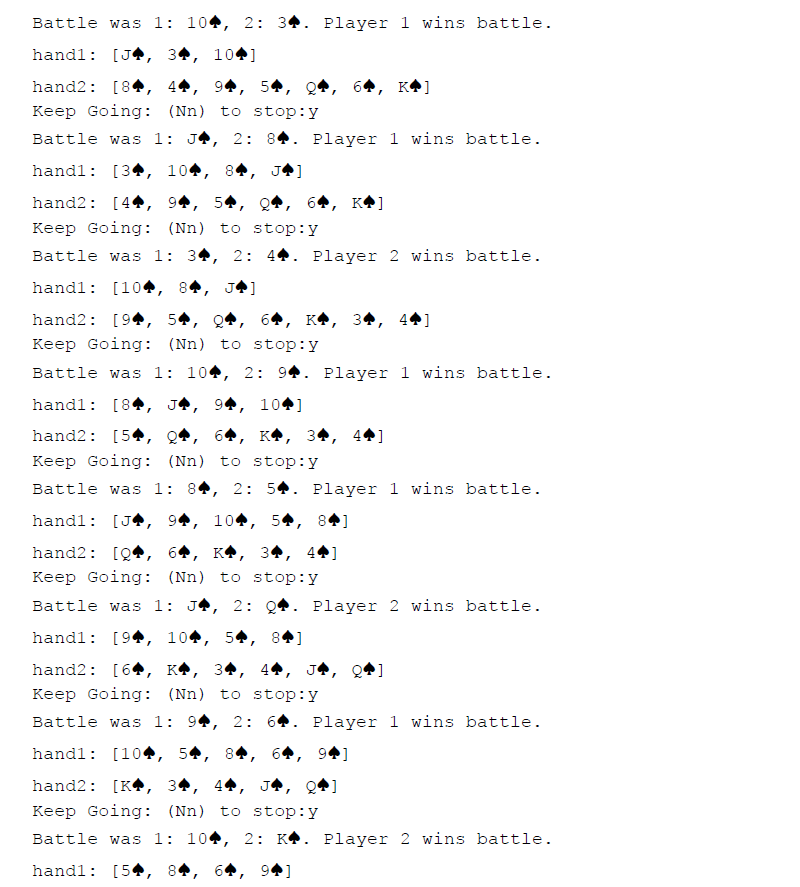
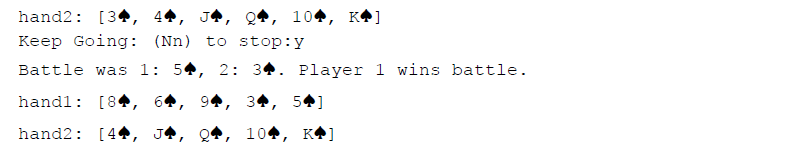
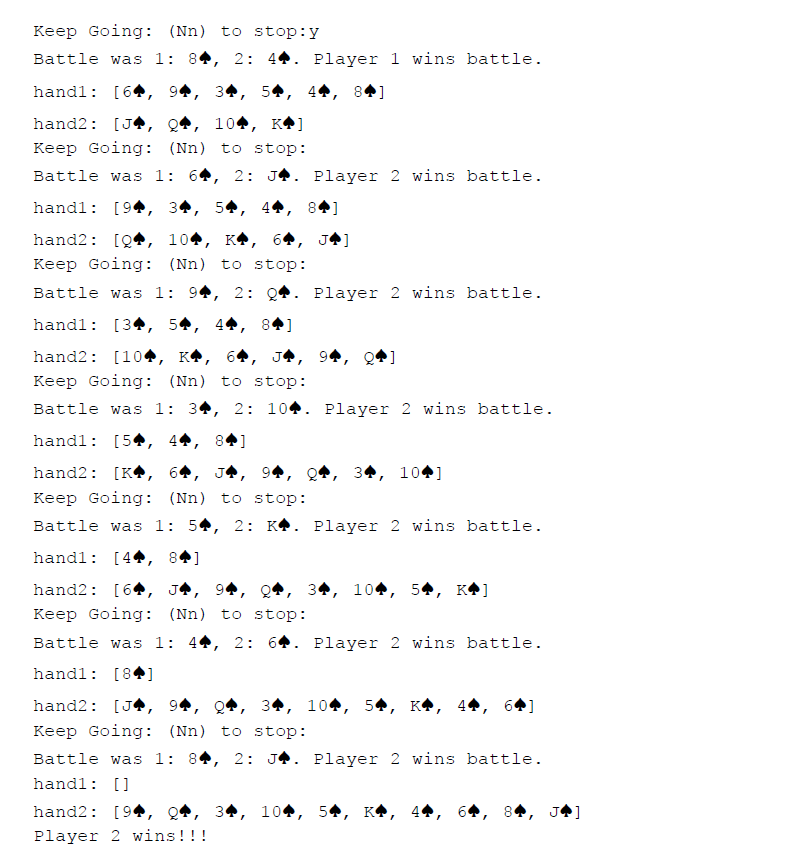
![dealt to player #1 : Player #1 hand: [74, 10, 7.] second](https://dsd5zvtm8ll6.cloudfront.net/si.experts.images/questions/2024/09/66f4572a94f49_13066f4572a35cc7.jpg)
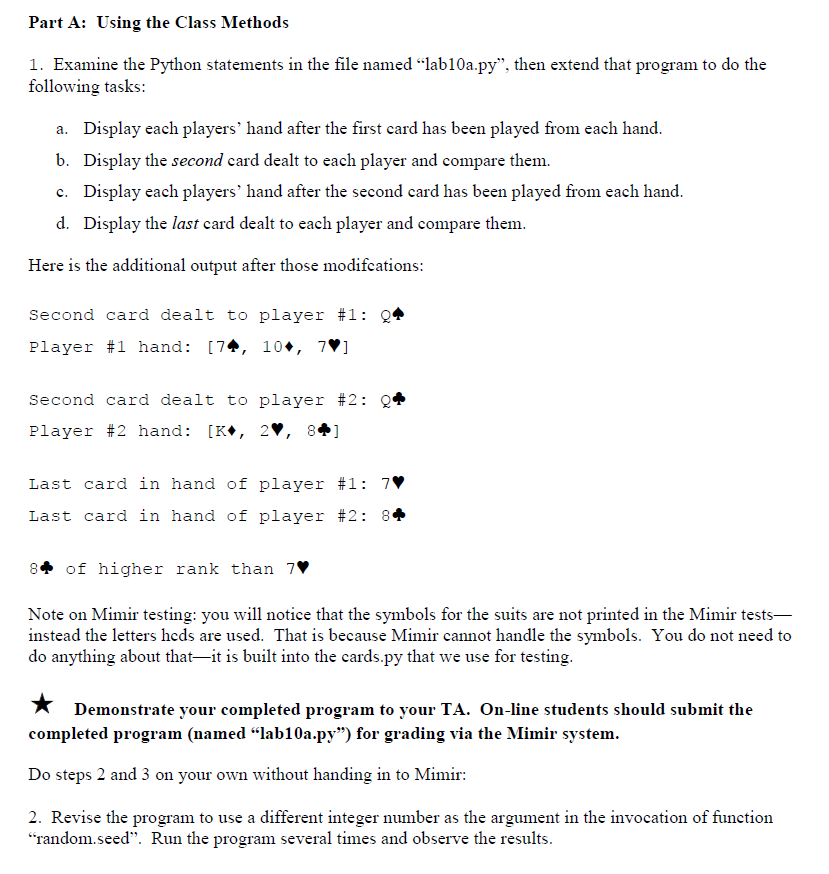
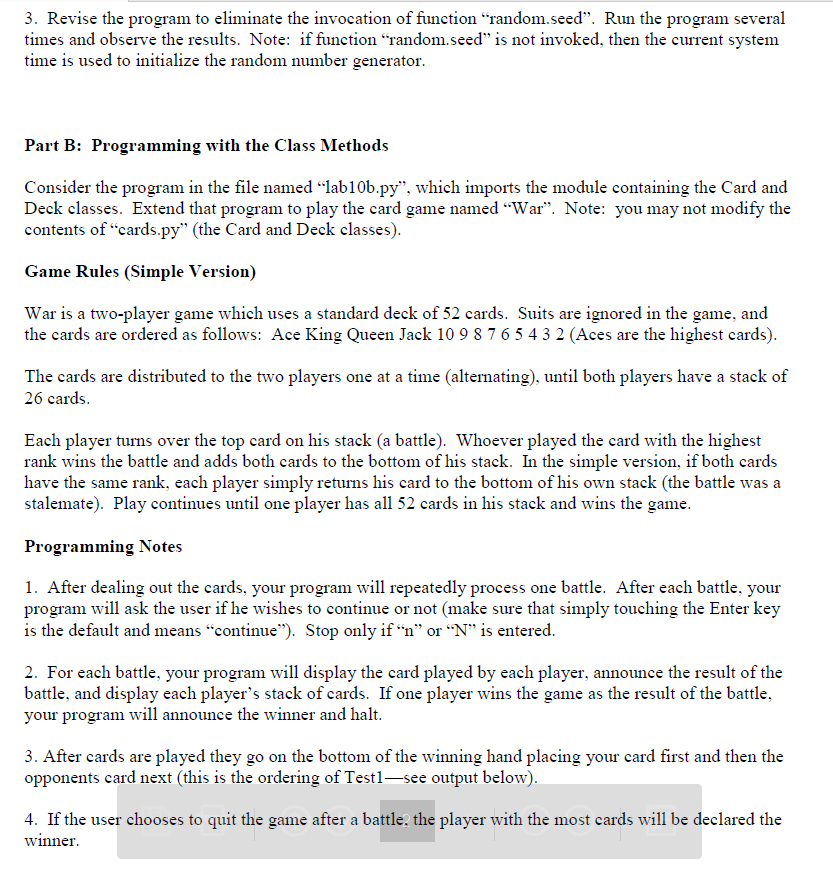
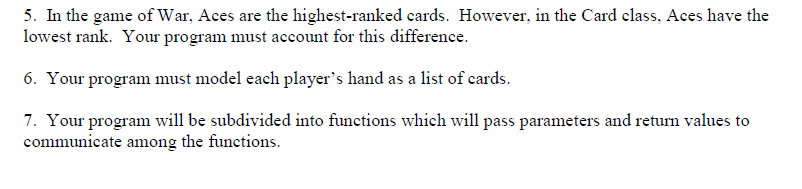
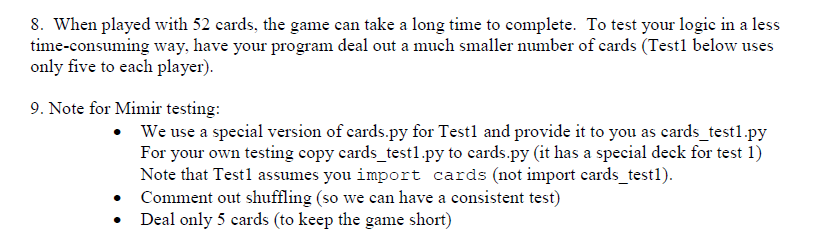
Part A: Using the Class Methods 1. Examine the Python statements in the file named ..lab 10a.??". then extend that program to do the following tasks Display each players' hand after the first card has been played from each hand a. b. Display the second card dealt to each player and compare them. Display each players' hand after the second card has been played from each hand c. d. Display the last card dealt to each player and compare themm Here is the additional output after those modifcations second card dealt to player #1 : Player #1 hand: [74, 10, 7.] second card dealt to player #2 : Player #2 hand: [K. 2. 84 Last card in hand of player #1 : 7 Last card in hand of player #2: 8+ of higher rank than 7 Note on Mimir testing: you will notice that the symbols for the suits are not printed in the Mimir tests- instead the letters heds are used. That is because Mimir cannot handle the symbols. You do not need teo do anything about that-it is built into the cards.py that we use for testing * Demonstrate your completed program to your TA. On-line students should submit the completed program (named "lab10a.py") for grading via the Mimir system Do steps 2 and 3 on your own without handing in to Mimir: 2. Revise the program to use a different integer number as the argument in the invocation of function random.seed". Run the program several times and observe the results Part A: Using the Class Methods 1. Examine the Python statements in the file named ..lab 10a.??". then extend that program to do the following tasks Display each players' hand after the first card has been played from each hand a. b. Display the second card dealt to each player and compare them. Display each players' hand after the second card has been played from each hand c. d. Display the last card dealt to each player and compare themm Here is the additional output after those modifcations second card dealt to player #1 : Player #1 hand: [74, 10, 7.] second card dealt to player #2 : Player #2 hand: [K. 2. 84 Last card in hand of player #1 : 7 Last card in hand of player #2: 8+ of higher rank than 7 Note on Mimir testing: you will notice that the symbols for the suits are not printed in the Mimir tests- instead the letters heds are used. That is because Mimir cannot handle the symbols. You do not need teo do anything about that-it is built into the cards.py that we use for testing * Demonstrate your completed program to your TA. On-line students should submit the completed program (named "lab10a.py") for grading via the Mimir system Do steps 2 and 3 on your own without handing in to Mimir: 2. Revise the program to use a different integer number as the argument in the invocation of function random.seed". Run the program several times and observe the results
Step by Step Solution
There are 3 Steps involved in it

Get step-by-step solutions from verified subject matter experts
 Study Help