







Question: Link to exercise 12.17 http://docdro.id/NV2Sjln 13.31 Java 2D introduces many new capabilities for creating unique and impressive graphics We'll add a small subset of these
Link to exercise 12.17
http://docdro.id/NV2Sjln
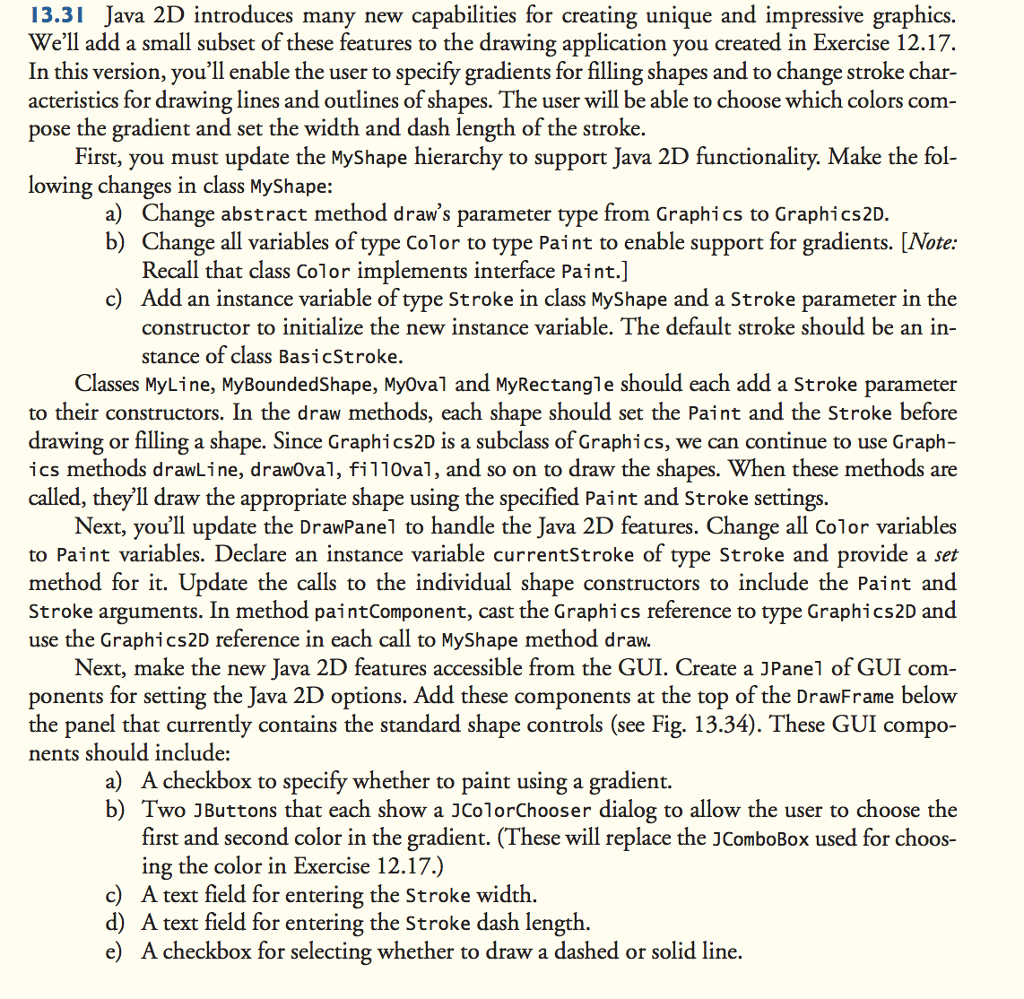
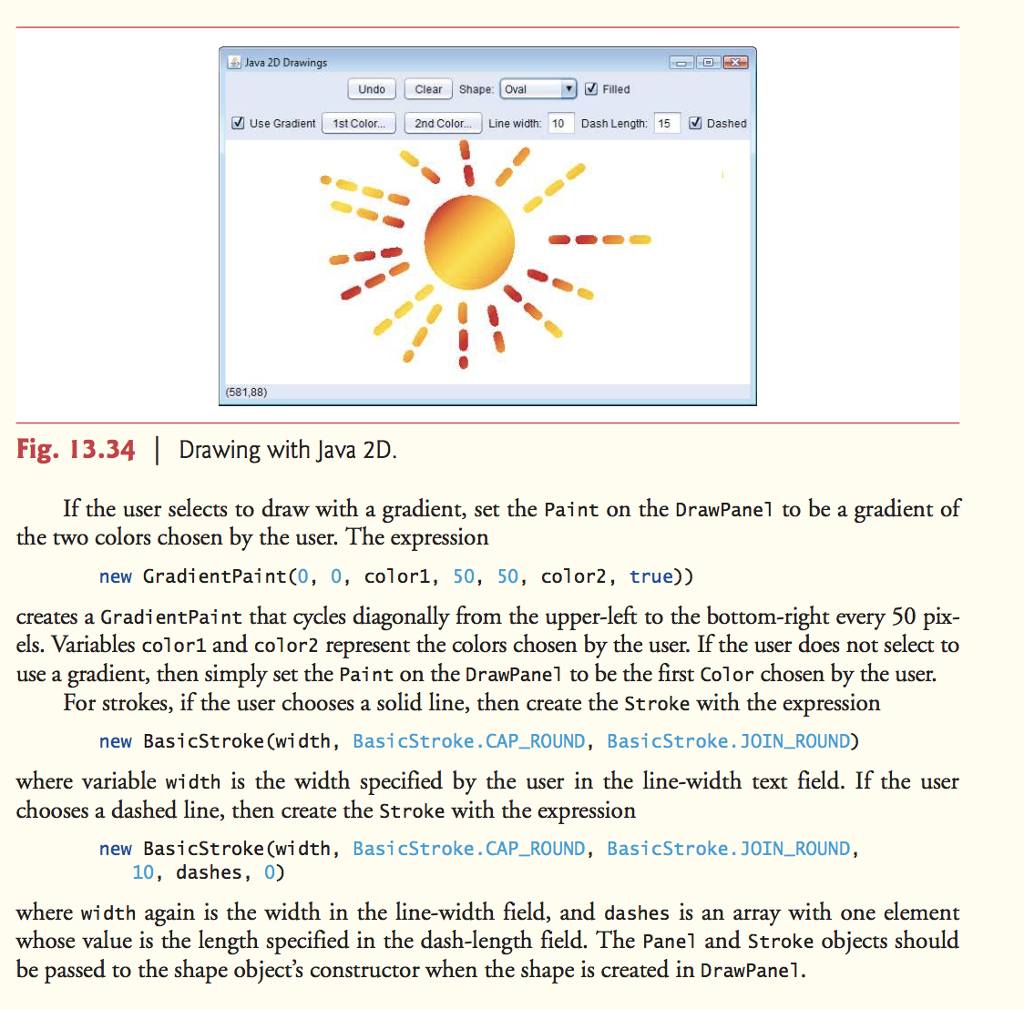
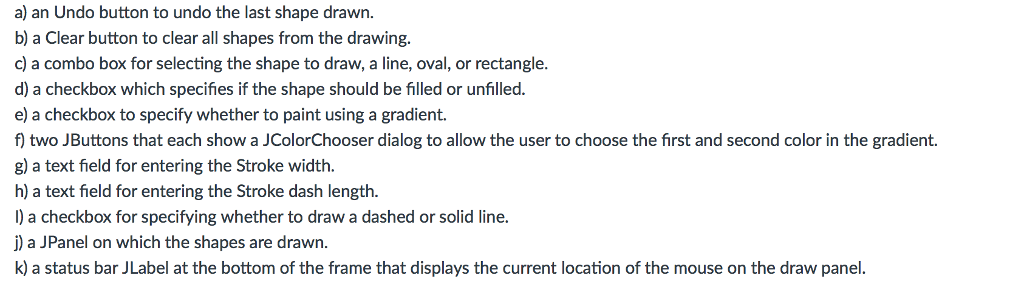
13.31 Java 2D introduces many new capabilities for creating unique and impressive graphics We'll add a small subset of these features to the drawing application you created in Exercise 12.17 In this version, you'll enable the user to specify gradients for filling shapes and to change stroke char- acteristics for drawing lines and outlines of shapes. The user will be able to choose which colors com pose the gradient and set the width and dash length of the stroke First, you must update the MyShape hierarchy to support Java 2D functionality. Make the fol lowing changes in class M a) Change abstract method draw's parameter type from Graphics to Graphics2D b) Change all variables of type Color to type Paint to enable support for gradients. [Note: Recall that class Color implements interface Paint. c) Add an instance variable of type Stroke in class MyShape and a Stroke parameter in the constructor to initialize the new instance variable. The default stroke should be an in- stance of class BasicStroke Classes My Line, MyBoundedShape, Myoval and MyRectangle should each add a stroke parameter to their constructors. In the draw methods, each shape should set the Paint and the stroke before drawing or filling a shape. Since Graphics2D is a subclass of Graphics, we can continue to use Graph ics methods drawLine, drawoval, fil10val, and so on to draw the shapes. When these methods are called, they ll draw the appropriate shape using the specified Paint and Stroke settings Next, you'll update the DrawPanel to handle the Java 2D features. Change all Color variables to Paint variables. Declare an instance variable currentstroke of type stroke and provide a set method for it. Update the calls to the individual shape constructors to include the Paint and Stroke arguments. In method paintComponent, cast the Graphics reference to type Graphics2D and use the Graphics2D reference in each call to MyShape method draw. Next, make the new Java 2D features accessible from the GUI. Create a JPanel of GUI com- ponents for setting the Java 2D options. Add these components at the top of the DrawFrame below the panel that currently contains the standard shape controls (see Fig 13.34). These GUI compo nents should include a) A checkbox to specify whether to paint using a gradient b) Two JButtons that each show a JColorChooser dialog to allow the user to choose the first and second color in the gradient. (These will replace the JComboBox used for choos- ing the color in Exercise 12.17.) c) A text field for entering the Stroke width d) A text field for entering the Stroke dash length e) Acheckbox for selecting whether to draw a dashed or solid line
Step by Step Solution
There are 3 Steps involved in it

Get step-by-step solutions from verified subject matter experts
 Study Help