







Question: linux 1 . Type the command to view the content of the file where server public keys that have been shared with you are stored.
linux
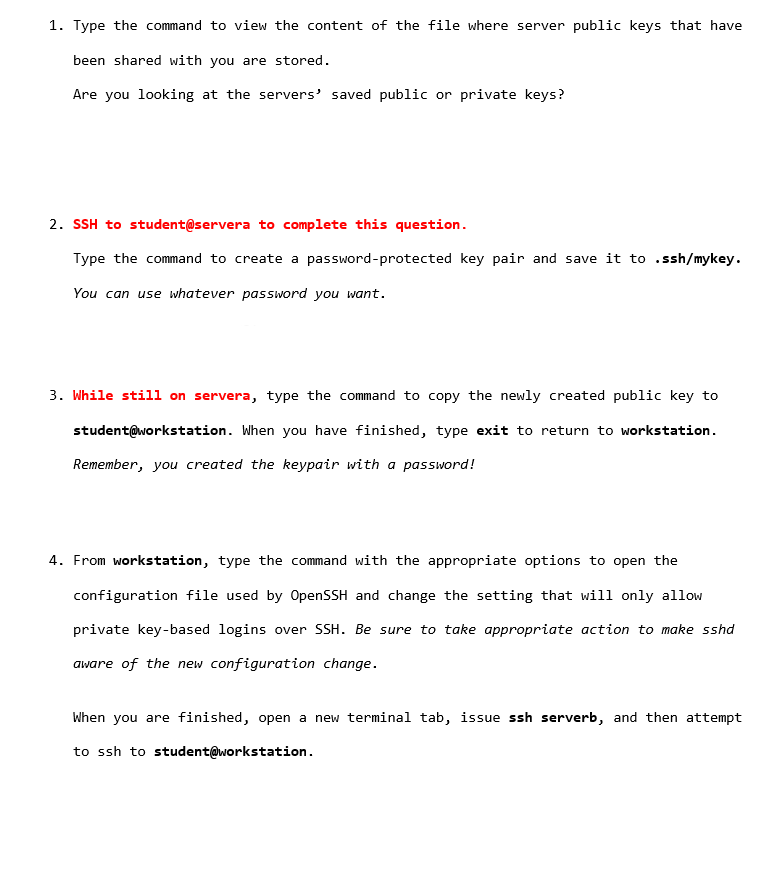
Type the command to view the content of the file where server public keys that have been shared with you are stored.
Are you looking at the servers' saved public or private keys?
SSH to student@servera to complete this question.
Type the command to create a passwordprotected key pair and save it to sshmykey You can use whatever password you want.
While still on servera, type the command to copy the newly created public key to student@workstation. When you have finished, type exit to return to workstation. Remember, you created the keypair with a password!
From workstation, type the command with the appropriate options to open the configuration file used by OpenSSH and change the setting that will only allow private keybased logins over SSH Be sure to take appropriate action to make sshd aware of the new configuration change.
When you are finished, open a new terminal tab, issue ssh serverb, and then attempt to ssh to student@workstation.
Step by Step Solution
There are 3 Steps involved in it
1 Expert Approved Answer
Step: 1 Unlock

Question Has Been Solved by an Expert!
Get step-by-step solutions from verified subject matter experts
Step: 2 Unlock
Step: 3 Unlock
 Study Help