







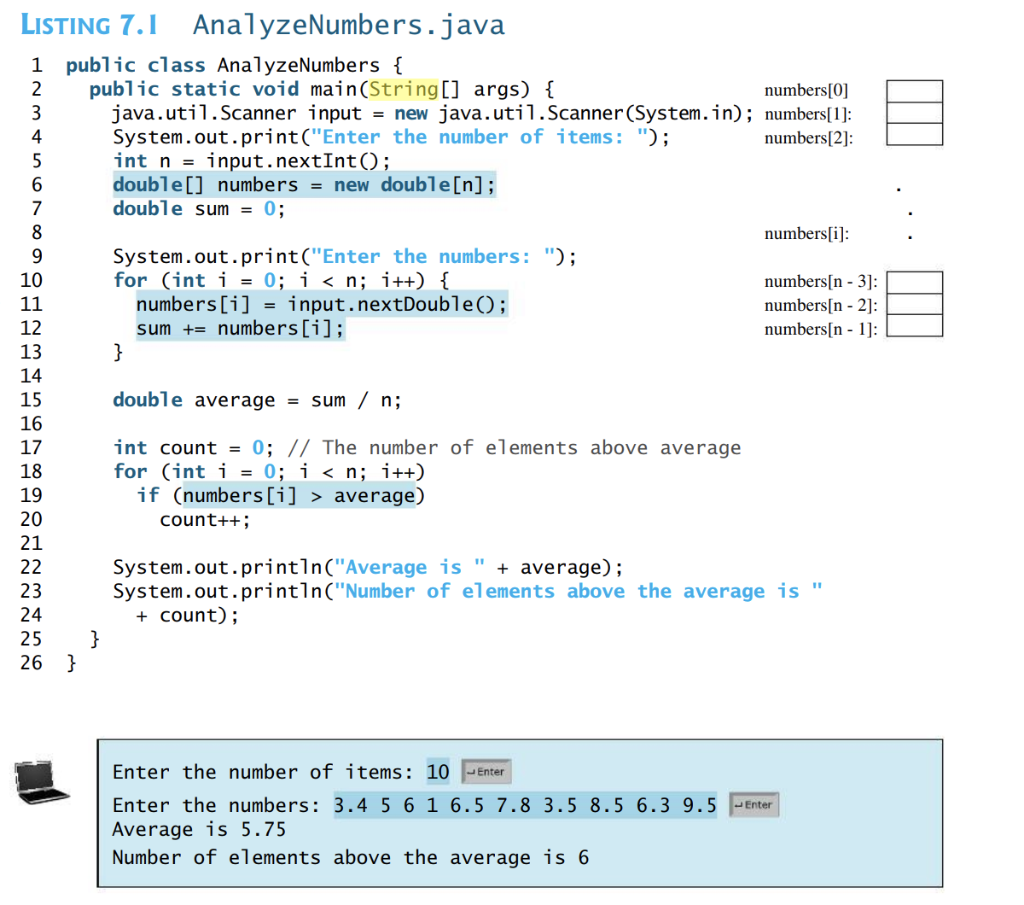
Question: LISTING 7.1 AnalyzeNumbers.java 1 public class AnalyzeNumbers { public static void main(String[] args) { numbers[0] java.util.Scanner input = new java.util.Scanner(System.in); numbers[1]: System.out.print(Enter the number of
![main(String[] args) { numbers[0] java.util.Scanner input = new java.util.Scanner(System.in); numbers[1]: System.out.print("Enter the](https://s3.amazonaws.com/si.experts.images/answers/2024/09/66db998e75fa2_72666db998e1a078.jpg)
LISTING 7.1 AnalyzeNumbers.java 1 public class AnalyzeNumbers { public static void main(String[] args) { numbers[0] java.util.Scanner input = new java.util.Scanner(System.in); numbers[1]: System.out.print("Enter the number of items: "); numbers[2] int n = input.nextInt(); double[] numbers = new double[n]; double sum = 0; numbers[i]: System.out.print("Enter the numbers: "); for (int i = 0; i
Step by Step Solution
There are 3 Steps involved in it

Get step-by-step solutions from verified subject matter experts
 Study Help