







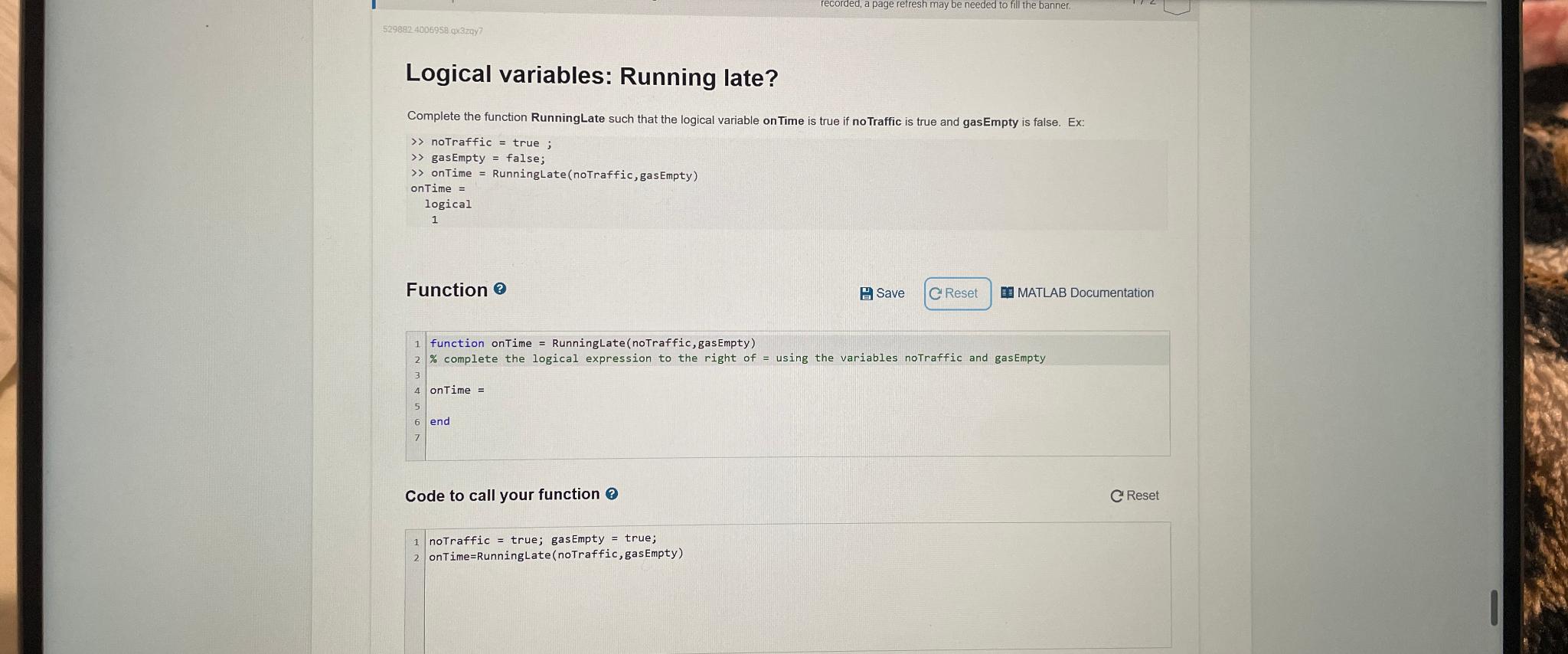
Question: Logical variables: Running late? Complete the function RunningLate such that the logical variable on Time is true if noTraffic is true and gasEmpty is false.
Logical variables: Running late?
Complete the function RunningLate such that the logical variable on Time is true if noTraffic is true and gasEmpty is false. Ex:
notraffic true ;
gasEmpty false;
onTime RunningLate noTraffic gasEmpty
ontime
logical
Function
B Save
MATLAB Documentation
function onTime RunningLate noTraffic gas Empty
complete the logical expression to the right of using the variables notraffic and gasempty
onTime
end
Code to call your function
C Reset
notraffic true; gasEmpty true;
onTimeRunningLate noTraffic gasEmpty
Step by Step Solution
There are 3 Steps involved in it
1 Expert Approved Answer
Step: 1 Unlock

Question Has Been Solved by an Expert!
Get step-by-step solutions from verified subject matter experts
Step: 2 Unlock
Step: 3 Unlock
 Study Help