







Question: Logon and Setup - Gain access to and set up the simulation software. 1. Log on to http:/phet.colorado.edu/simulations/electrichockey/webstart.inlp. 2. The software should open automatically. However,
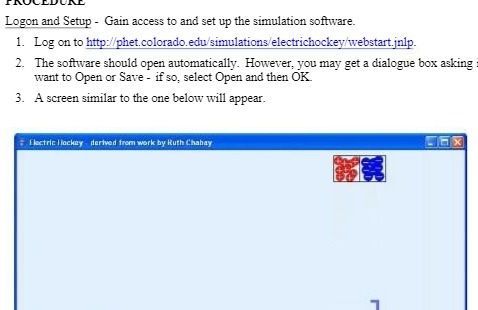
Logon and Setup - Gain access to and set up the simulation software. 1. Log on to http:/phet.colorado.edu/simulations/electrichockey/webstart.inlp. 2. The software should open automatically. However, you may get a dialogue box asking want to Open or Save - if so, select Open and then OK 3. A screen similar to the one below will appear. Electric Hockey - derived from work by Ruth Chahay
Step by Step Solution
There are 3 Steps involved in it
1 Expert Approved Answer
Step: 1 Unlock

Question Has Been Solved by an Expert!
Get step-by-step solutions from verified subject matter experts
Step: 2 Unlock
Step: 3 Unlock
 Study Help