







Question: LTE X 1:41 We will be continuing to work with the application from the previous homeworks. In this homework, we will convert the activity to
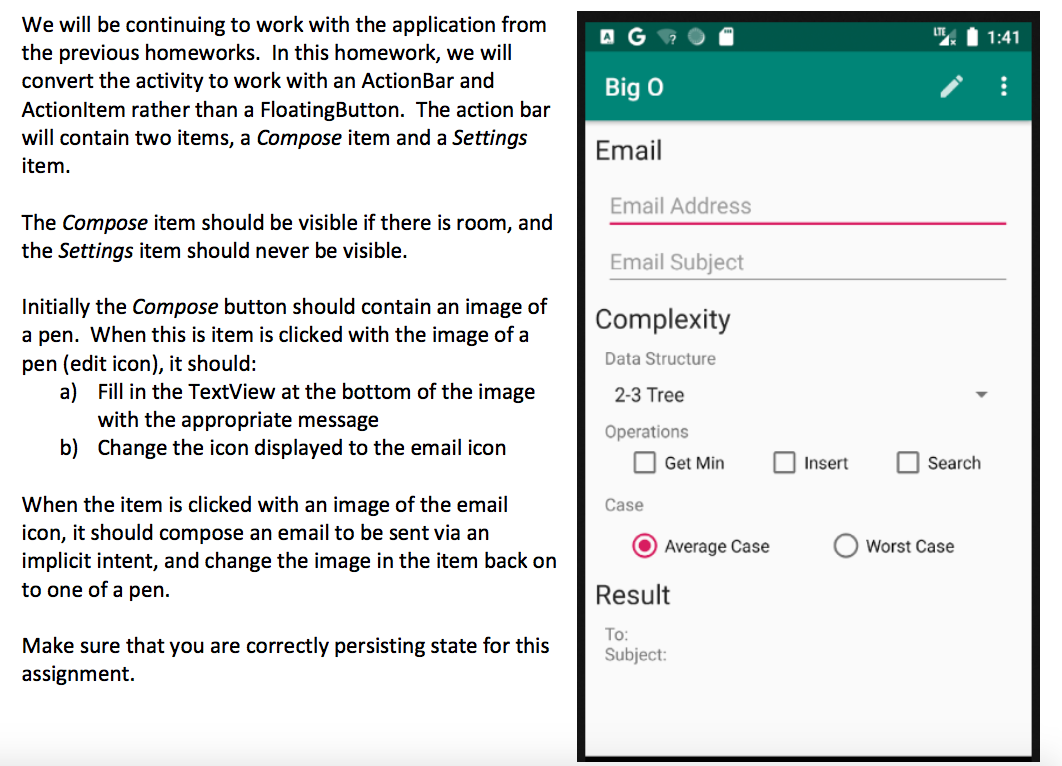
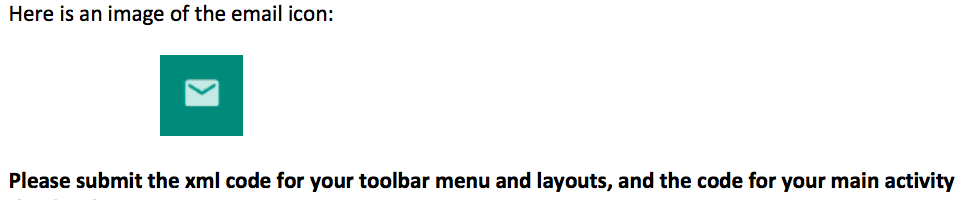
LTE X 1:41 We will be continuing to work with the application from the previous homeworks. In this homework, we will convert the activity to work with an ActionBar and Actionltem rather than a FloatingButton. The action bar will contain two items, a Compose item and a Settings item. Big O Email Email Address The Compose item should be visible if there is room, and the Settings item should never be visible. Email Subject Complexity Data Structure Initially the Compose button should contain an image of a pen. When this is item is clicked with the image of a pen (edit icon), it should: a) Fill in the TextView at the bottom of the image with the appropriate message b) Change the icon displayed to the email icon 2-3 Tree Operations Get Mir earch Case When the item is clicked with an image of the email icon, it should compose an email to be sent via an implicit intent, and change the image in the item back on to one of a pen. Average Case Worst Case Result Make sure that you are correctly persisting state for this assignment. To: Subject: Here is an image of the email icon: Please submit the xml code for your toolbar menu and layouts, and the code for your main activity LTE X 1:41 We will be continuing to work with the application from the previous homeworks. In this homework, we will convert the activity to work with an ActionBar and Actionltem rather than a FloatingButton. The action bar will contain two items, a Compose item and a Settings item. Big O Email Email Address The Compose item should be visible if there is room, and the Settings item should never be visible. Email Subject Complexity Data Structure Initially the Compose button should contain an image of a pen. When this is item is clicked with the image of a pen (edit icon), it should: a) Fill in the TextView at the bottom of the image with the appropriate message b) Change the icon displayed to the email icon 2-3 Tree Operations Get Mir earch Case When the item is clicked with an image of the email icon, it should compose an email to be sent via an implicit intent, and change the image in the item back on to one of a pen. Average Case Worst Case Result Make sure that you are correctly persisting state for this assignment. To: Subject: Here is an image of the email icon: Please submit the xml code for your toolbar menu and layouts, and the code for your main activity
Step by Step Solution
There are 3 Steps involved in it

Get step-by-step solutions from verified subject matter experts
 Study Help