







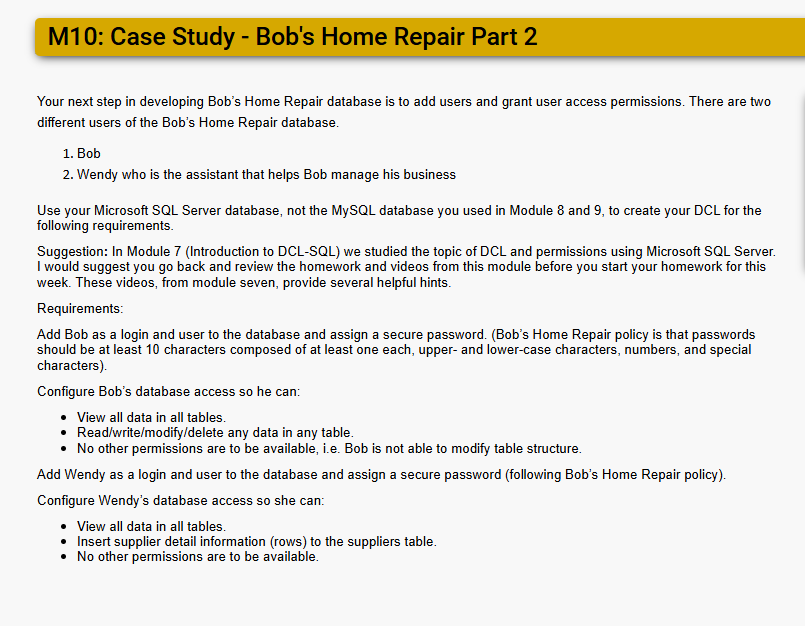
Question: M 1 0 : Case Study - Bob's Home Repair Part 2 Your next step in developing Bob's Home Repair database is to add users
M: Case Study Bob's Home Repair Part
Your next step in developing Bob's Home Repair database is to add users and grant user access permissions. There are two
different users of the Bob's Home Repair database.
Bob
Wendy who is the assistant that helps Bob manage his business
Use your Microsoft SQL Server database, not the MySQL database you used in Module and to create your DCL for the
following requirements.
Suggestion: In Module Introduction to DCLSQL we studied the topic of DCL and permissions using Microsoft SQL Server.
I would suggest you go back and review the homework and videos from this module before you start your homework for this
week. These videos, from module seven, provide several helpful hints.
Requirements:
Add Bob as a login and user to the database and assign a secure password. Bobs Home Repair policy is that passwords
should be at least characters composed of at least one each, upper and lowercase characters, numbers, and special
characters
Configure Bob's database access so he can:
View all data in all tables.
Readwritemodifydelete any data in any table.
No other permissions are to be available, ie Bob is not able to modify table structure.
Add Wendy as a login and user to the database and assign a secure password following Bob's Home Repair policy
Configure Wendy's database access so she can:
View all data in all tables.
Insert supplier detail information rows to the suppliers table.
No other permissions are to be available.
Step by Step Solution
There are 3 Steps involved in it
1 Expert Approved Answer
Step: 1 Unlock

Question Has Been Solved by an Expert!
Get step-by-step solutions from verified subject matter experts
Step: 2 Unlock
Step: 3 Unlock
 Study Help