



Question: m. Use various formula(s), excluding referencing, to look up respective values for CAP columns J through N. You should not use referencing for CAP figures.
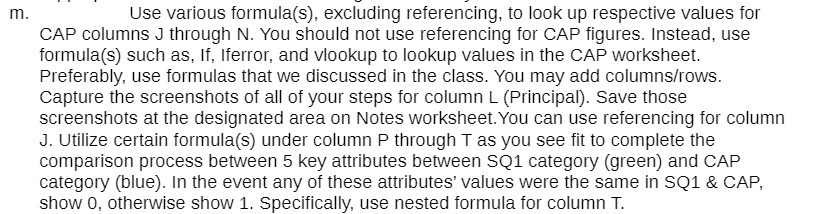
m. Use various formula(s), excluding referencing, to look up respective values for CAP columns J through N. You should not use referencing for CAP figures. Instead, use formula(s) such as, If, Iferror, and vlookup to lookup values in the CAP worksheet. Preferably, use formulas that we discussed in the class. You may add columns/rows. Capture the screenshots of all of your steps for column L (Principal). Save those screenshots at the designated area on Notes worksheet. You can use referencing for column J. Utilize certain formula(s) under column P through T as you see fit to complete the comparison process between 5 key attributes between SQ1 category (green) and CAP category (blue). In the event any of these attributes' values were the same in SQ1 & CAP, show 0, otherwise show 1. Specifically, use nested formula for column T
Step by Step Solution
There are 3 Steps involved in it

Get step-by-step solutions from verified subject matter experts