







Question: mac terminal nt to read and sort a text and then save rite) the newly sorted data back to the same file - First, you
mac terminal 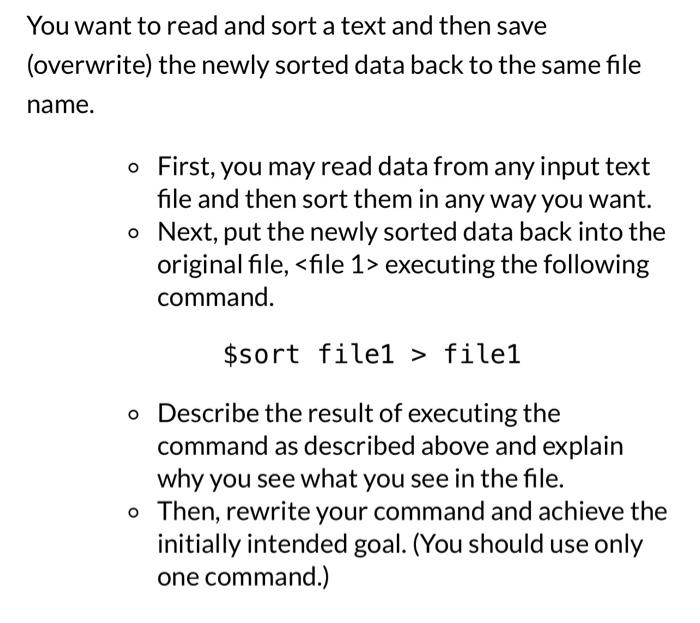
nt to read and sort a text and then save rite) the newly sorted data back to the same file - First, you may read data from any input text file and then sort them in any way you want. - Next, put the newly sorted data back into the original file, executing the following command. \$sort file1 > file1 - Describe the result of executing the command as described above and explain why you see what you see in the file. - Then, rewrite your command and achieve the initially intended goal. (You should use only one command.)
Step by Step Solution
There are 3 Steps involved in it
1 Expert Approved Answer
Step: 1 Unlock

Question Has Been Solved by an Expert!
Get step-by-step solutions from verified subject matter experts
Step: 2 Unlock
Step: 3 Unlock
 Study Help