







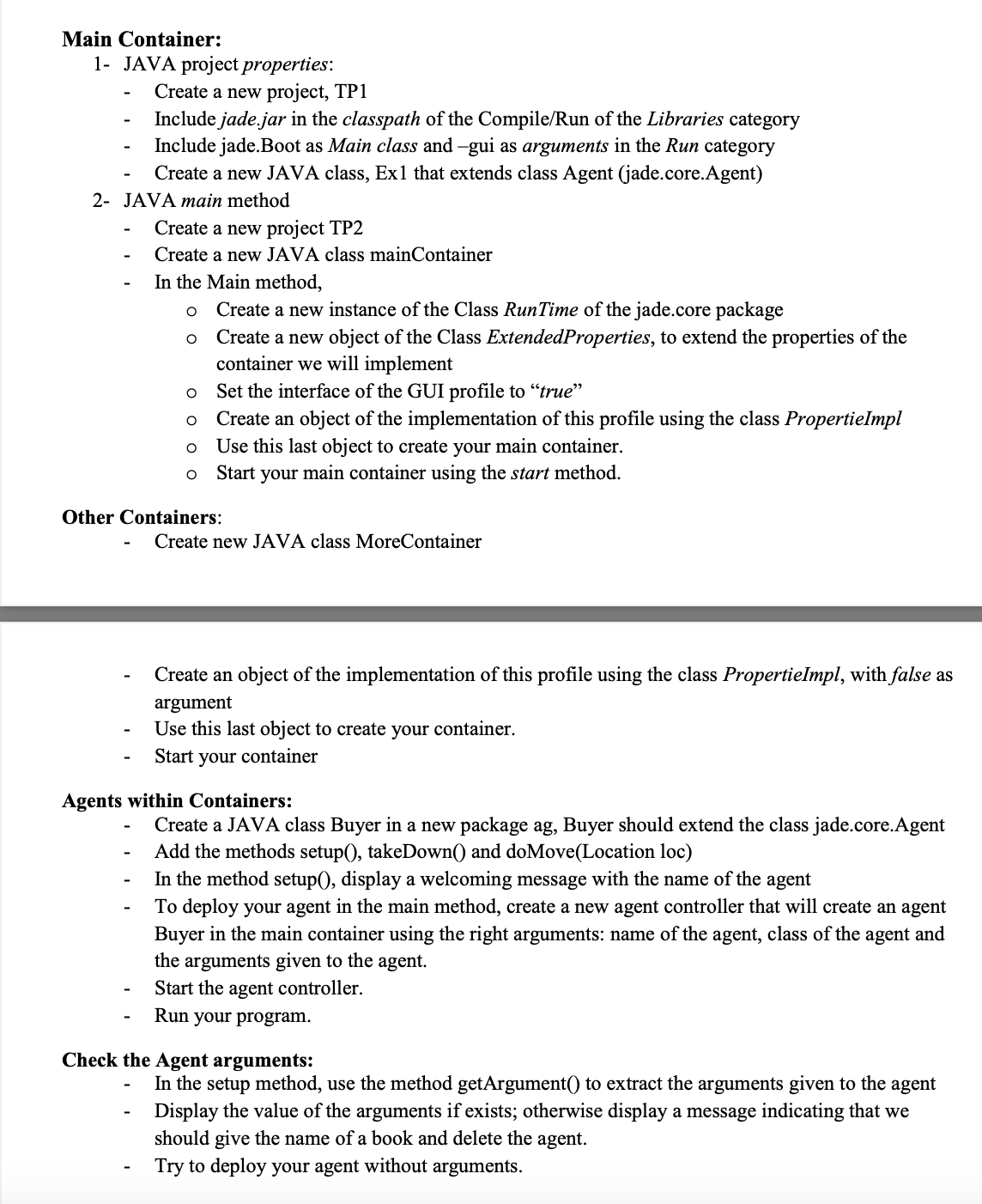
Question: Main Container: 1 - JAVA project properties: Create a new project, TP 1 Include jade.jar in the classpath of the Compile / Run of the
Main Container:
JAVA project properties:
Create a new project, TP
Include jade.jar in the classpath of the CompileRun of the Libraries category
Include jade.Boot as Main class and gui as arguments in the Run category
Create a new JAVA class, Ex that extends class Agent jadecore.Agent
JAVA main method
Create a new project TP
Create a new JAVA class mainContainer
In the Main method,
Create a new instance of the Class RunTime of the jade.core package
Create a new object of the Class ExtendedProperties, to extend the properties of the
container we will implement
Set the interface of the GUI profile to "true"
Create an object of the implementation of this profile using the class PropertieImpl
Use this last object to create your main container.
Start your main container using the start method.
Other Containers:
Create new JAVA class MoreContainer
Create an object of the implementation of this profile using the class PropertieImpl, with false as
argument
Use this last object to create your container.
Start your container
Agents within Containers:
Create a JAVA class Buyer in a new package ag Buyer should extend the class jade.core.Agent
Add the methods setup takeDown and doMoveLocation loc
In the method setup display a welcoming message with the name of the agent
To deploy your agent in the main method, create a new agent controller that will create an agent
Buyer in the main container using the right arguments: name of the agent, class of the agent and
the arguments given to the agent.
Start the agent controller.
Run your program.
Check the Agent arguments:
In the setup method, use the method getArgument to extract the arguments given to the agent
Display the value of the arguments if exists; otherwise display a message indicating that we
should give the name of a book and delete the agent.
Try to deploy your agent without arguments.
Step by Step Solution
There are 3 Steps involved in it
1 Expert Approved Answer
Step: 1 Unlock

Question Has Been Solved by an Expert!
Get step-by-step solutions from verified subject matter experts
Step: 2 Unlock
Step: 3 Unlock
 Study Help