







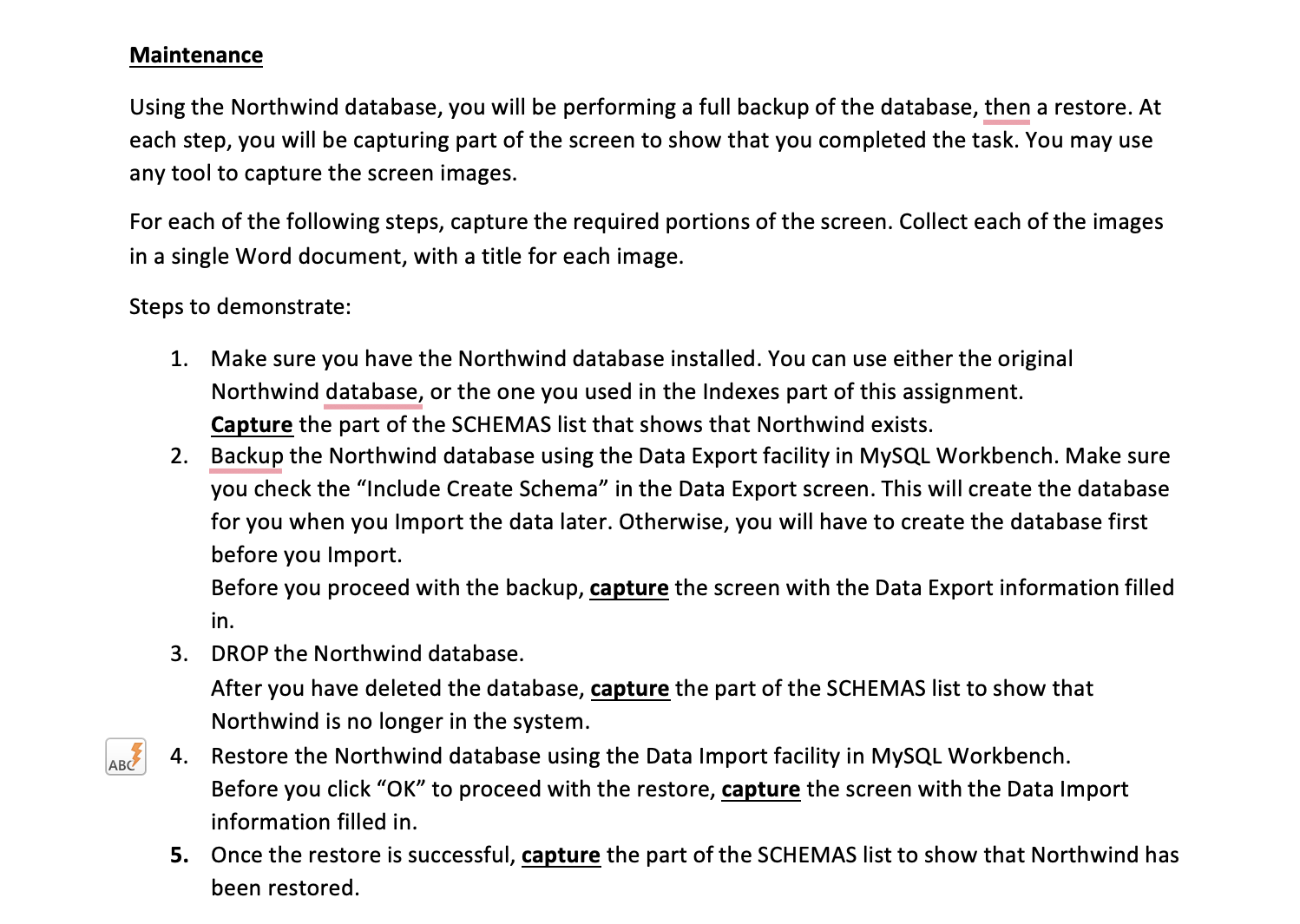
Question: Maintenance Using the Northwind database, you will be performing a full backup of the database, then a restore. At each step, you will be capturing
Maintenance
Using the Northwind database, you will be performing a full backup of the database, then a restore. At
each step, you will be capturing part of the screen to show that you completed the task. You may use
any tool to capture the screen images.
For each of the following steps, capture the required portions of the screen. Collect each of the images
in a single Word document, with a title for each image.
Steps to demonstrate:
Make sure you have the Northwind database installed. You can use either the original
Northwind database, or the one you used in the Indexes part of this assignment.
Capture the part of the SCHEMAS list that shows that Northwind exists.
Backup the Northwind database using the Data Export facility in MySQL Workbench. Make sure
you check the "Include Create Schema" in the Data Export screen. This will create the database
for you when you Import the data later. Otherwise, you will have to create the database first
before you Import.
Before you proceed with the backup, capture the screen with the Data Export information filled
in
DROP the Northwind database.
After you have deleted the database, capture the part of the SCHEMAS list to show that
Northwind is no longer in the system.
Restore the Northwind database using the Data Import facility in MySQL Workbench.
Before you click OK to proceed with the restore, capture the screen with the Data Import
information filled in
Once the restore is successful, capture the part of the SCHEMAS list to show that Northwind has
been restored.
Step by Step Solution
There are 3 Steps involved in it
1 Expert Approved Answer
Step: 1 Unlock

Question Has Been Solved by an Expert!
Get step-by-step solutions from verified subject matter experts
Step: 2 Unlock
Step: 3 Unlock
 Study Help