







Question: Make a word document with screenshots attached for each question. The screenshots should show the command you entered in the command window with the output
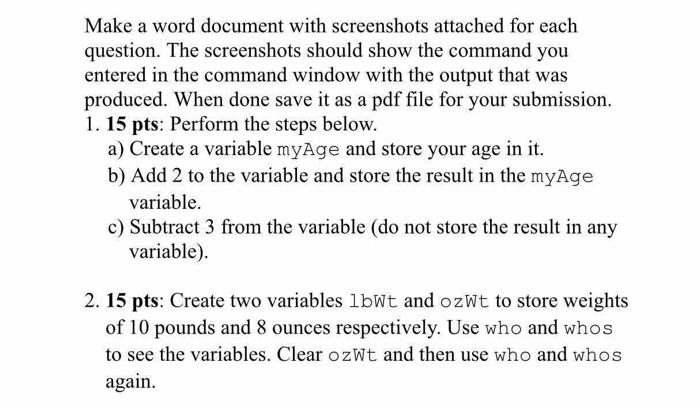
Make a word document with screenshots attached for each question. The screenshots should show the command you entered in the command window with the output that was produced. When done save it as a pdf file for your submission. 1. 15 pts: Perform the steps below. a) Create a variable myAge and store your age in it. b) Add 2 to the variable and store the result in the myAge variable. c) Subtract 3 from the variable (do not store the result in any variable). 2. 15 pts: Create two variables lbWt and ozWt to store weights of 10 pounds and 8 ounces respectively. Use who and whos to see the variables. Clear ozWt and then use who and whos again
Step by Step Solution
There are 3 Steps involved in it
1 Expert Approved Answer
Step: 1 Unlock

Question Has Been Solved by an Expert!
Get step-by-step solutions from verified subject matter experts
Step: 2 Unlock
Step: 3 Unlock
 Study Help