







Question: make the code simple and clear explain all parts, and I need screenshots of the code and its output in NS-3. Important Note: the NS-3_tutorial
make the code simple and clear
explain all parts, and I need screenshots of the code and its output in NS-3.
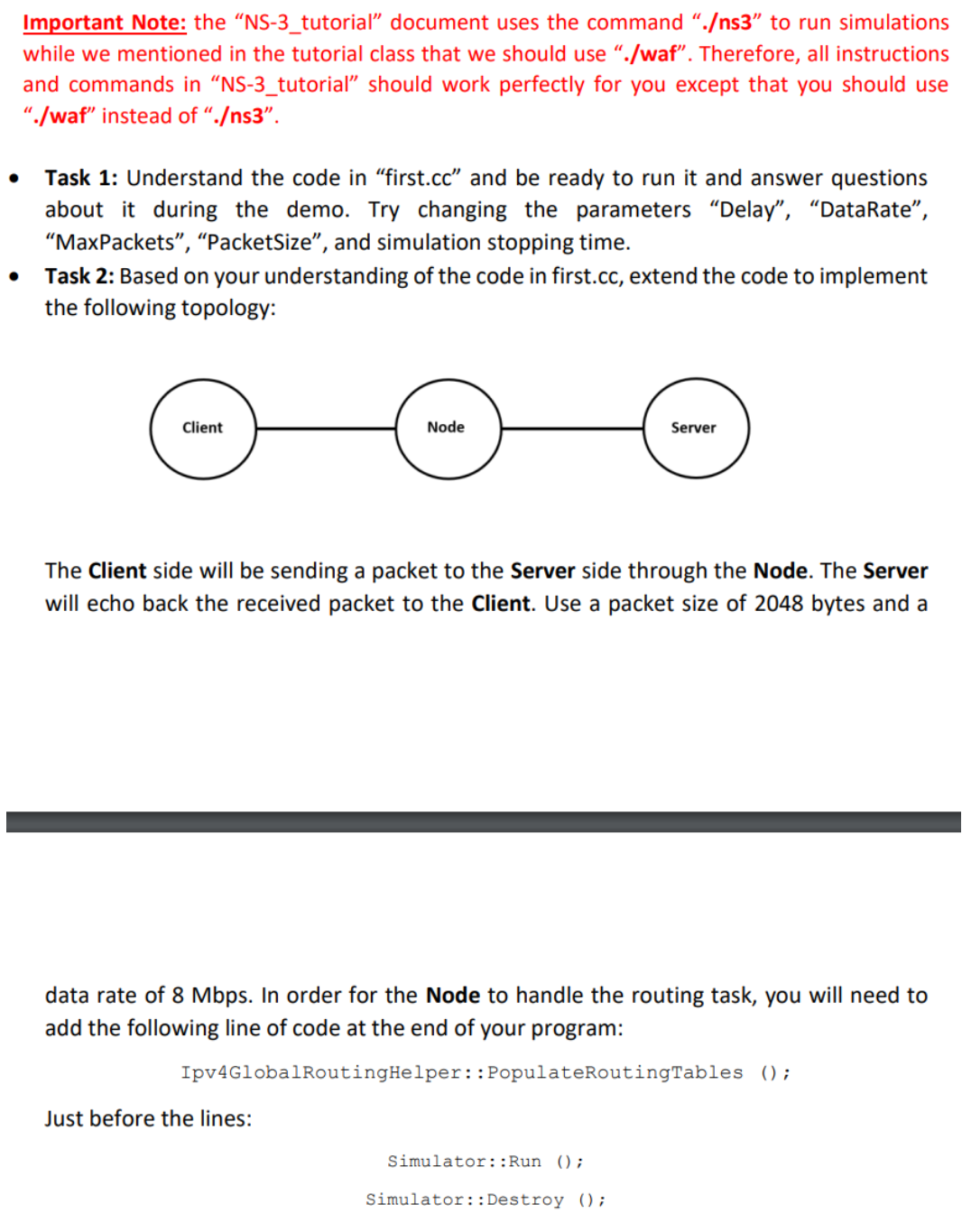
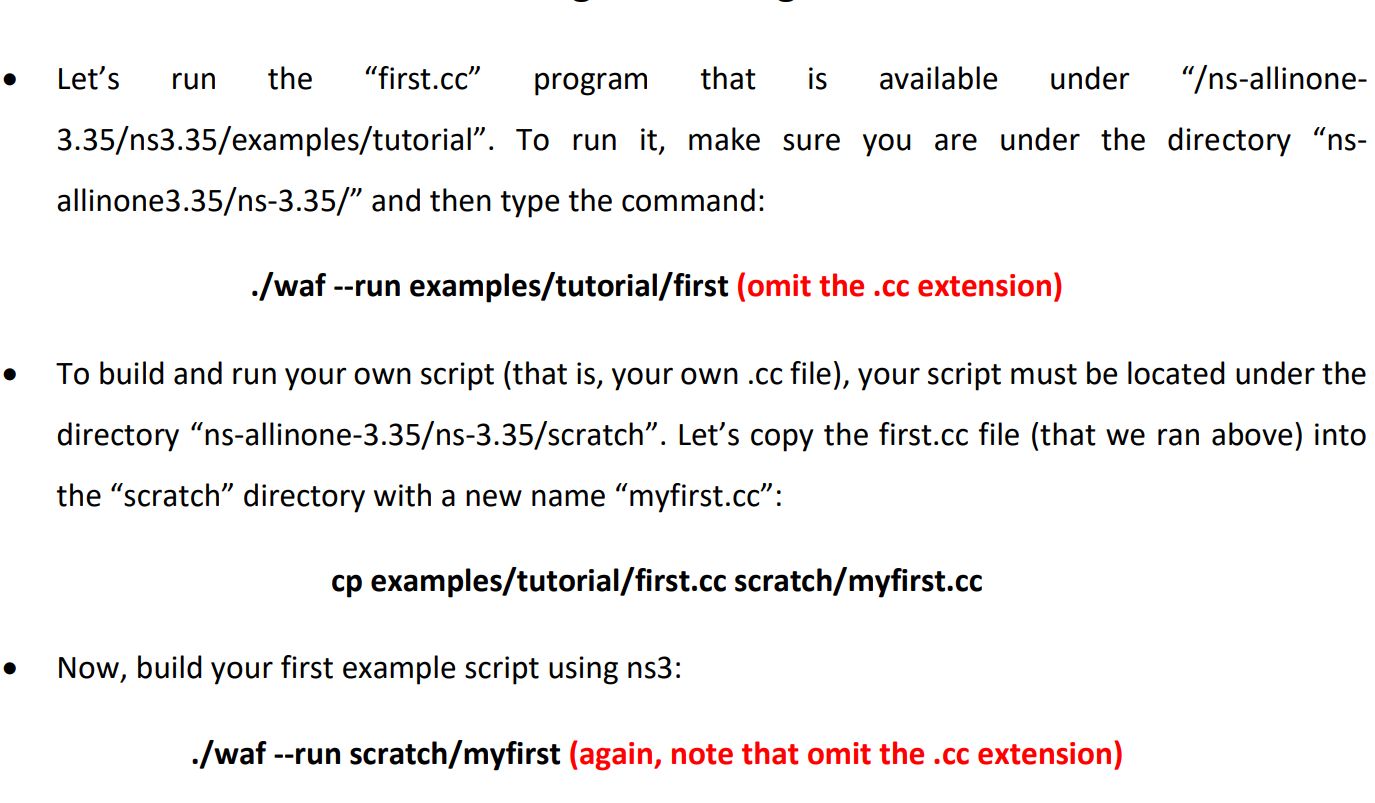
Important Note: the "NS-3_tutorial" document uses the command ".s3" to run simulations while we mentioned in the tutorial class that we should use "./waf". Therefore, all instructions and commands in "NS-3_tutorial" should work perfectly for you except that you should use "./waf" instead of ".s3". - Task 1: Understand the code in "first.cc" and be ready to run it and answer questions about it during the demo. Try changing the parameters "Delay", "DataRate", "MaxPackets", "PacketSize", and simulation stopping time. - Task 2: Based on your understanding of the code in first.cc, extend the code to implement the following topology: The Client side will be sending a packet to the Server side through the Node. The Server will echo back the received packet to the Client. Use a packet size of 2048 bytes and a data rate of 8Mbps. In order for the Node to handle the routing task, you will need to add the following line of code at the end of your program: Ipv4GlobalRoutingHelper: :PopulateRoutingTables (); Just before the lines: Simulator::Run (); Simulator: :Destroy (); Let's run the "first.cc" program that is available under "s-allinone3.35s3.35/examples/tutorial". To run it, make sure you are under the directory "nsallinone3.35s-3.35/" and then type the command: ./waf --run examples/tutorial/first (omit the .cc extension) To build and run your own script (that is, your own .cc file), your script must be located under the directory "ns-allinone-3.35s-3.35/scratch". Let's copy the first.cc file (that we ran above) into the "scratch" directory with a new name "myfirst.cc": cp examples/tutorial/first.cc scratch/myfirst.cc Now, build your first example script using ns3: ./waf --run scratch/myfirst (again, note that omit the .cc extension)
Step by Step Solution
There are 3 Steps involved in it

Get step-by-step solutions from verified subject matter experts
 Study Help