







Question: Match the error message with the formula that created the error message. The column is not wide enough to display the number; for example, you
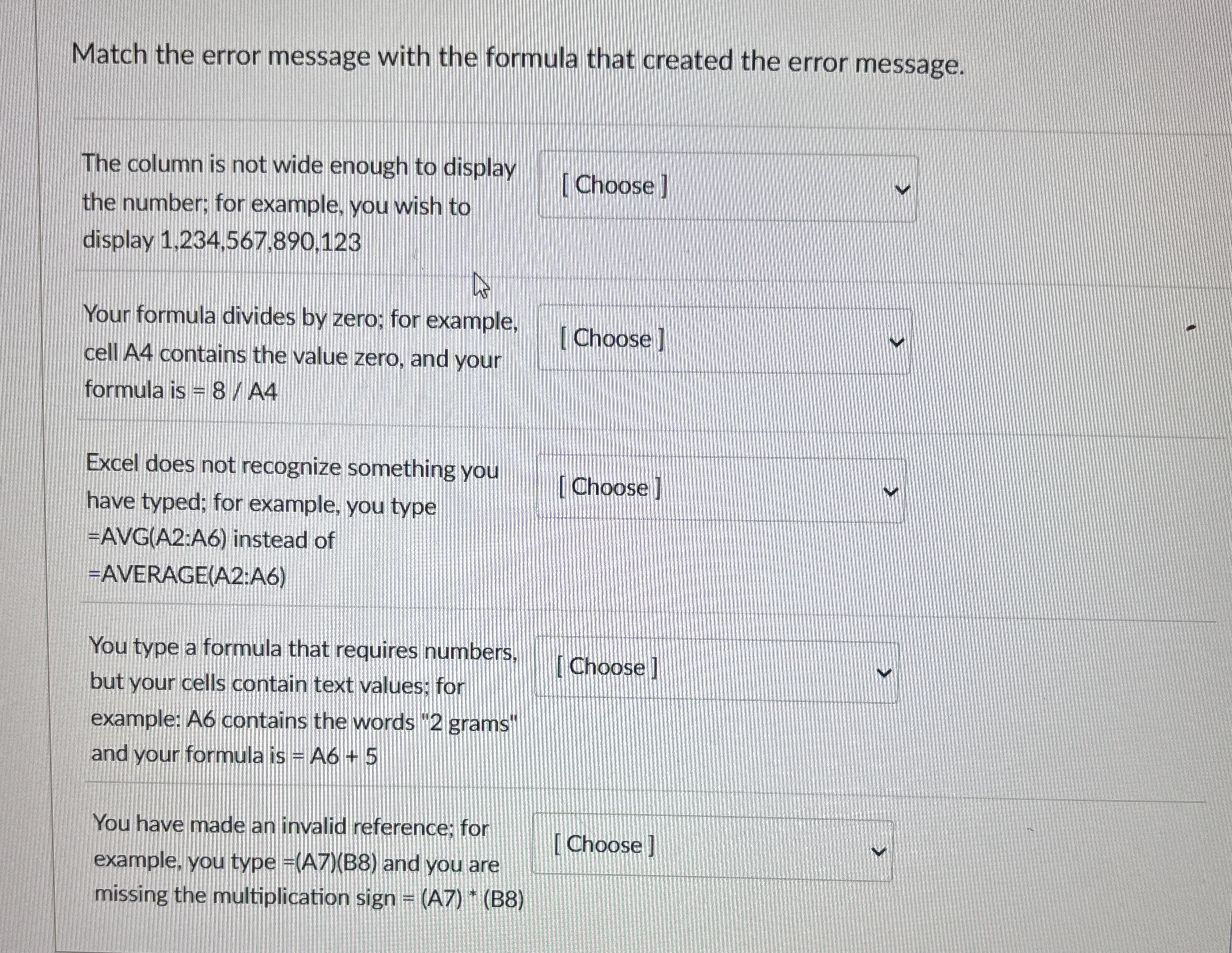
Match the error message with the formula that created the error message.
The column is not wide enough to display the number; for example, you wish to display
Your formula divides by zero; for example, cell A contains the value zero, and your formula is
Excel does not recognize something you have typed; for example, you type
Choose
AVGA:A instead of
AVERAGEA:A
You type a formula that requires numbers. but your cells contain text values; for example: A contains the words grams" and your formula is
You have made an invalid reference; for example, you type B and you are missing the multiplication sign
Step by Step Solution
There are 3 Steps involved in it
1 Expert Approved Answer
Step: 1 Unlock

Question Has Been Solved by an Expert!
Get step-by-step solutions from verified subject matter experts
Step: 2 Unlock
Step: 3 Unlock
 Study Help