







Question: Matlab: 1) Assign hasDigit with true (1) wherever passCode contains a digit. Otherwise, assign hasDigit with false (0). Ex: If passCode is '1 2 Go!',
Matlab:
1)
Assign hasDigit with true (1) wherever passCode contains a digit. Otherwise, assign hasDigit with false (0).
Ex: If passCode is '1 2 Go!', then isDigit [true, false, true, false, false, false, false].
2)
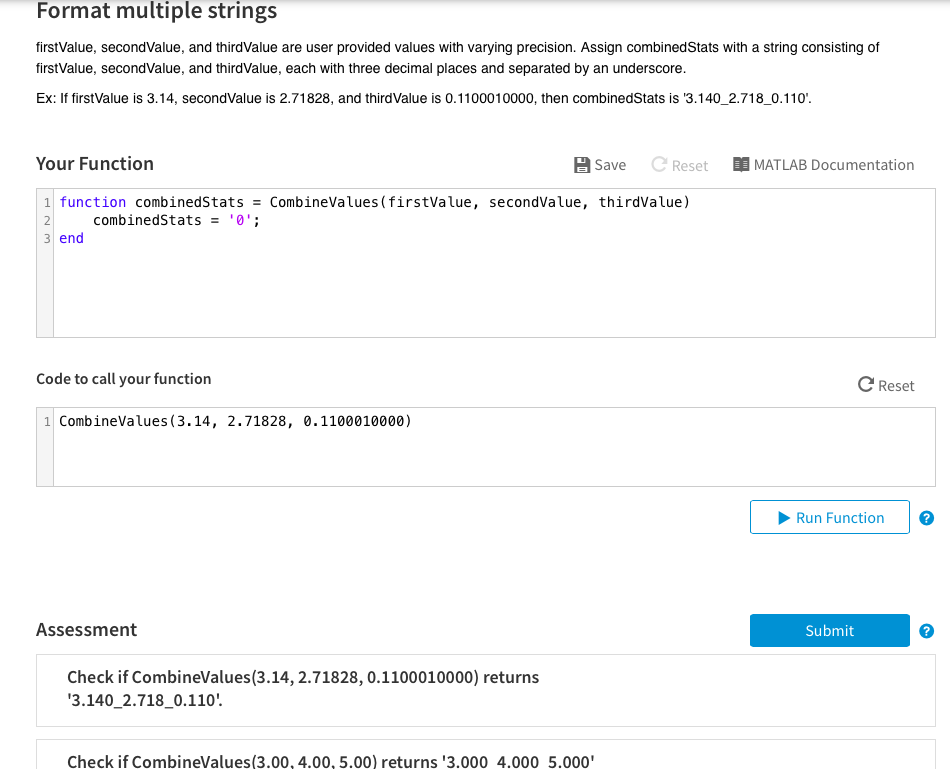
firstValue, secondValue, and thirdValue are user provided values with varying precision. Assign combinedStats with a string consisting of firstValue, secondValue, and thirdValue, each with three decimal places and separated by an underscore.
Ex: If firstValue is 3.14, secondValue is 2.71828, and thirdValue is 0.1100010000, then combinedStats is '3.140_2.718_0.110'.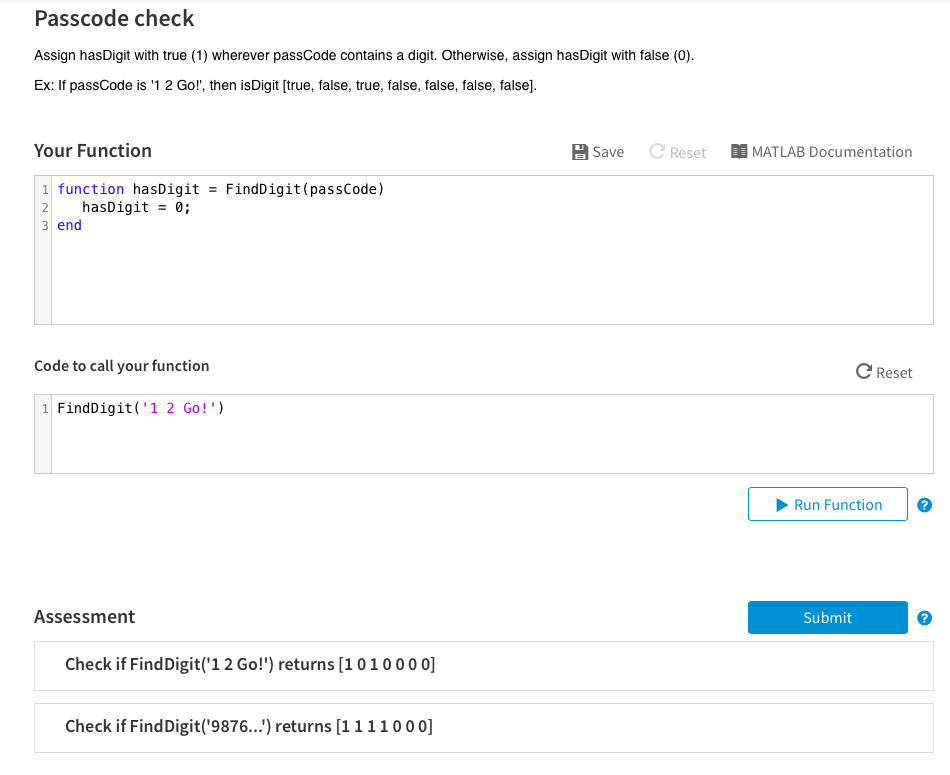
Passcode check Assign hasDigit with true (1) wherever passCode contains a digit. Otherwise, assign hasDigit with false (0 Ex: If passCode is 1 2 Go!', then isDigit [true, false, true, false, false, false, false]. Your Function Save C ResetMATLAB Documentation 1 function hasDigit FindDigit(passCode) 2 hasDigit-0 3 end Code to call your function C Reset 1 FindDigit('1 2 Go!' Run Function Assessment Submit Check if FindDigit('12 Go!') returns [1010000 Check if FindDigit('9876...) returns [1111000]
Step by Step Solution
There are 3 Steps involved in it

Get step-by-step solutions from verified subject matter experts
 Study Help