







Question: Matlab grader NOTE: We do not normally assign an fprintf to a variable. However, here we need to in order for Matlab Grader to grade
 Matlab grader
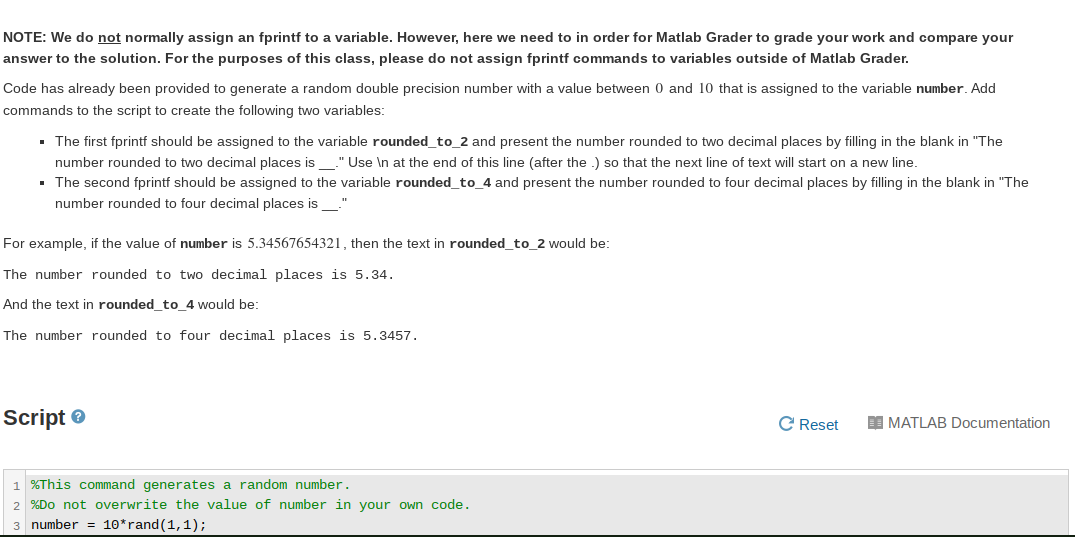
NOTE: We do not normally assign an fprintf to a variable. However, here we need to in order for Matlab Grader to grade your work and compare your answer to the solution. For the purposes of this class, please do not assign fprintf commands to variables outside of Matlab Grader. Code has already been provided to generate a random double precision number with a value between 0 and 10 that is assigned to the variable number. Add commands to the script to create the following two variables: The first fprintf should be assigned to the variable rounded_to_2 and present the number rounded to two decimal places by filling in the blank in "The number rounded to two decimal places is _." Use In at the end of this line (after the .) so that the next line of text will start on a new line. The second fprintf should be assigned to the variable rounded_to_4 and present the number rounded to four decimal places by filling in the blank in "The number rounded to four decimal places is _." For example, if the value of number is 5.34567654321, then the text in rounded_to_2 would be: The number rounded to two decimal places is 5.34. And the text in rounded_to_4 would be: The number rounded to four decimal places is 5.3457. Script C Reset DI MATLAB Documentation 1 %This command generates a random number. 2%Do not overwrite the value of number in your own code. 3 number = 10* rand(1,1)
Step by Step Solution
There are 3 Steps involved in it

Get step-by-step solutions from verified subject matter experts
 Study Help