







Question: MATLAB I have this code so far, the object of the assignment is to take the image Parkes.png, resize it and turn it into four
 MATLAB
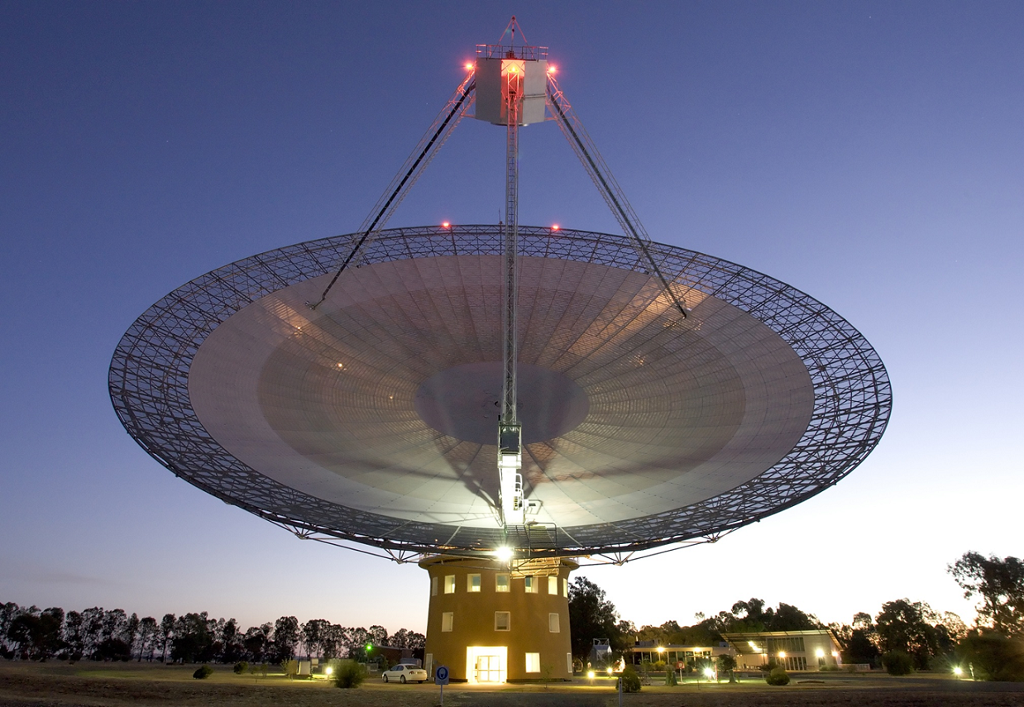
I have this code so far, the object of the assignment is to take the image "Parkes.png", resize it and turn it into four images in a sort of four-square type box. One is supposed to be gray, one is supposed to be gray-from-mean, and one is supposed to be edges, the last is the original image.
The issue I'm having is with concatenation, I'm not sure how to specify the dimensions for concatenation with the different filters on these images. This is the error message I'm receiving:
Error using horzcat Dimensions of matrices being concatenated are not consistent.
Error in test (line 17) imshow([F1,F2])
My code is as follows:
O =imread('Parkes.png'); R = imresize(O,0.25);
%RGB I1 = R; %gray I3 = rgb2gray(R); %edge I4 = edge(I3,'sobel'); I4 = uint8(I4.*255); %gray from mean I2 = mean(R,3); I2 = uint8(I2);
F1 = cat(3,I1,I2); F2 = cat(2,I3,I4); imshow([F1,F2]) imshow([I1,I2,I3,I4])
Step by Step Solution
There are 3 Steps involved in it

Get step-by-step solutions from verified subject matter experts
 Study Help