







Question: MATLAB: Linear Transformations In this activity you will create a linear transformation matrix and apply it to a set of points, creating a plot
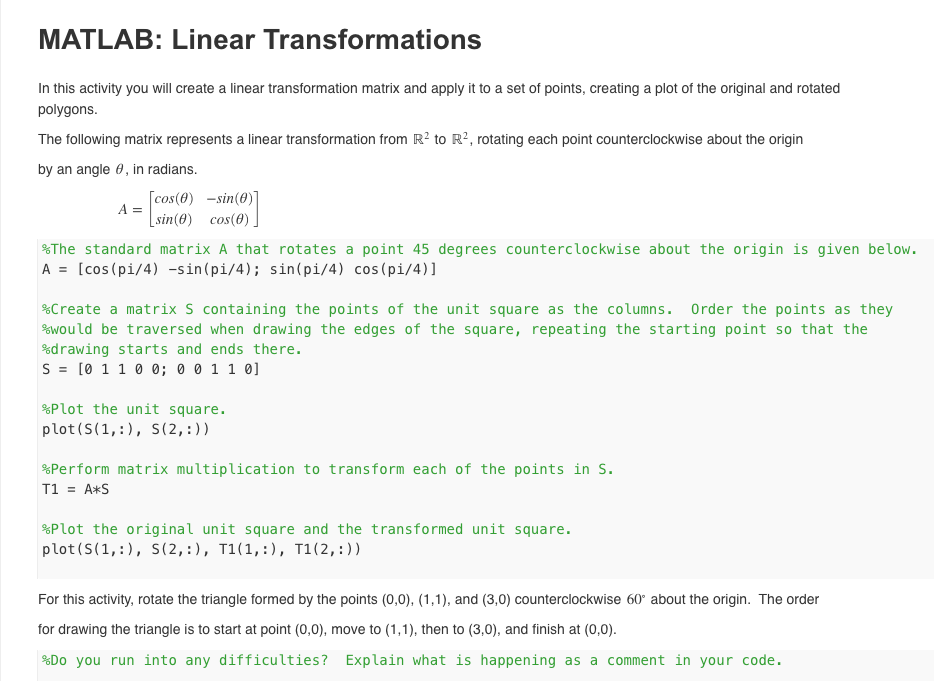
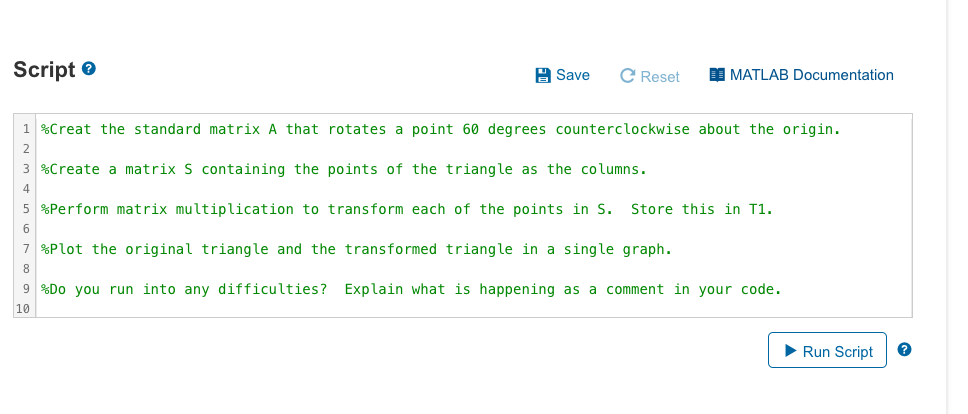
MATLAB: Linear Transformations In this activity you will create a linear transformation matrix and apply it to a set of points, creating a plot of the original and rotated polygons. The following matrix represents a linear transformation from R to R, rotating each point counterclockwise about the origin by an angle , in radians. [cos(0) -sin(0)] [sin(0) cos(0) A = The standard matrix A that rotates a point 45 degrees counterclockwise about the origin is given below. A = [cos(pi/4) -sin(pi/4); sin(pi/4) cos(pi/4)] %Create a matrix S containing the points of the unit square as the columns. Order the points as they %would be traversed when drawing the edges of the square, repeating the starting point so that the %drawing starts and ends there. S = [0 1 1 0 0; 0 0 1 1 0] Plot the unit square. plot (S(1,:), S (2,:)) %Perform matrix multiplication to transform each of the points in S. T1 = A*S *Plot the original unit square and the transformed unit square. plot (S(1,:), S(2,:), T1(1,:), T1(2,:)) For this activity, rotate the triangle formed by the points (0,0), (1,1), and (3,0) counterclockwise 60 about the origin. The order for drawing the triangle is to start at point (0,0), move to (1,1), then to (3,0), and finish at (0,0). %Do you run into any difficulties? Explain what is happening as a comment in your code. Script> Save C Reset MATLAB Documentation 1 %Creat the standard matrix A that rotates a point 60 degrees counterclockwise about the origin. 2 3%Create a matrix S containing the points of the triangle as the columns. 4 5 %Perform matrix multiplication to transform each of the points in S. Store this in T1. 6 7 %Plot the original triangle and the transformed triangle in a single graph. 8 9 %Do you run into any difficulties? Explain what is happening as a comment in your code. 10 Run Script
Step by Step Solution
3.43 Rating (162 Votes )
There are 3 Steps involved in it

Get step-by-step solutions from verified subject matter experts
 Study Help