







Question: Matlab Output: Please do not provide the following code since it doesnt work % Rean two images into A and B A = imread('lena.jpg'); B
Matlab
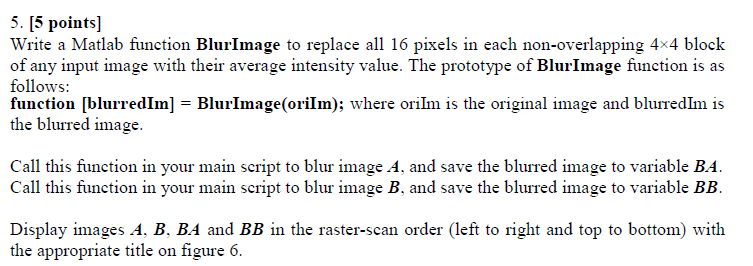
Output:
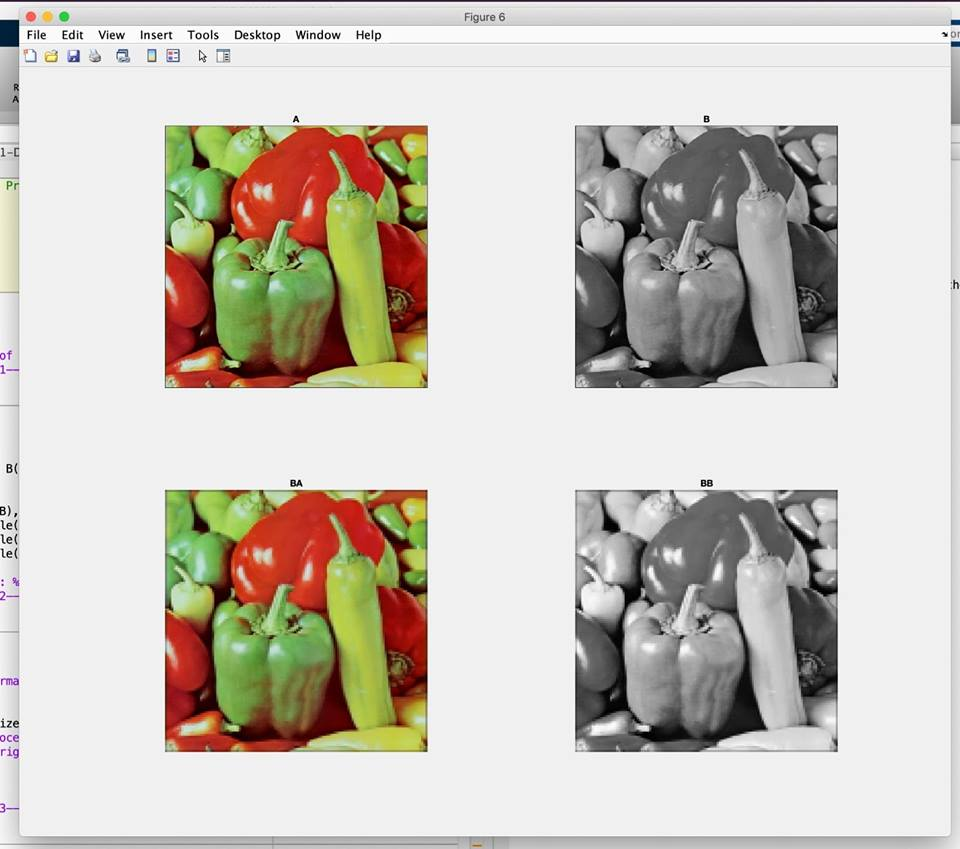
Please do not provide the following code since it doesnt work
% Rean two images into A and B A = imread('lena.jpg'); B = imread('greens.jpg');
% Display the two images subplot(2, 2, 1); imshow(A); title('Original Lena Image'); subplot(2, 2, 3); imshow(B); title('Original Greens Image');
%Call for BlurImage function BA = BlurImage(A); BB = BlurImage(B);
%Display the blurred images subplot(2, 2, 2); imshow(BA); title('Blurred Lena Image'); subplot(2, 2, 4); imshow(BB); title('Blurred Grrens Image');
% Function definition for BlurImage function [blurredIm] = BlurImage(oriIm) % Create the matrix blurredIm blurredIm = imfilter(oriIm, ones(4)/16); end
Output:
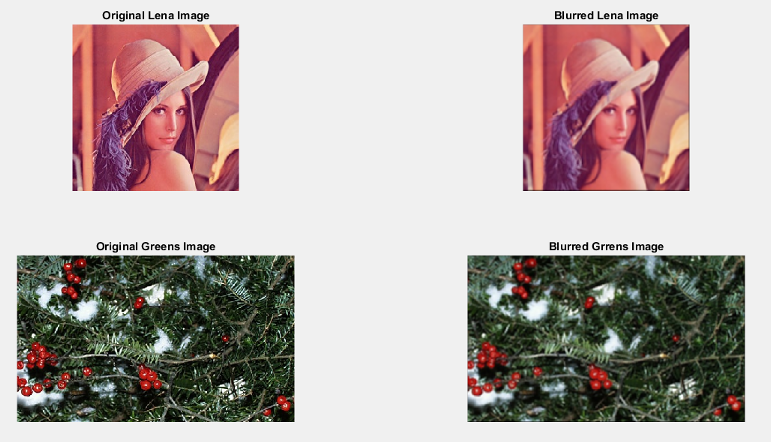
5. [5 points] Write a Matlab function BlurImage to replace all 16 pixels in each non-overlapping 4x4 block of any input image with their average intensity value. The prototype of BlurImage function is as follows: function [blurredIm] -BlurImage(orilm); where orilm is the original image and blurredIm is the blurred image. Call this function in your main script to blur image A, and save the blurred image to variable BA Call this function in your main script to blur image B, and save the blurred image to variable BB Display images A, B, BA and BB in the raster-scan order (left to right and top to bottom) with the appropriate title on figure 6. Figure 6 File Edit View Insert Tools Desktop Window Help Pr of BA B8 le( le( Le nma ize nng Original Lena Image Blurred Lena Image Original Greens Image Blurred Grrens Image
Step by Step Solution
There are 3 Steps involved in it

Get step-by-step solutions from verified subject matter experts
 Study Help