







Question: Matlab (Please provide the code ready to run) include screenshot of it link to images: https://mega.nz/#F!cmozlaAT!M6K-k_q-Z_2RdOKlJxMlKA Expected Output: Note: If boundary extension is needed, please
Matlab (Please provide the code ready to run) include screenshot of it
link to images:
https://mega.nz/#F!cmozlaAT!M6K-k_q-Z_2RdOKlJxMlKA
Expected Output:
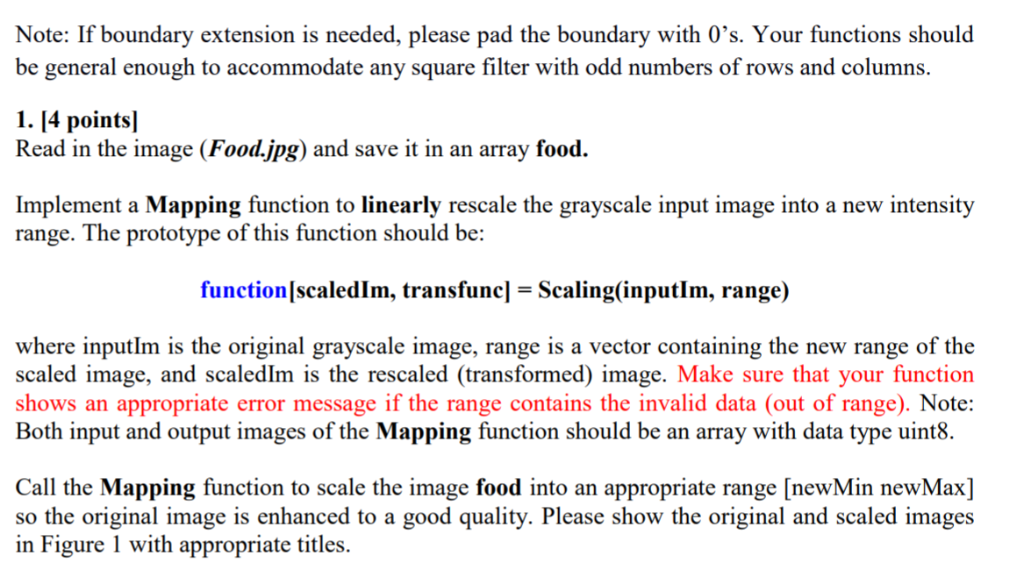
Note: If boundary extension is needed, please pad the boundary with O's. Your functions should be general enough to accommodate any square filter with odd numbers of rows and columns. 1. I4 points] Read in the image (Food.jpg) and save it in an array food. Implement a Mapping function to linearly rescale the grayscale input image into a new intensity range. The prototype of this function should be: function[scaledlm, transfuncl - Scaling(inputlm, range) where inputlm is the original grayscale image, range is a vector containing the new range of the scaled image, and scaledIm is the rescaled (transformed) image. Make sure that your function shows an appropriate error message if the range contains the invalid data (out of range). Note: Both input and output images of the Mapping function should be an array with data type uint8. Call the Mapping function to scale the image food into an appropriate range [newMin newMax] so the original image is enhanced to a good quality. Please show the original and scaled images in Figure 1 with appropriate titlesStep by Step Solution
There are 3 Steps involved in it
1 Expert Approved Answer
Step: 1 Unlock

Question Has Been Solved by an Expert!
Get step-by-step solutions from verified subject matter experts
Step: 2 Unlock
Step: 3 Unlock
 Study Help