







Question: MATLAB. Please write a code that creates a playable Minesweeper game in MATLAB. Thank you CISC 130 Lab #5 - Minesweeper Introduction This Lab should
MATLAB. Please write a code that creates a playable Minesweeper game in MATLAB. Thank you
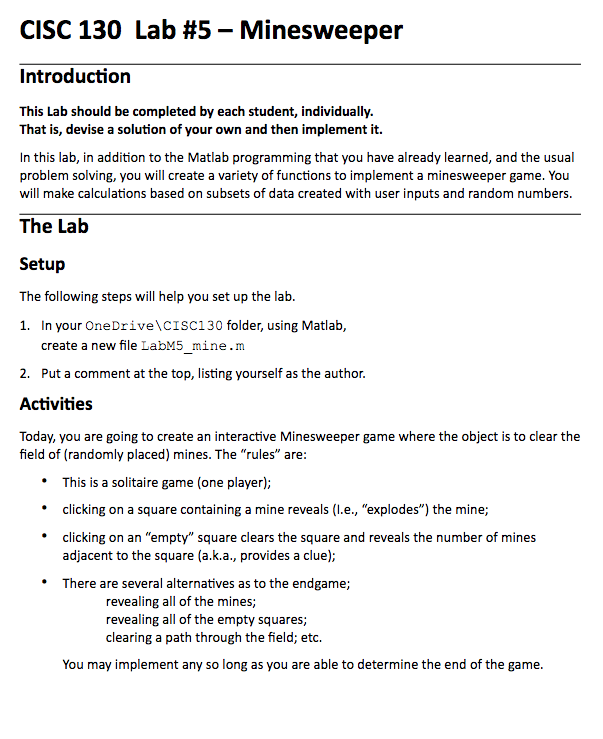
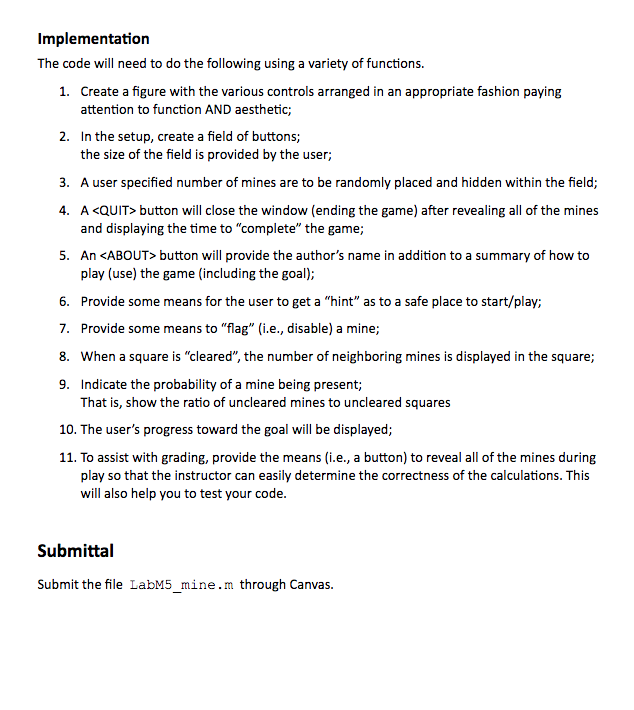
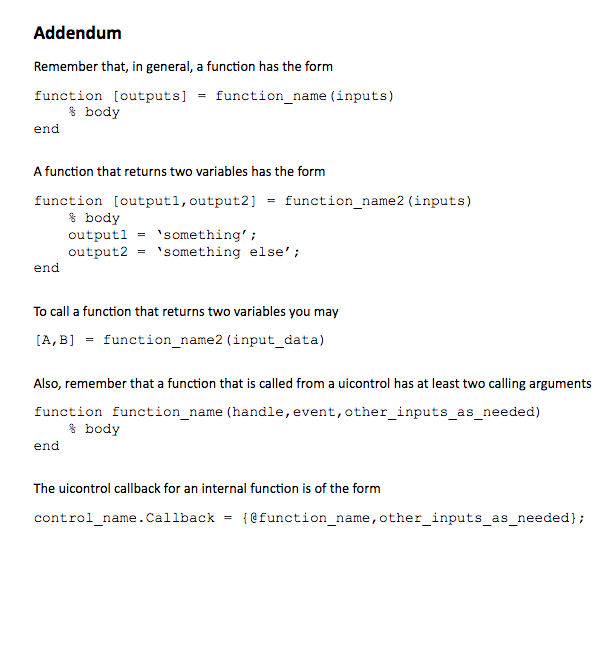
CISC 130 Lab #5 - Minesweeper Introduction This Lab should be completed by each student, individually. That is, devise a solution of your own and then implement it. In this lab, in addition to the Matlab programming that you have already learned, and the usual problem solving, you will create a variety of functions to implement a minesweeper game. You will make calculations based on subsets of data created with user inputs and random numbers. The Lab Setup The following steps will help you set up the lab. 1. In your OneDrive CISC130 folder, using Matlab, create a new file LabM5_mine.m 2. Put a comment at the top, listing yourself as the author. Activities Today, you are going to create an interactive Minesweeper game where the object is to clear the field of (randomly placed) mines. The "rules" are: This is a solitaire game (one player); clicking on a square containing a mine reveals (l.e., "explodes") the mine; clicking on an "empty" square clears the square and reveals the number of mines adjacent to the square (a.k.a., provides a clue); There are several alternatives as to the endgame; revealing all of the mines; revealing all of the empty squares; clearing a path through the field; etc. You may implement any so long as you are able to determine the end of the game. Implementation The code will need to do the following using a variety of functions. 1. Create a figure with the various controls arranged in an appropriate fashion paying attention to function AND aesthetic; 2. In the setup, create a field of buttons; the size of the field is provided by the user; 3. A user specified number of mines are to be randomly placed and hidden within the field; 4. A
Step by Step Solution
There are 3 Steps involved in it

Get step-by-step solutions from verified subject matter experts
 Study Help