







Question: (Matlab) Take this image, downsample and convert to black and white with the follwoing code: harborBW=rgb2gray(harbor); harborDS=downsample(harborBW,3); The simplest interpolation would be reconstruction with a
(Matlab) Take this image, downsample and convert to black and white with the follwoing code:
harborBW=rgb2gray(harbor);
harborDS=downsample(harborBW,3);
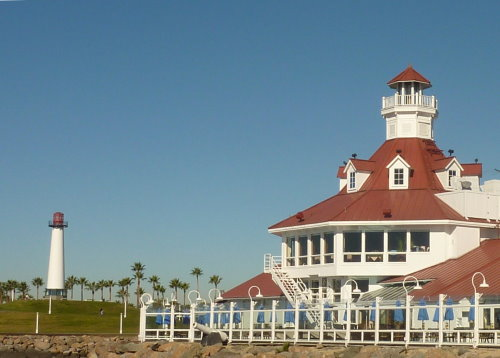
The simplest interpolation would be reconstruction with a square pulse which produces a zero-order hold. Here is a method that works for a one-dimensional signal (i.e., one row or one column of the image), assuming that we start with a row vector xr1, and the result is the row vector xr1hold.
xr1 = (-2).(0:6);
L = length(xr1);
nn = ceil((0.999:1:4*L)/4); %
xr1hold = xr1(nn);
Use this method to up sample the down sampled gray scale image by a factor of 3. Interpolate both on rows and columns. Display the new image.
E
Step by Step Solution
There are 3 Steps involved in it

Get step-by-step solutions from verified subject matter experts
 Study Help