







Question: Media assignment Image editing and saving for web I have been working on this assignment for two days and I am so lost. I can
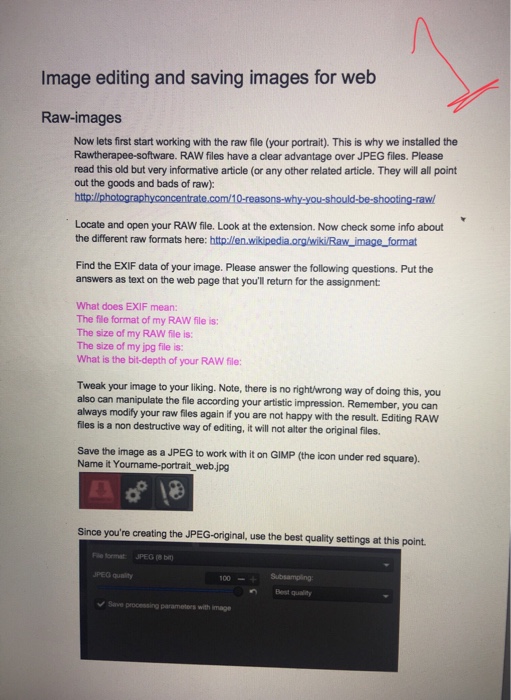
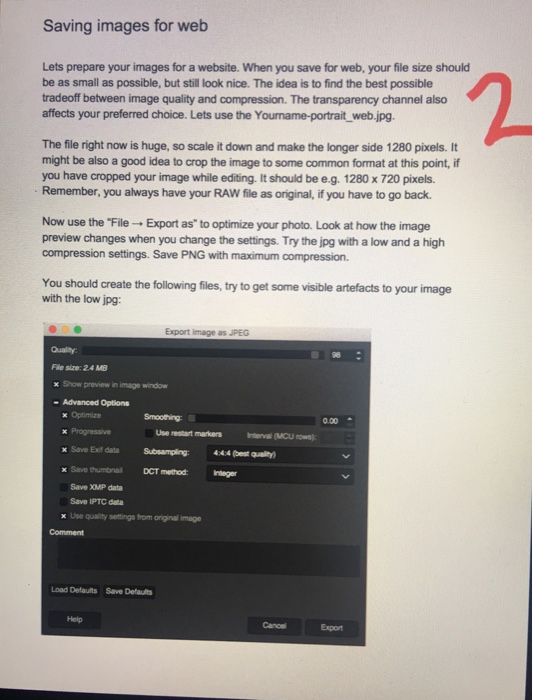
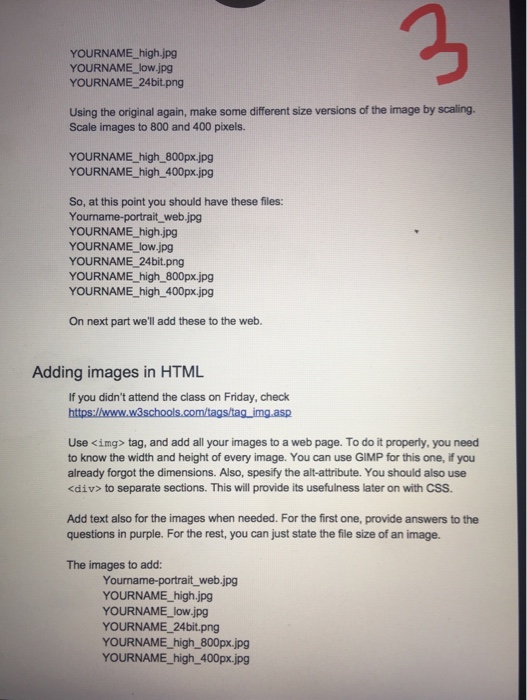
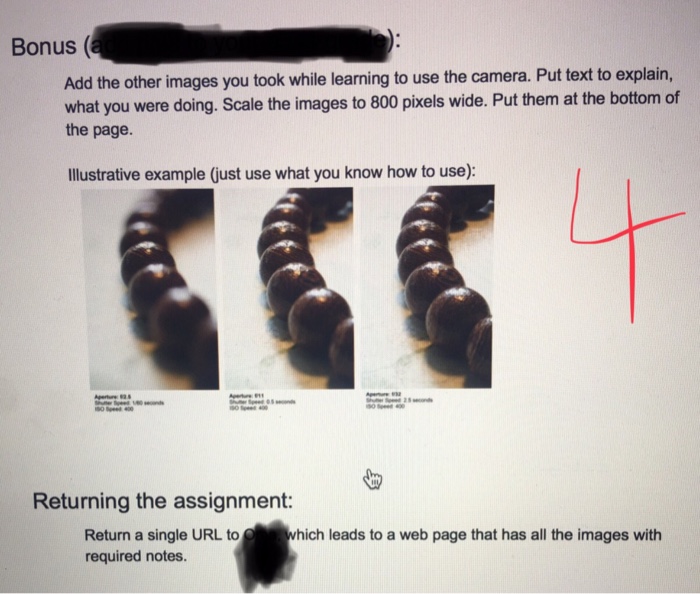
Image editing and saving images for web Raw-images Now lets first start working with the raw file (your portrait). This is why we installed the Rawtherapee-software. RAW files have a clear advantage over JPEG files. Please read this old but very informative article (or any other related article. They will all point out the goods and bads of raw) Locate and open your RAW file. Look at the extension. Now check some info about the different raw formats here: Find the EXIF data of your image. Please answer the following questions. Put the answers as text on the web page that you'll return for the assignment What does EXIF mean: The file format of my RAW file is: The size of my RAW file is: The size of my jpg file is: What is the bit-depth of your RAW file: Tweak your image to your liking. Note, there is no rightwrong way of doing this, you also can manipulate the file according your artistic impression. Remember, you can always modify your raw files again if you are not happy with the result. Editing RAW files is a non destructive way of editing, it will not alter the original files. Save the image as a JPEG to wonk with it on GIMP (the icon under red square). Name it Youname-portrait_ web.jpg oo 18 Since you're creating the JPEG-original, use the best quality settings at this point e format JPEG 8bit PED qualit Best quality Save processing parameters with image Image editing and saving images for web Raw-images Now lets first start working with the raw file (your portrait). This is why we installed the Rawtherapee-software. RAW files have a clear advantage over JPEG files. Please read this old but very informative article (or any other related article. They will all point out the goods and bads of raw) Locate and open your RAW file. Look at the extension. Now check some info about the different raw formats here: Find the EXIF data of your image. Please answer the following questions. Put the answers as text on the web page that you'll return for the assignment What does EXIF mean: The file format of my RAW file is: The size of my RAW file is: The size of my jpg file is: What is the bit-depth of your RAW file: Tweak your image to your liking. Note, there is no rightwrong way of doing this, you also can manipulate the file according your artistic impression. Remember, you can always modify your raw files again if you are not happy with the result. Editing RAW files is a non destructive way of editing, it will not alter the original files. Save the image as a JPEG to wonk with it on GIMP (the icon under red square). Name it Youname-portrait_ web.jpg oo 18 Since you're creating the JPEG-original, use the best quality settings at this point e format JPEG 8bit PED qualit Best quality Save processing parameters with image
Step by Step Solution
There are 3 Steps involved in it

Get step-by-step solutions from verified subject matter experts
 Study Help