







Question: (Memory mapped I/O-polling) Write a MIPS program to implement the following single digit adder: keyboard input: X+Y display output: X+Y-Z where X and Y are
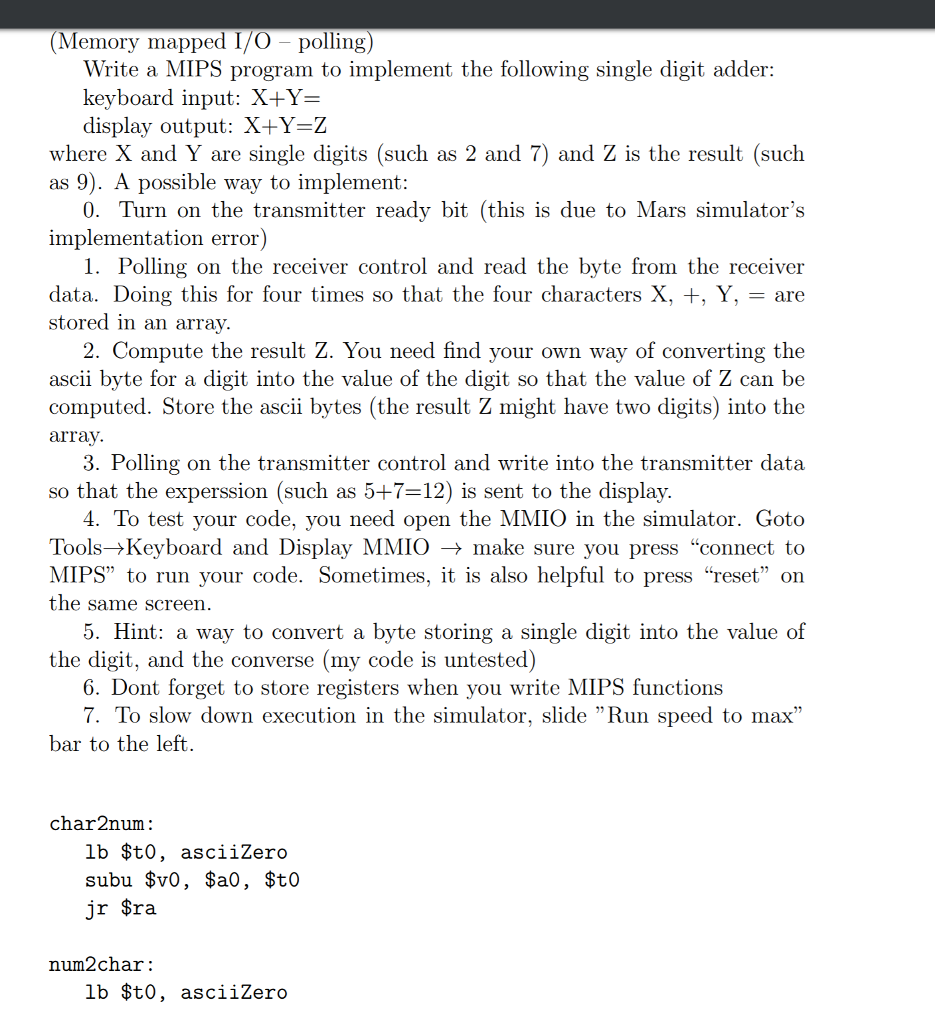
(Memory mapped I/O-polling) Write a MIPS program to implement the following single digit adder: keyboard input: X+Y display output: X+Y-Z where X and Y are single digits (such as 2 and 7) and Z is the result (such as 9). A possible way to implement: 0. Turn on the transmitter ready bit (this is due to Mars simulator's implementation error) 1. Polling on the receiver control and read the byte from the receiver data. Doing this for four times so that the four characters +, Y, are stored in an array. 2. Compute the result Z. You need find your own way of converting the ascii byte for a digit into the value of the digit so that the value of Z can be computed. Store the ascii bytes (the result Z might have two digits) into the array. 3. Polling on the transmitter control and write into the transmitter data so that the experssion (such as 5+7-12) is sent to the display. 4. To test your code, you need open the MMIO in the simulator. Goto Tools->Keyboard and Display MMIO -> make sure you press "connect to MIPS" to run your code. Sometimes, it is also helpful to press "reset" on the same screen 5. Hint: a way to convert a byte storing a single digit into the value of the digit, and the converse (my code is untested) 6. Dont forget to store registers when you write MIPS functions 7. To slow down execution in the simulator, slide "Run speed to max bar to the left. char2num: lb $t0, asciiZero subu $v0, $a0, $t0 jr $ra num2char: lb $t0, asciiZero (Memory mapped I/O-polling) Write a MIPS program to implement the following single digit adder: keyboard input: X+Y display output: X+Y-Z where X and Y are single digits (such as 2 and 7) and Z is the result (such as 9). A possible way to implement: 0. Turn on the transmitter ready bit (this is due to Mars simulator's implementation error) 1. Polling on the receiver control and read the byte from the receiver data. Doing this for four times so that the four characters +, Y, are stored in an array. 2. Compute the result Z. You need find your own way of converting the ascii byte for a digit into the value of the digit so that the value of Z can be computed. Store the ascii bytes (the result Z might have two digits) into the array. 3. Polling on the transmitter control and write into the transmitter data so that the experssion (such as 5+7-12) is sent to the display. 4. To test your code, you need open the MMIO in the simulator. Goto Tools->Keyboard and Display MMIO -> make sure you press "connect to MIPS" to run your code. Sometimes, it is also helpful to press "reset" on the same screen 5. Hint: a way to convert a byte storing a single digit into the value of the digit, and the converse (my code is untested) 6. Dont forget to store registers when you write MIPS functions 7. To slow down execution in the simulator, slide "Run speed to max bar to the left. char2num: lb $t0, asciiZero subu $v0, $a0, $t0 jr $ra num2char: lb $t0, asciiZero
Step by Step Solution
There are 3 Steps involved in it

Get step-by-step solutions from verified subject matter experts
 Study Help