







Question: Menu systems using loops Exercise 3. Starting with the program you wrote for Lab03's Exercise 1, implement a simple menu system that allows the user
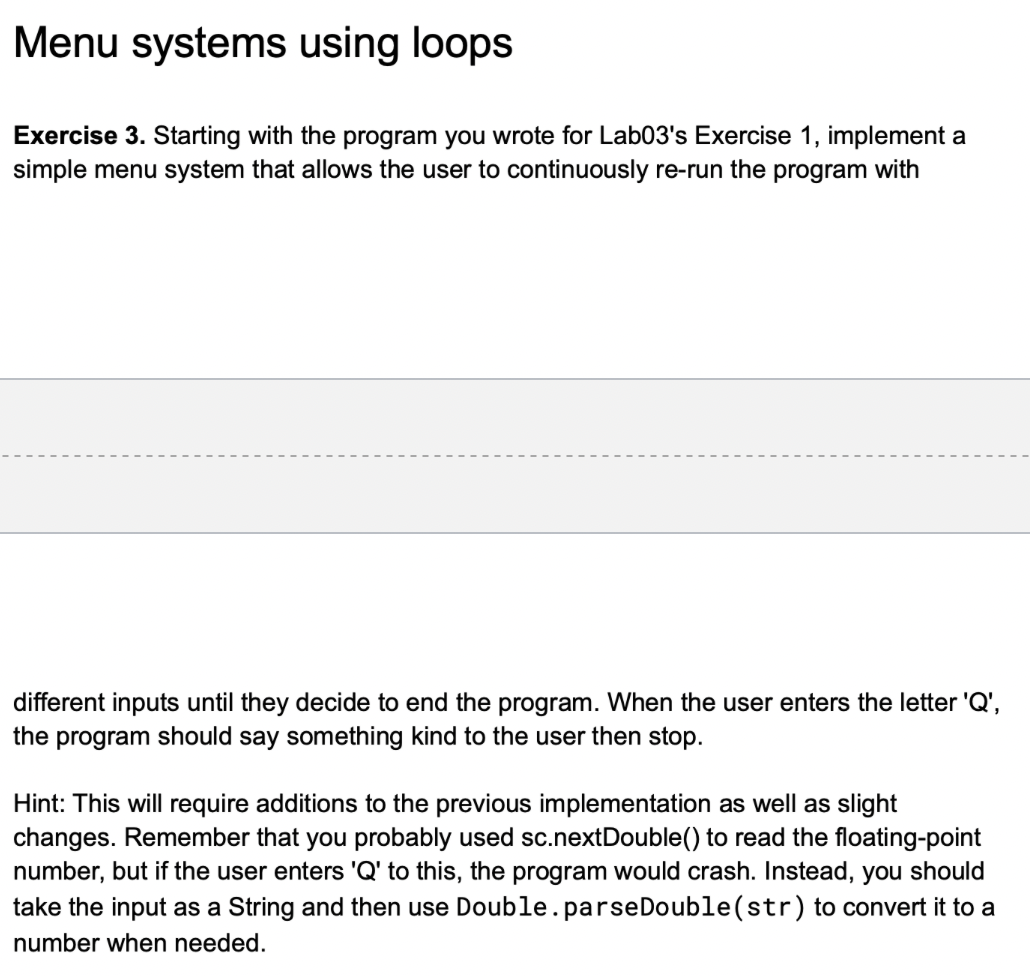
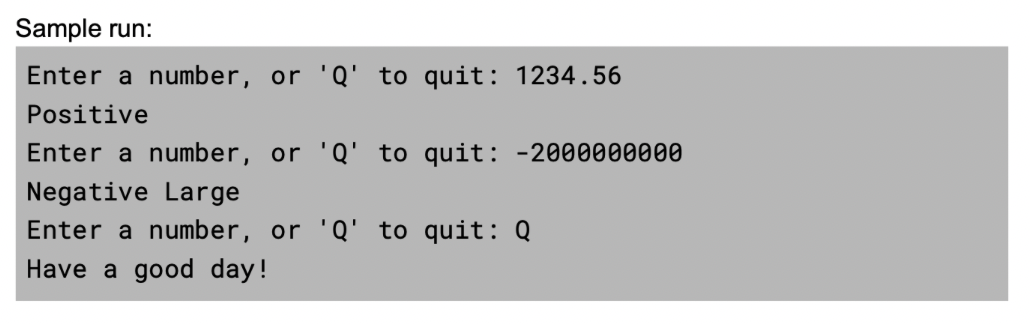
Menu systems using loops Exercise 3. Starting with the program you wrote for Lab03's Exercise 1, implement a simple menu system that allows the user to continuously re-run the program with different inputs until they decide to end the program. When the user enters the letter ' Q ', the program should say something kind to the user then stop. Hint: This will require additions to the previous implementation as well as slight changes. Remember that you probably used sc.nextDouble() to read the floating-point number, but if the user enters ' Q ' to this, the program would crash. Instead, you should take the input as a String and then use Double.parseDouble(str) to convert it to a number when needed. Sample run: Enter a number, or ' Q ' to quit: 1234.56 Positive Enter a number, or ' Q ' to quit: 2000000000 Negative Large Enter a number, or ' Q ' to quit: Q Have a good day
Step by Step Solution
There are 3 Steps involved in it

Get step-by-step solutions from verified subject matter experts
 Study Help