







Question: Microsoft Access 2016 Is it possible to print those values on the report without using any control (textbox, textarea, etc) Private Sub GroupHeader0_Format(Cancel As Integer,
Microsoft Access 2016 Is it possible to print those values on the report without using any control (textbox, textarea, etc) Private Sub GroupHeader0_Format(Cancel As Integer, FormatCount As Integer) Dim rs3 As Recordset Set rs3 = CurrentDb.OpenRecordset("IEFWResources") Dim dayNum As Integer dayNum = 1 Do While Not rs3.EOF If rs3("Academic_Instructor") = 1 Then Me.Txt_AcademIns.Value = Me.Txt_AcademIns.Value & "Day " & dayNum & ": F, " ElseIf rs3("Academic_Instructor") = 0 Then Me.Txt_AcademIns.Value = Me.Txt_AcademIns.Value & "Day " & dayNum & ": T, " End If If rs3("GROBFlight_Instructor") = 1 Then Me.Txt_Grob.Value = Me.Txt_Grob.Value & "Day " & dayNum & ": F, " ElseIf rs3("GROBFlight_Instructor") = 0 Then Me.Txt_Grob.Value = Me.Txt_Grob.Value & "Day " & dayNum & ": T, " End If If rs3("C12VSIM") = 1 Then Me.Txt_12VSIM.Value = Me.Txt_12VSIM.Value & "Day " & dayNum & ": F, " ElseIf rs3("C12VSIM") = 0 Then Me.Txt_12VSIM.Value = Me.Txt_12VSIM.Value & "Day " & dayNum & ": T, " End If If rs3("C12FlightInstructor") = 1 Then Me.TxtC12FLIns.Value = Me.TxtC12FLIns.Value & "Day " & dayNum & ": F, " ElseIf rs3("Academic_Instructor") = 0 Then Me.TxtC12FLIns.Value = Me.TxtC12FLIns.Value & "Day " & dayNum & ": T, " End If If rs3("GROBFTD") = 1 Then Me.Txt_GrobFTD.Value = Me.Txt_GrobFTD.Value & "Day " & dayNum & ": F, " ElseIf rs3("GROBFTD") = 0 Then Me.Txt_GrobFTD.Value = Me.Txt_GrobFTD.Value & "Day " & dayNum & ": T, " End If If rs3("GROB120TP") = 1 Then Me.Txt_Grob12TP.Value = Me.Txt_Grob12TP.Value & "Day " & dayNum & ": F, " ElseIf rs3("GROB120TP") = 0 Then Me.Txt_Grob12TP.Value = Me.Txt_Grob12TP.Value & "Day " & dayNum & ": T, " End If If rs3("C12USIM") = 1 Then Me.Txt_C12USIM.Value = Me.Txt_C12USIM.Value & "Day " & dayNum & ": F, " ElseIf rs3("GROB120TP") = 0 Then Me.Txt_C12USIM.Value = Me.Txt_C12USIM.Value & "Day " & dayNum & ": T, " End If If rs3("C12U1") = 1 Then Me.TxtC12U1AC.Value = Me.TxtC12U1AC.Value & "Day " & dayNum & ": F, " ElseIf rs3("C12U1") = 0 Then Me.TxtC12U1AC.Value = Me.TxtC12U1AC.Value & "Day " & dayNum & ": T, " End If dayNum = dayNum + 1 rs3.MoveNext Loop rs3.Close Set rs3 = Nothing End Sub 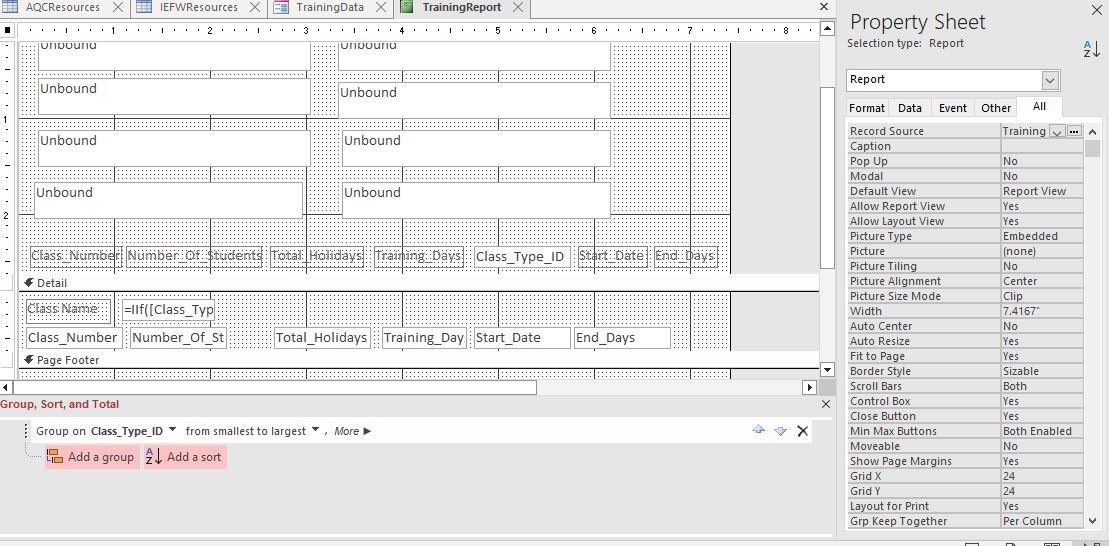
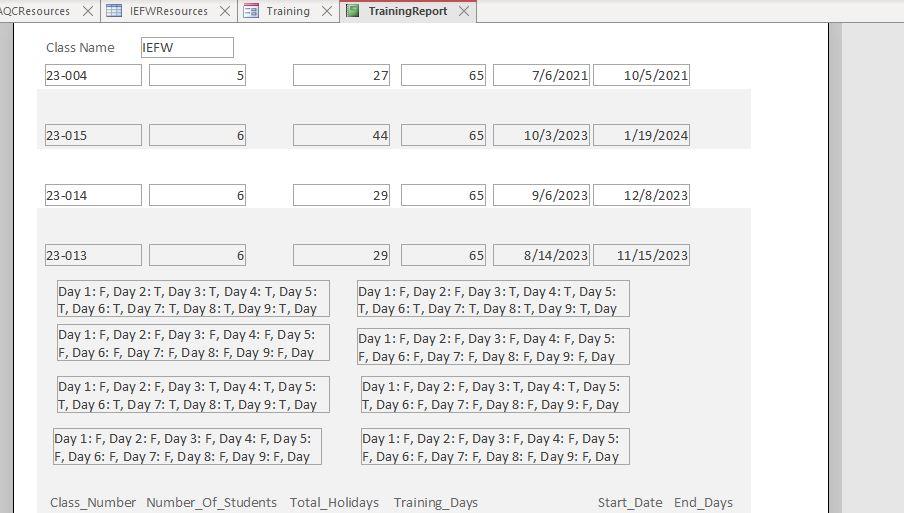
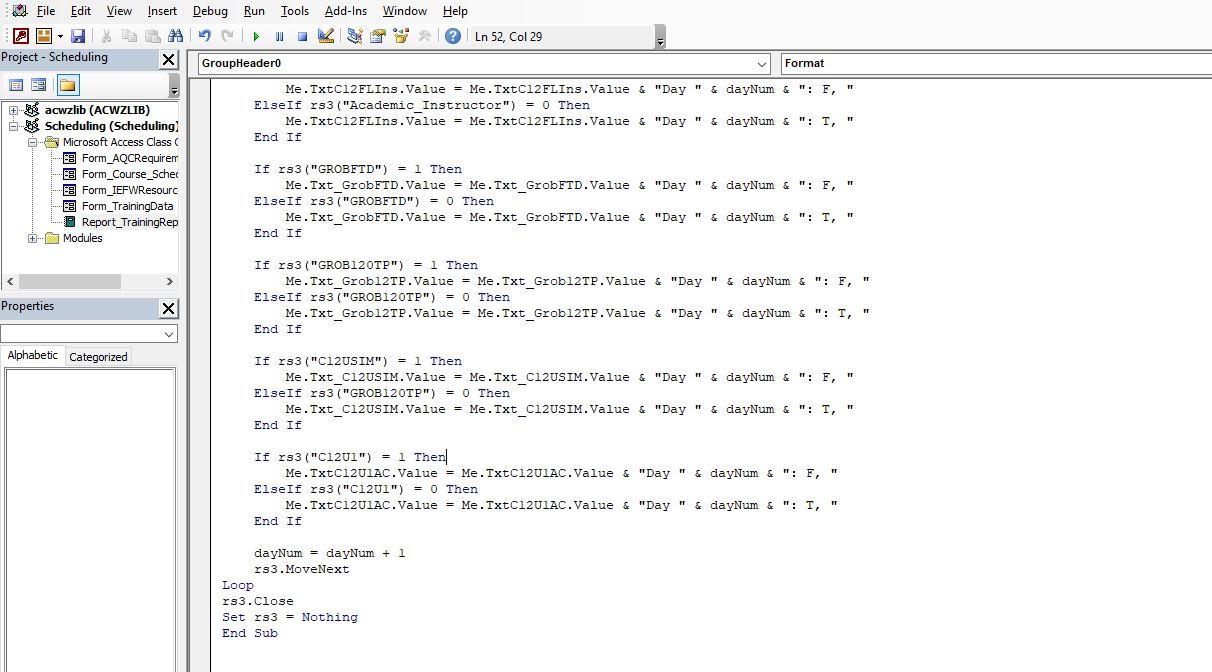
Selection type: Report Liss Ivuriber Ivuriwer Ul stuuerls Ivtal_munudys Irdirirg vays Me.TxtC12FLIns.Value = Me.TxtC12FLIns.Value \& "Day "& dayNum \&": , " " ElseIf rs3 ("Academic_Instructor") =0 Then Me.TxtC12FLIns.Value = Me.TxtC12FLIns.Value \& "Day "& dayNum \&":T," End If If rs3( "GROBFTD") =1 Then Me.Txt_GrobFTD.Value = Me.Txt_GrobFTD.Value \& "Day "& dayNum \&": F, " ElseIf rs3 ("GROBFTD")=0 Then Me.Txt_GrobFTD.Value = Me.Txt_GrobFTD.Value \& "Day "& dayNum \& ": T, " End If If rs3( "GROB120TP") = 1 Then Me.Txt_Grobl2TP.Value = Me.Txt_Grobl2TP.Value \& "Day" \& dayNum \&": E," ElseIf rs3("GROB120TP") =0 Then Me.Txt_Grobl2TP.Value = Me.Txt_GrobleTP.Value \& "Day" \& dayNum \&":T," End If If rs3 ("C12USIM") =1 Then Me.Txt_Cl2USIM.Value = Me.Txt_Cl2USIM.Value \& "Day " \& dayNum \&": F, " ElseIf rs3("GROB120TP") = 0 Then Me.Txt_Cl2USIM.Value = Me.Txt_C12USIM.Value \& "Day "& dayNum \&":T," End If If rs3(nCl121)=1 Then Me.TxtC12U1AC.Value = Me.TxtC12U1AC.Value \& "Day "& dayNum \& ": F, " ElseIf rs3("C12U1")=0 Then Me.TxtC12U1AC.Value = Me.TxtC12U1AC.Value \& "Day "& dayNum \& ": T, " End If dayNum = dayNum +1 rs3.MoveNext Close rs3 = Nothing Sub
Step by Step Solution
There are 3 Steps involved in it

Get step-by-step solutions from verified subject matter experts
 Study Help