





Question: Microsoft Excel Exercise 1 (20 points) You have been asked by the director of sales and marketing at Campus Travel to help with analyzing prior
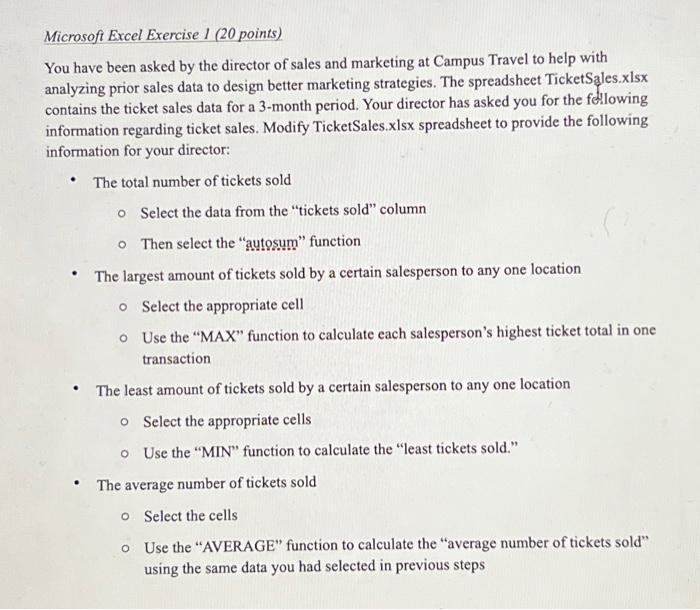
Microsoft Excel Exercise 1 (20 points) You have been asked by the director of sales and marketing at Campus Travel to help with analyzing prior sales data to design better marketing strategies. The spreadsheet TicketSales.xlsx contains the ticket sales data for a 3-month period. Your director has asked you for the following information regarding ticket sales. Modify TicketSales.xlsx spreadsheet to provide the following information for your director: The total number of tickets sold o Select the data from the "tickets sold" column O Then select the "autosum" function The largest amount of tickets sold by a certain salesperson to any one location o Select the appropriate cell o Use the "MAX" function to calculate each salesperson's highest ticket total in one transaction The least amount of tickets sold by a certain salesperson to any one location O Select the appropriate cells o Use the "MIN" function to calculate the "least tickets sold." The average number of tickets sold Select the cells Use the "AVERAGE" function to calculate the "average number of tickets sold" using the same data you had selected in previous steps O O
 Microsoft Excel Exercise 1 (20 points) You have been asked by

nalyzing prior sales data to design better marketing strategies. The spreadsheet TicketSales.xlsx ontains the ticket sales data for a 3-month period. Your director has asked you for the fWllowing nformation regarding ticket sales. Modify TicketSales.xlsx spreadsheet to provide the following nformation for your director: - The total number of tickets sold Select the data from the "tickets sold" column Then select the "autosum" function - The largest amount of tickets sold by a certain salesperson to any one location Select the appropriate cell Use the "MAX" function to calculate each salesperson's highest ticket total in one transaction - The least amount of tickets sold by a certain salesperson to any one location Select the appropriate cells Use the "MIN" function to calculate the "least tickets sold." - The average number of tickets sold Select the cells Use the "AVERAGE" function to calculate the "average number of tickets sold" using the same data you had selected in previous steps

Step by Step Solution

There are 3 Steps involved in it

1 Expert Approved Answer
Step: 1 Unlock blur-text-image
Question Has Been Solved by an Expert!

Get step-by-step solutions from verified subject matter experts

Step: 2 Unlock
Step: 3 Unlock

Students Have Also Explored These Related Accounting Questions!

Q:

\f