







Question: Microsoft Project Assignment Creating a project plan in Microsoft Project - Opening a Chocolate Store Project Step 1: Create a new project - create a
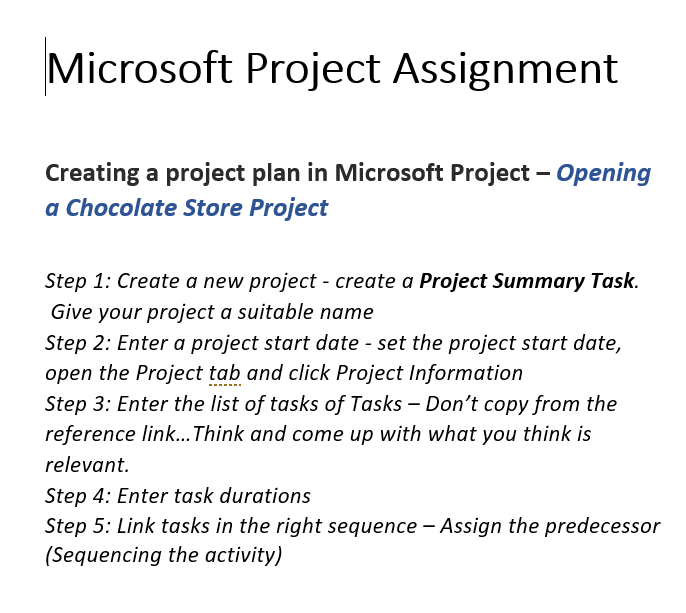
Microsoft Project Assignment Creating a project plan in Microsoft Project - Opening a Chocolate Store Project Step 1: Create a new project - create a Project Summary Task. Give your project a suitable name Step 2: Enter a project start date - set the project start date, open the Project tab and click Project Information Step 3: Enter the list of tasks of Tasks - Don't copy from the reference link... Think and come up with what you think is relevant. Step 4: Enter task durations Step 5: Link tasks in the right sequence - Assign the predecessor (Sequencing the activity)
Step by Step Solution
There are 3 Steps involved in it
1 Expert Approved Answer
Step: 1 Unlock

Question Has Been Solved by an Expert!
Get step-by-step solutions from verified subject matter experts
Step: 2 Unlock
Step: 3 Unlock
 Study Help