



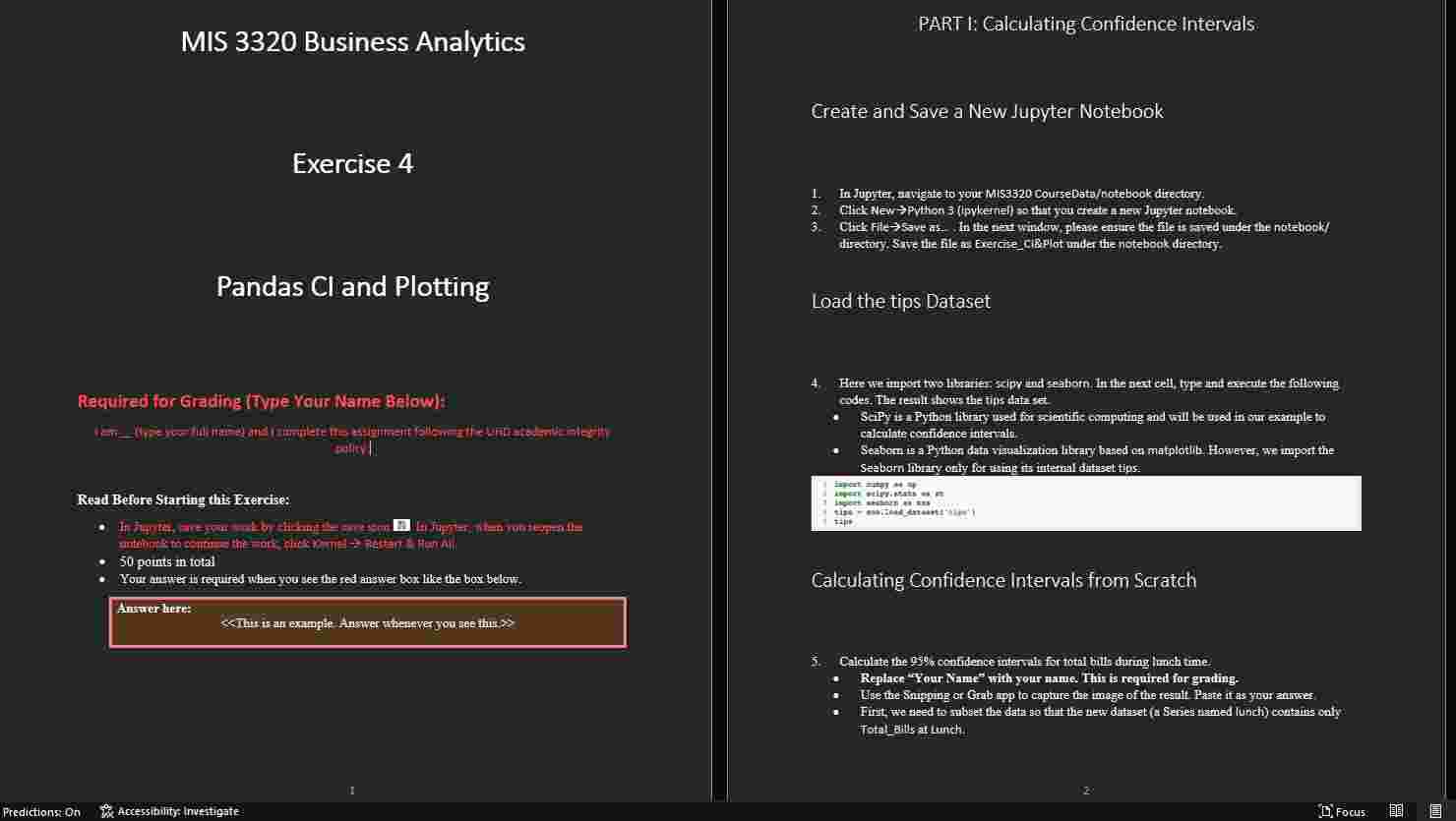
Question: MIS 3 3 2 0 Business Analytics PART t: Galculating Confidence Intervals Exercise 4 Pandas Cl and Plotting Required for Grading ITVPe Vour Naine Below
MIS Business Analytics
PART t: Galculating Confidence Intervals
Exercise
Pandas Cl and Plotting
Required for Grading ITVPe Vour Naine Below: "allithil
Fud Before Starting this Erercise:
points in total
Answer here:
Create and Save a New Jupyter Notebook
Load the tips Dataset calentete conit dence internale.
Lhe
Calculating Confidence Intervals from Seratch
Replace "Tour Nane" with your wame. Thin is required for grading
sample aize:
Use interval for Calculating Confidence Intervals
Aitomatively you can calculate the conifleater utervala nsmg the intervalol method in the iscipyatatu hitring.
Replace u r Name" with your mame. This is required for grading: for standard erfor Hence the following codes
Antwer hiret poinin
molding your mate
Show your nume in the rezult. Thin is required tor grating.
Amwer here: points melhathag your amme
and containg the true popnlation mean of Total Bill dming Lumeh PART II: Matplotlib for Plotting
Import Matplotiband Load the tips Dataset type and errouts the following codes
Make a Figure with Axes
In matpletib, wese subplats; to a figure with axes In the raxt cell type and exerute the following codes for ploting Rephet my name ivith your ame. This is required for griding Use the
Answer hryo: points
Explamation of the codes above:
PART III: Seaborn for Plotting
Load the tips Data Set hitrary for plating Type and exectite the following coder
The rende thowathe tips dath act
uipe
If the nest cell, type and crecute the following code for ploting Replace my name with jour resilt Parte tras pourgaturer.
Anawer here: polints
entejorimple bere cepture the iminge of tine remit. Pate it ea your enswaf. The two axes are:
Boxplot of Tip by Sex
Bar plot of Tip by Sex, with CI.
Each axes should have a proper title.
Answer here: points
To receive the credits, the image should clearly show the whole input codes and whole output result including your name.
ll Paste your image here
Save your work by clicking the save icon Click File rightarrow Close and Halt to close the notebook, or click Logout to quit Juypter.
Congrats! End of Exercise!
Step by Step Solution
There are 3 Steps involved in it
1 Expert Approved Answer
Step: 1 Unlock

Question Has Been Solved by an Expert!
Get step-by-step solutions from verified subject matter experts
Step: 2 Unlock
Step: 3 Unlock