







Question: mocrosoft access 2013 Project 9-1: Summarize the Sales Table The Sales table you created at Lucerne Publishing seems incomplete. Add a Total row to summarize
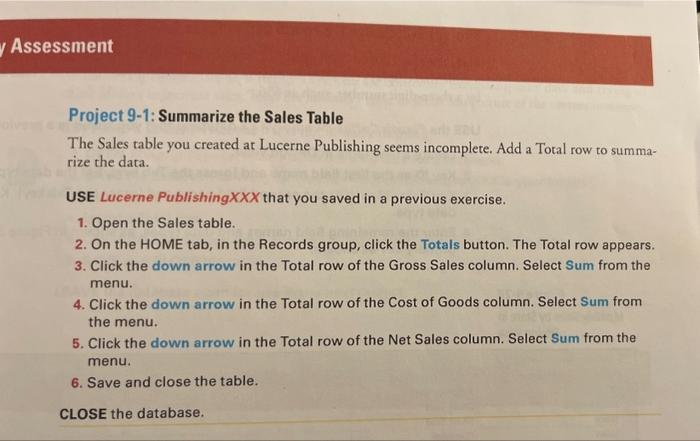
Project 9-1: Summarize the Sales Table The Sales table you created at Lucerne Publishing seems incomplete. Add a Total row to summarize the data. USE Lucerne Publishing XXX that you saved in a previous exercise. 1. Open the Sales table. 2. On the HOME tab, in the Records group, click the Totals button. The Total row appears. 3. Click the down arrow in the Total row of the Gross Sales column. Select Sum from the menu. 4. Click the down arrow in the Total row of the Cost of Goods column. Select Sum from the menu. 5. Click the down arrow in the Total row of the Net Sales column. Select Sum from the menu. 6. Save and close the table. CLOSE the database
Step by Step Solution
There are 3 Steps involved in it

Get step-by-step solutions from verified subject matter experts
 Study Help