







Question: Modify LiveExample 20.9 EvaluateExpression.java to add operators ^ for ^ exponent and for remainder. For example, 3 2 is 9 and 3 % 2
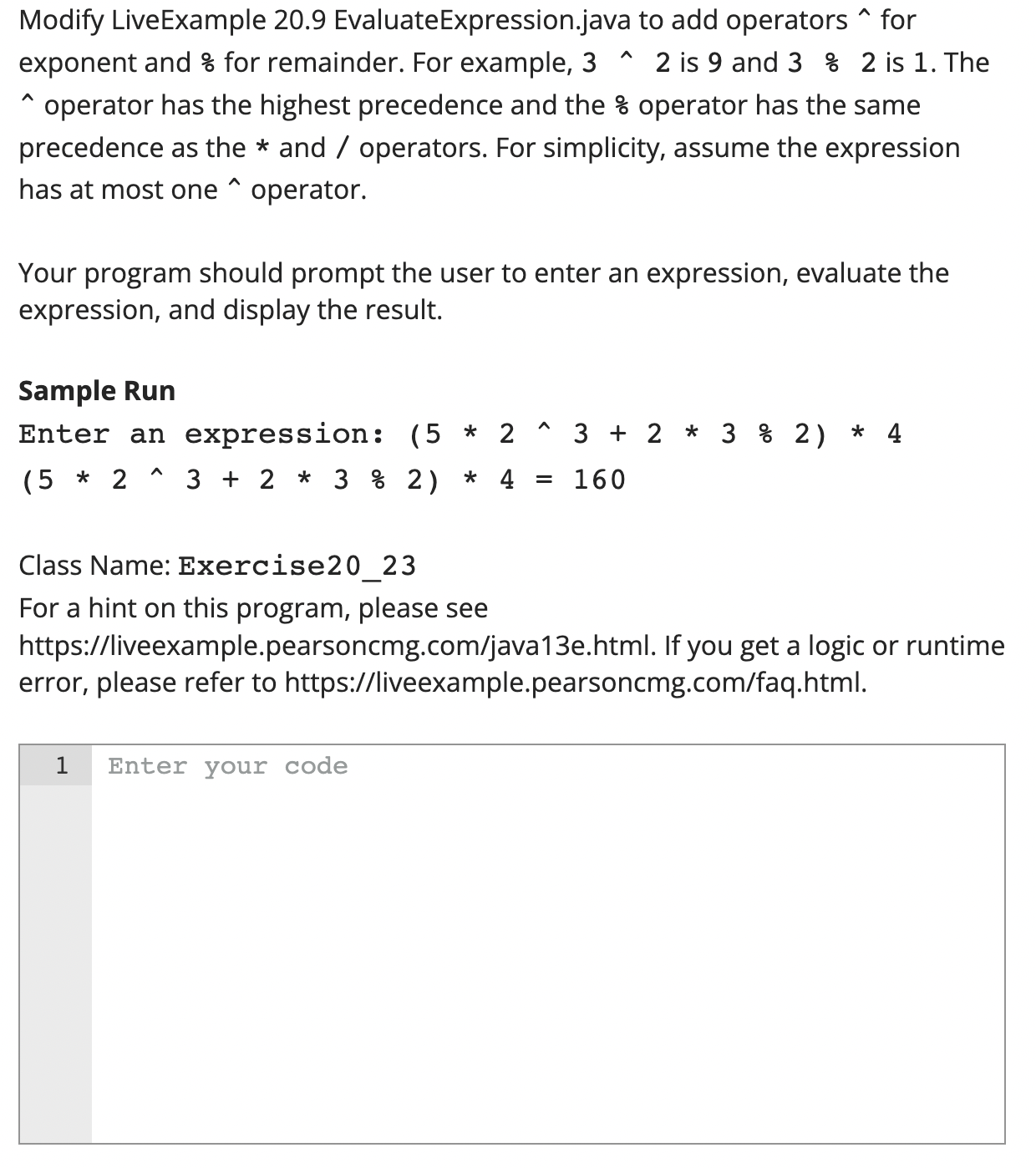
Modify LiveExample 20.9 EvaluateExpression.java to add operators ^ for ^ exponent and for remainder. For example, 3 2 is 9 and 3 % 2 is 1. The ^ operator has the highest precedence and the % operator has the same precedence as the * and / operators. For simplicity, assume the expression has at most one ^ operator. Your program should prompt the user to enter an expression, evaluate the expression, and display the result. Sample Run Enter an expression: (5 * 2 (5 * 2 ^ ^ 323 % 2) * 4 323 % 2) * 4 = 160 Class Name: Exercise20_23 For a hint on this program, please see https://liveexample.pearsoncmg.com/java13e.html. If you get a logic or runtime error, please refer to https://liveexample.pearsoncmg.com/faq.html. 1 Enter your code
Step by Step Solution
There are 3 Steps involved in it

Get step-by-step solutions from verified subject matter experts
 Study Help